— 30 —
MAIN MENU
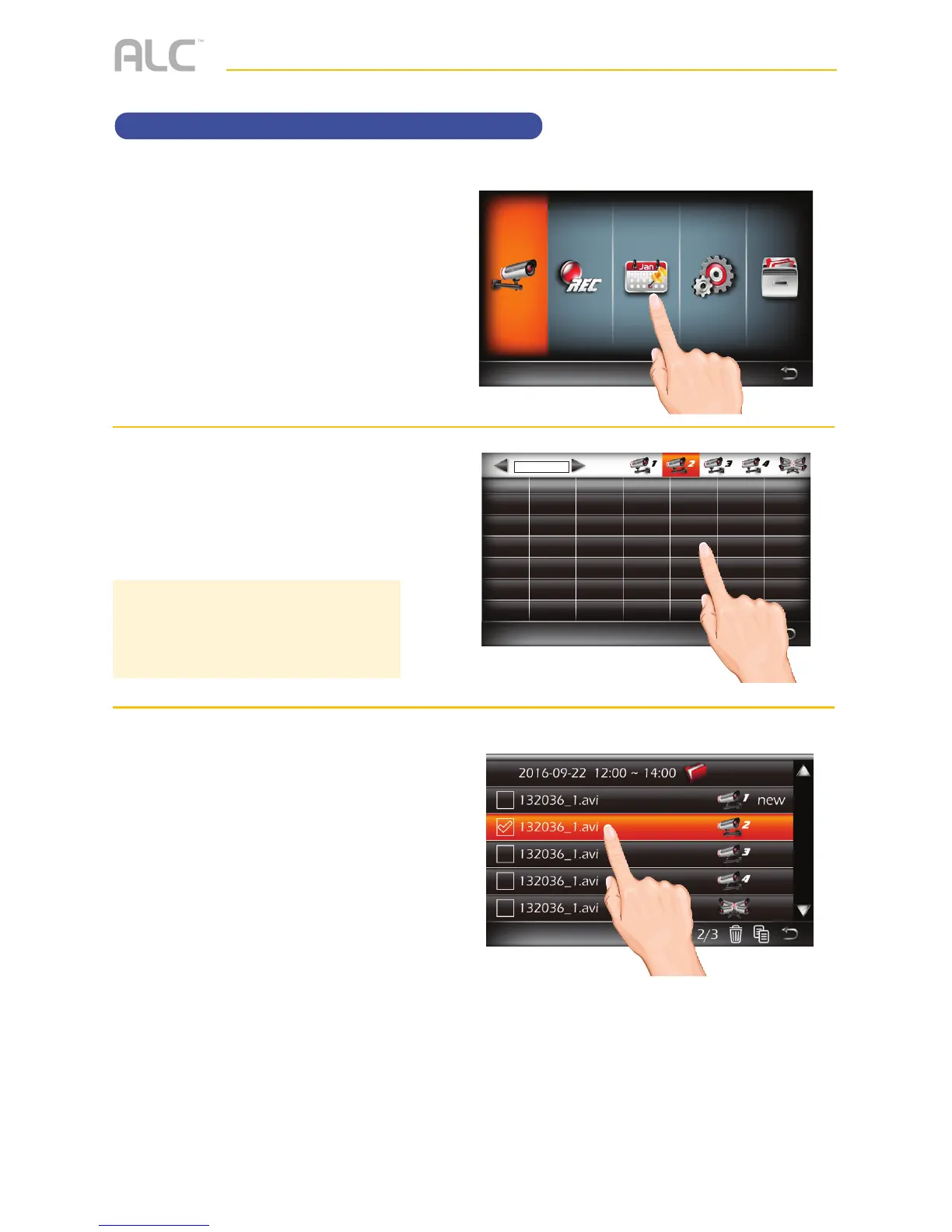
Event List
u
Follow steps 1 through 3 on page
21 to access the Main Menu. Tap
Event List icon to access the
Event List screen.
v
Tap on the day containing the
recording you want to view or on
a specific camera to view only
that camera’s recordings.
w
Tap the time frame folder and then
tap on a recording to play it back.
The video will play back and a
smaller screen will appear with the
live camera.
NOTE: An asterisk (*) will appear next
to any dates with recordings. Nothing
will happen if you tap a date that has no
recordings.
Main Menu
Camera Setup



 To Next Page