MAIN MENU
Event List
x
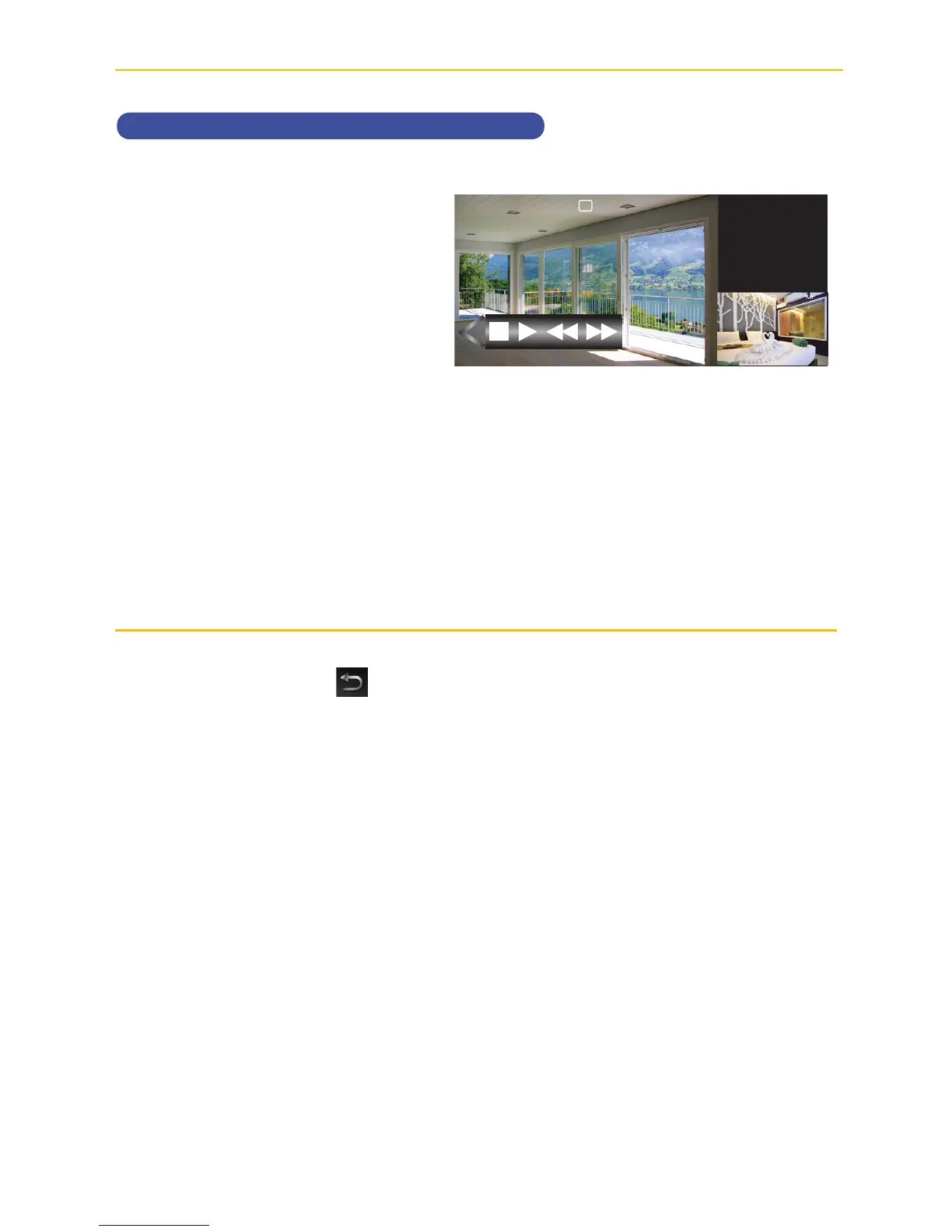
Tap on the Open/Close icon to
open the playback options.
The bottom control buttons will
control the following:
7
Tap to rapidly rewind the
playback.
4
Tap to play back the
recording.
;
Tap to pause the playback.
g
Tap to stop the playback.
8
Tap to advance the
playback.
When done setting, tap the icon to return to the previous screen.
V
C1
2017/07/05 09 : 34 : 18
C1
2017/07/05 09 : 34 : 18



 To Next Page