SYSTEM INTRODUCTION
Live Screen Displays
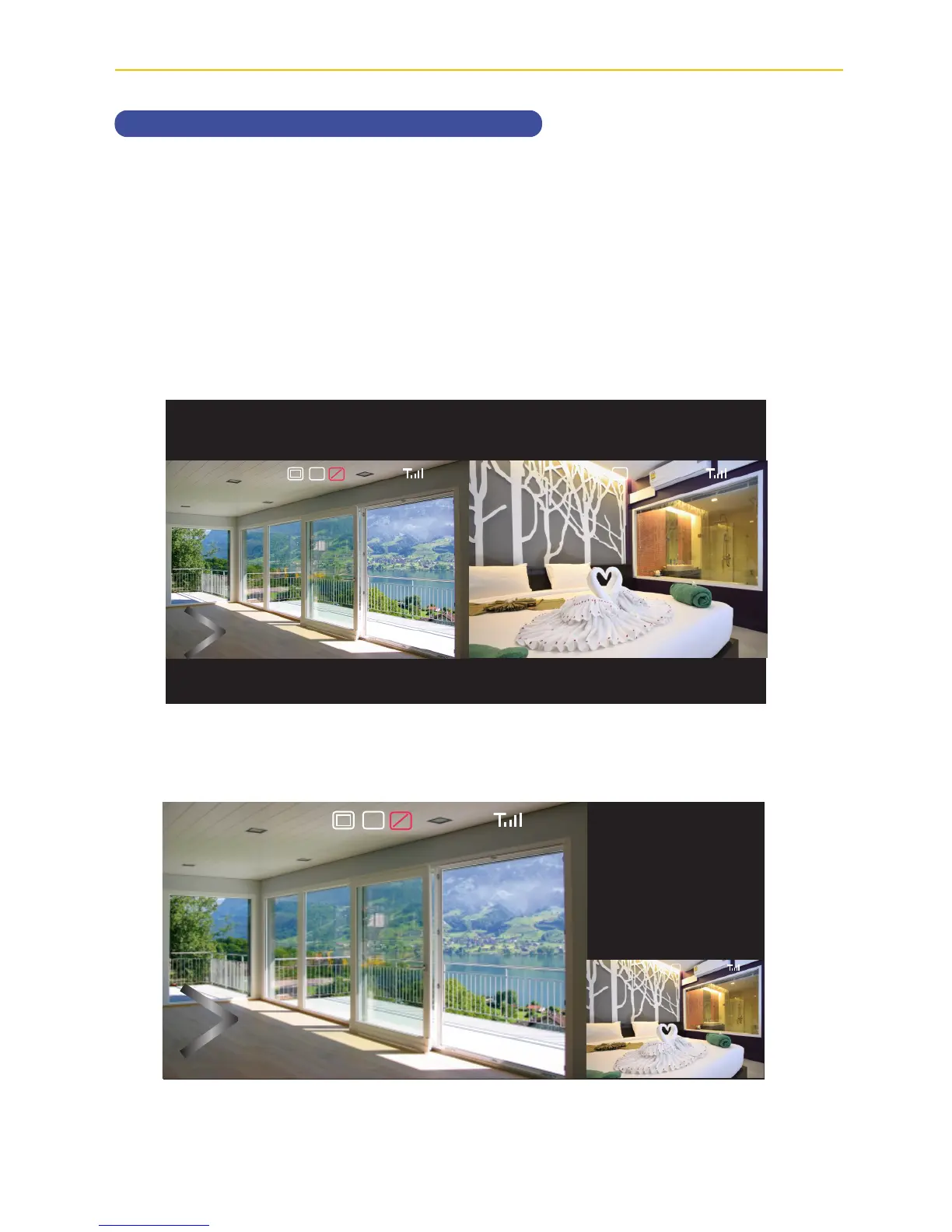
The Live screen displays in three views - Quad View, Smart Quad view or Full View. Quad
View divides the screen’s image area into four quadrants and displays camera video in each
quadrant. If less than four cameras are connected and on, only those cameras’ videos will
display on the Live screen. Smart Quad will show one large camera views and up to three
smaller camera views.
Full view displays a single camera’s video on the entire screen. If you are in a Quad View, tap
on the camera quadrant you want to expand to Full View. Tap on that image to return to Quad
View.
2017/07/05 09 : 34 : 182017/07/05 09 : 34 : 18
V
1080p 1080p
C1 C1
SD
2017/07/05 09 : 34 : 18
V
1080p
C1
SD
2017/07/05 09 : 34 : 18
C1
Quad View
Smart Quad View



 To Next Page