Getting to know your telephone
8AL91446ENAA ed02 16 /113
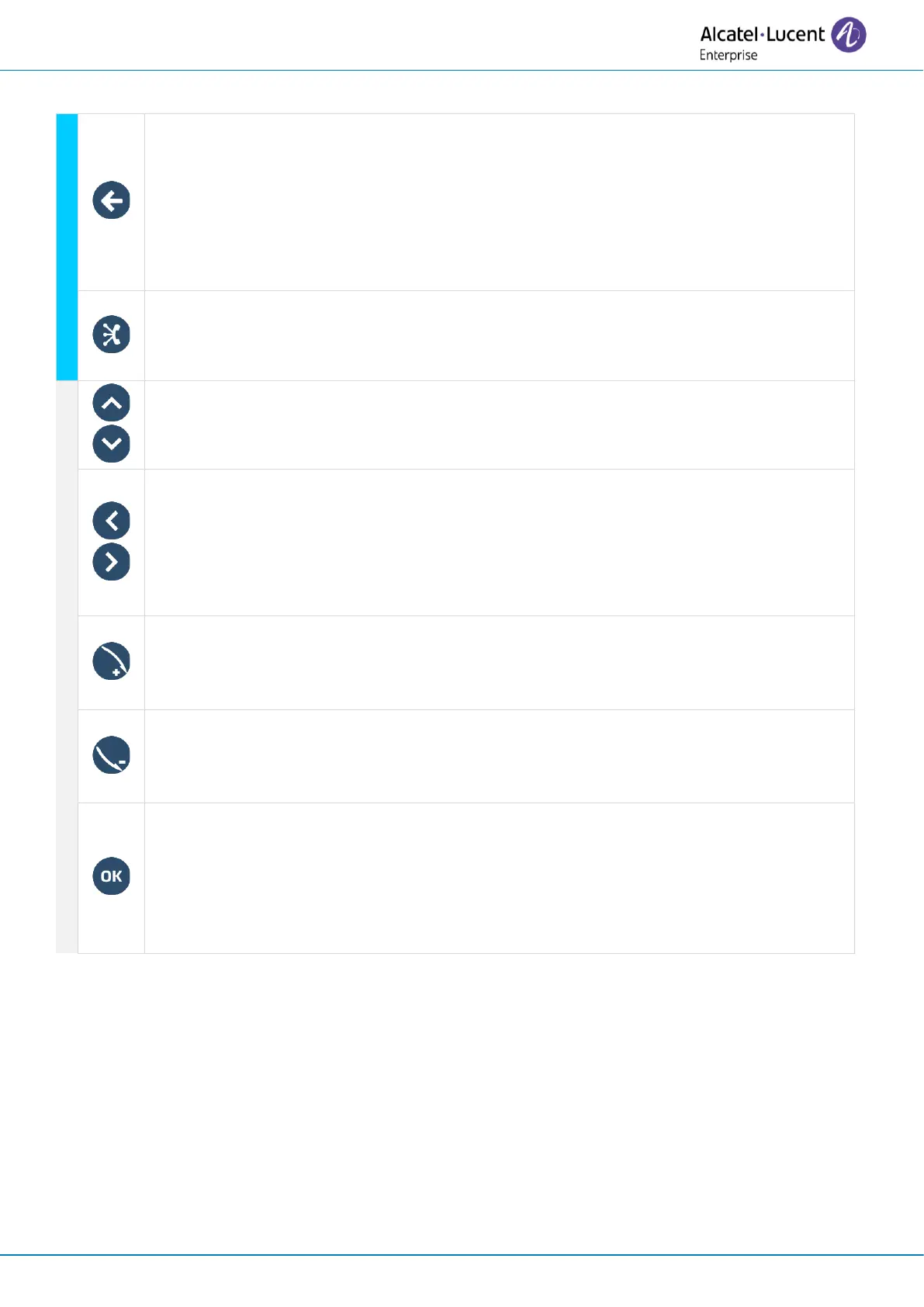
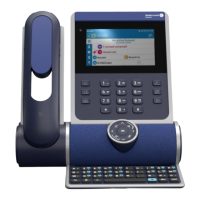
Back/Exit key
A short press on this key allows you to go back to the previous step or confirm the
selection in a list.
Depending on the context, a long press on this key allows you to:
• Go back to the homepage (Contacts, Call logs, Prog keys).
• Go back to the local menu (Settings).
ALE link
Connect and manage all Bluetooth or USB connected devices as ALE Bluetooth
®
handset, headset, smartphone, PC, …
Up-down navigator
Used to scroll through the content of a page.
Left-right navigator
Use this key to apply a filter (all, missed, unsuccessful, incoming, outgoing) when
consulting the call log.
In the text edition, use this key to navigate into the text box.
For the ALE-300, use these keys to navigate between different pages.
Rotate clockwise:
Turn up the volume (ringing or call state).
Up vertical scrolling (idle state).
Rotate counter clockwise:
Turn down the volume (ringing or call state).
Down vertical scrolling (idle state).
OK key
Use this key to validate your choices and options while programming or configuring.
Use this key to answer an incoming call with the default audio device (hands-free
mode).
(1)
In 'legacy' mode, the key lights up continuously in blue.


 To Next Page