Programming your telephone
8AL91446ENAA ed02 80 /113
4.9 Contacting your administrator (Technical support)
If necessary you may need to contact your administrator.
Before contacting your administrator, make sure you have information such as your phone's codes
and software version to hand.
4.9.1 Date code / Technical code
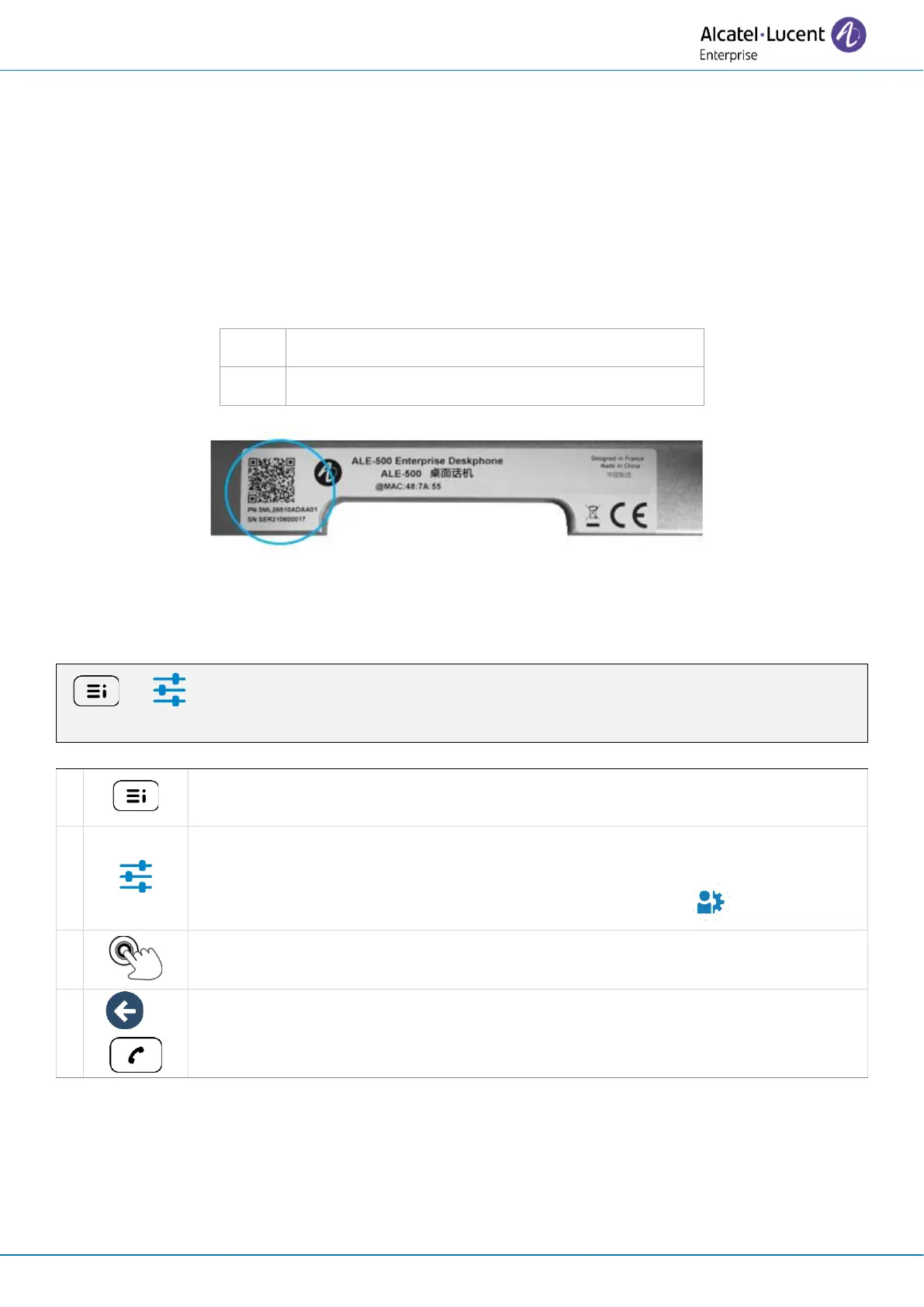
The codes are located on the foot of the phone. This label is an example and does not represent the
one placed on your phone.
Product number / Technical code.
Serial number / Date code.
4.9.2 Software version
The software version can be viewed on the phone by following this path:
( ) → Settings → About → Software Infos
Access the local user menu. With the ALE-500 and ALE-400, the dashboard lets
you access directly to the local menu.
Settings
Open settings.
The user settings are displayed by default (ALE-500/ALE-400: , ALE-300: User).
About → Software Infos
Full software information is displayed.
Go back to the previous page or to the homepage.



 To Next Page