Getting to know your telephone
8AL91446ENAA ed02 32 /113
2.12 Contacts
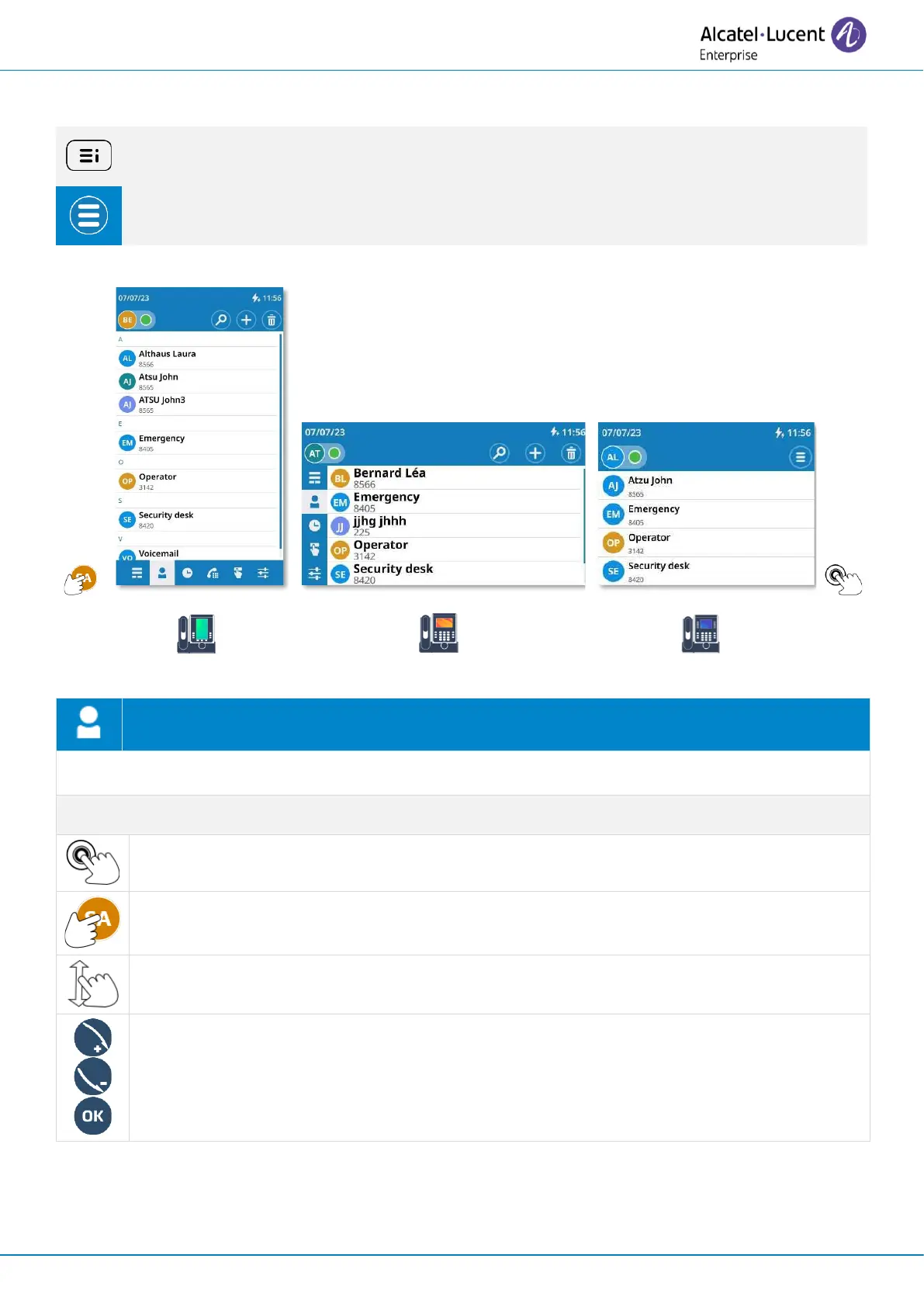
If possible, use the user local menu displayed on the current page (ALE-500, ALE-400) or
open it using the user local menu button.
Depending on the desk phone, some actions may be directly accessible from the current
page (ALE-500, ALE-400). If not, use the contextual menu (ALE-300).
Open the user local menu: Contact.
Display your personal directory: all saved contacts are displayed alphabetically.
Call the selected contact. The number used is the number displayed under the name.
Open the contact card by selecting the avatar (left side).
Scroll the page to display the rest of the list (touch screen or navigation keys).
Use Smart Pad to scroll through the page and select a contact (highlighted).
Call the selected contact. The number used is the number displayed under the name.



 To Next Page