Using your telephone
8AL91446ENAA ed02 50 /113
3.5 During audio call
Information about your contact, such as number, name, company and job title, is displayed in the
conversation screen. The elapsed time is displayed above the same area.
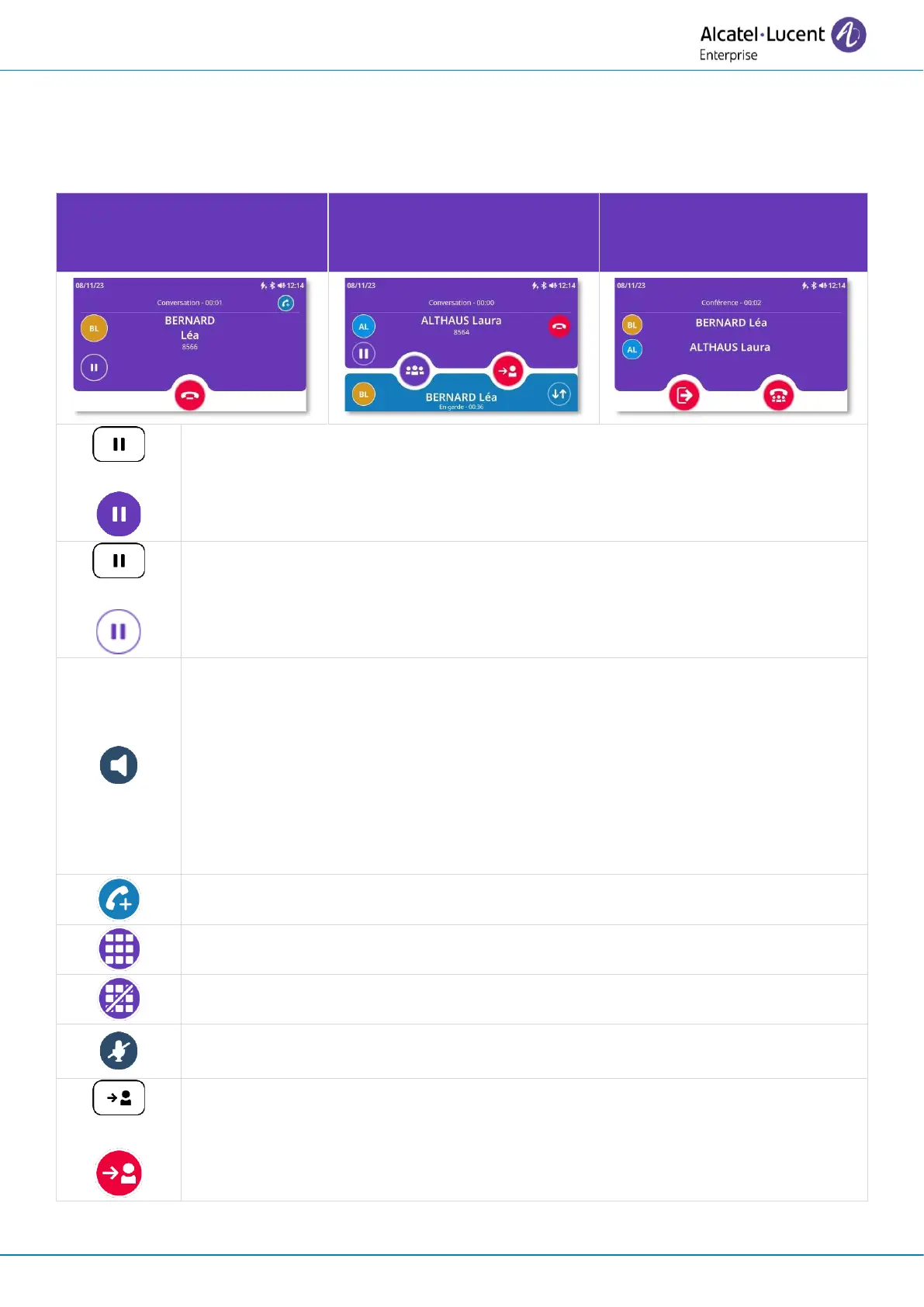
You are in conversation with
one contact.
You are in conversation with
one contact and the second is
on hold.
You are in conference with
two contacts.
Put the call on hold → The key will slowly flash blue while the call is on hold
(1)
.
Retrieve the call on hold → The key is lit in blue
(2)
.
Switching between audio modes during conversation.
To activate the loudspeaker instead of the handset or headset, switch the audio
mode to loudspeaker mode. The key slowly flashes blue when loudspeaker or
hands-free mode is selected
(1)
. The availability of this feature depends on the
connected devices.
To deactivated the loudspeaker, switch the audio mode to another audio device.
Open the dialpad (ALE-500).
Close the dialpad (ALE-500).
Disable or enable the microphone. When muted, the button slowly flashes blue
and the Smart Pad ring lights up in red
(1)
.
Connect your two contacts and end the call.



 To Next Page