Using your telephone
8AL91446ENAA ed02 56 /113
3.14 Release the second call and retrieve the call on hold
• You are in conversation with the second contact and the first one is on hold.
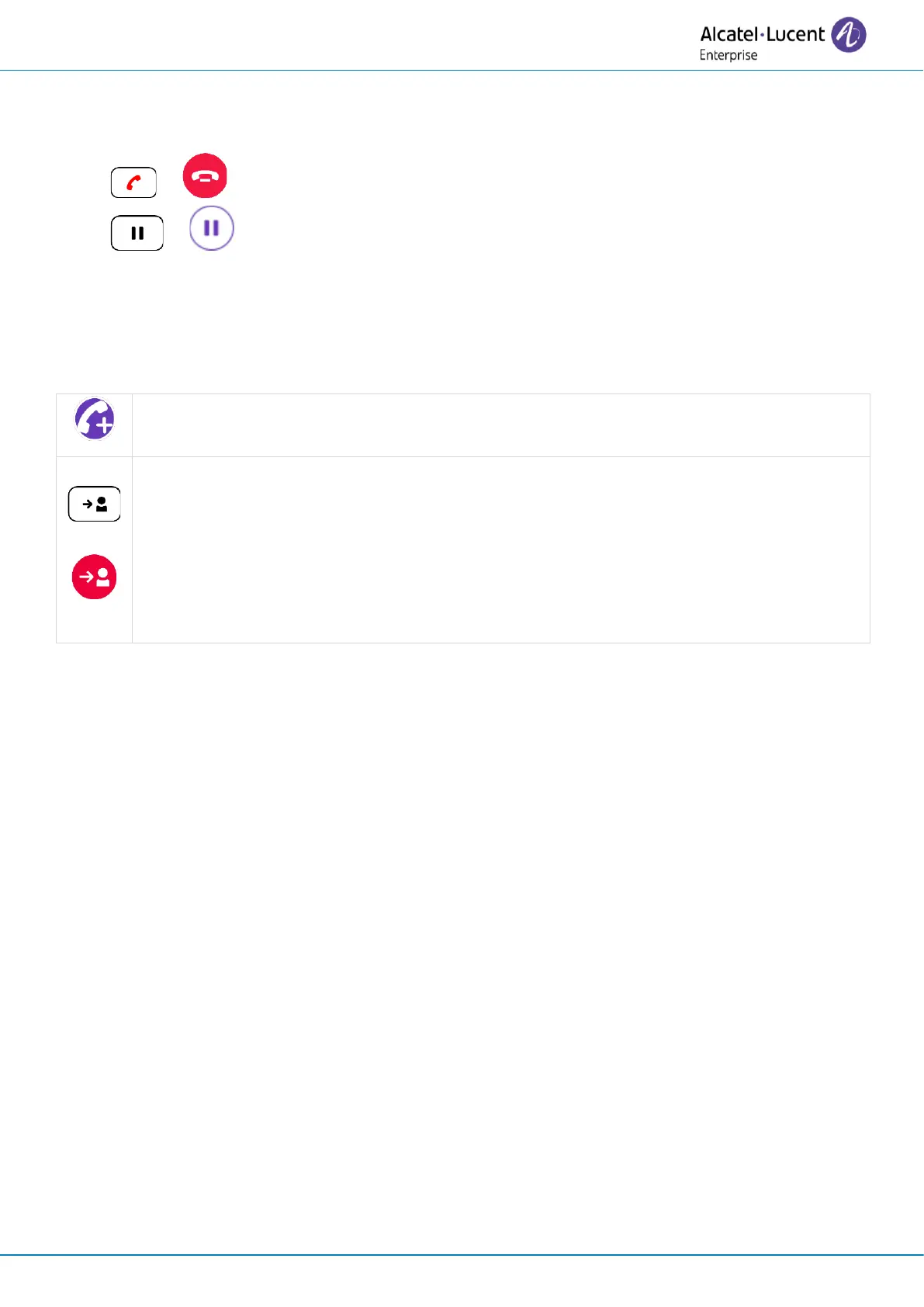
• or : end the current call.
• or : retrieve the call on hold.
You are on the line with your first contact.
3.15 Transfer a call
From the conversation screen:
Use one of the following:
• Blind transfer: select the transfer icon before the second contact answers. The
key lights up in blue
(1)
.
• Select the transfer icon in the conversation screen with the two contacts (two
calls or conference).



 To Next Page