Using your telephone
8AL91446ENAA ed02 53 /113
3.8 Activating the loudspeaker during a conversation (handset lifted) -
Group listening feature
Activate or deactivate the loudspeaker when you are in conversation using the handset or the
headset (the microphone used remains the same).
• Press successively until the appropriate microphone-enabled device is selected:
or . The following icon is displayed on the screen of the device: .
• Select loudspeaker mode (tap on the icon or use the navigation keys):
• Validate.
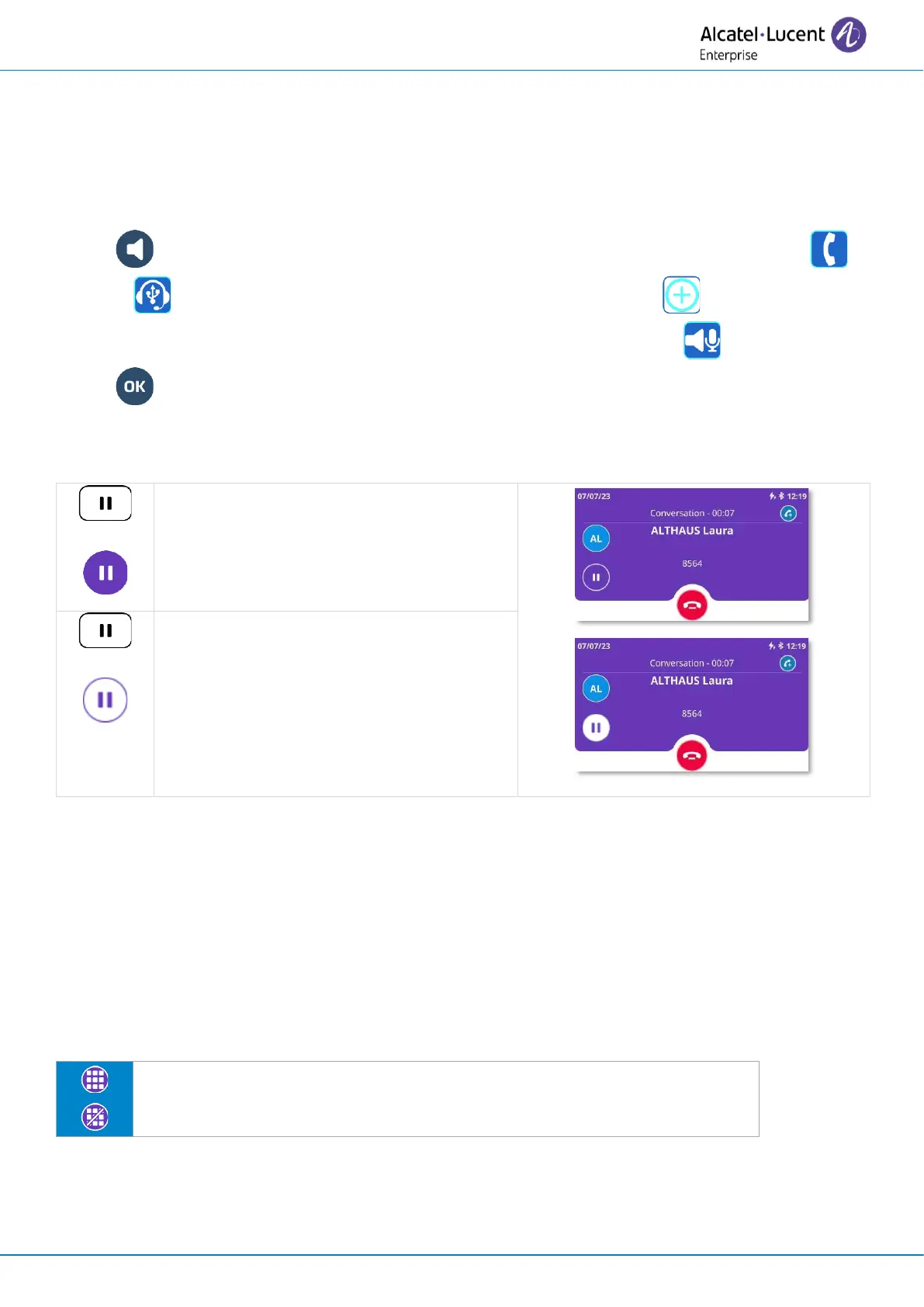
3.9 Put a call on hold/retrieve a call on hold
Press the ‘put on hold’ key or the function
key next to the ‘put on hold’ icon. The key
will slowly flash blue while the call is on
hold
(1)
.
Retrieve the call on hold.
(1)
In 'legacy' mode, the key lights up continuously in blue.
3.10 Sending DTMF signals
DTMF (Dual-Tone Multi-Frequency) signalling is a system whereby audible tones are used to
represent buttons on a keyboard and allows communication with interactive voice servers.
During a conversation you sometimes have to send DTMF signals, such as with a voice server, an
automated attendant or a remotely consulted answering machine. In this case, send DTMF code
directly by dialing it during the conversation.
With ALE-500, press this icon to open the dial pad during conversation.



 To Next Page