Getting to know your telephone
8AL91446ENAA ed02 20 /113
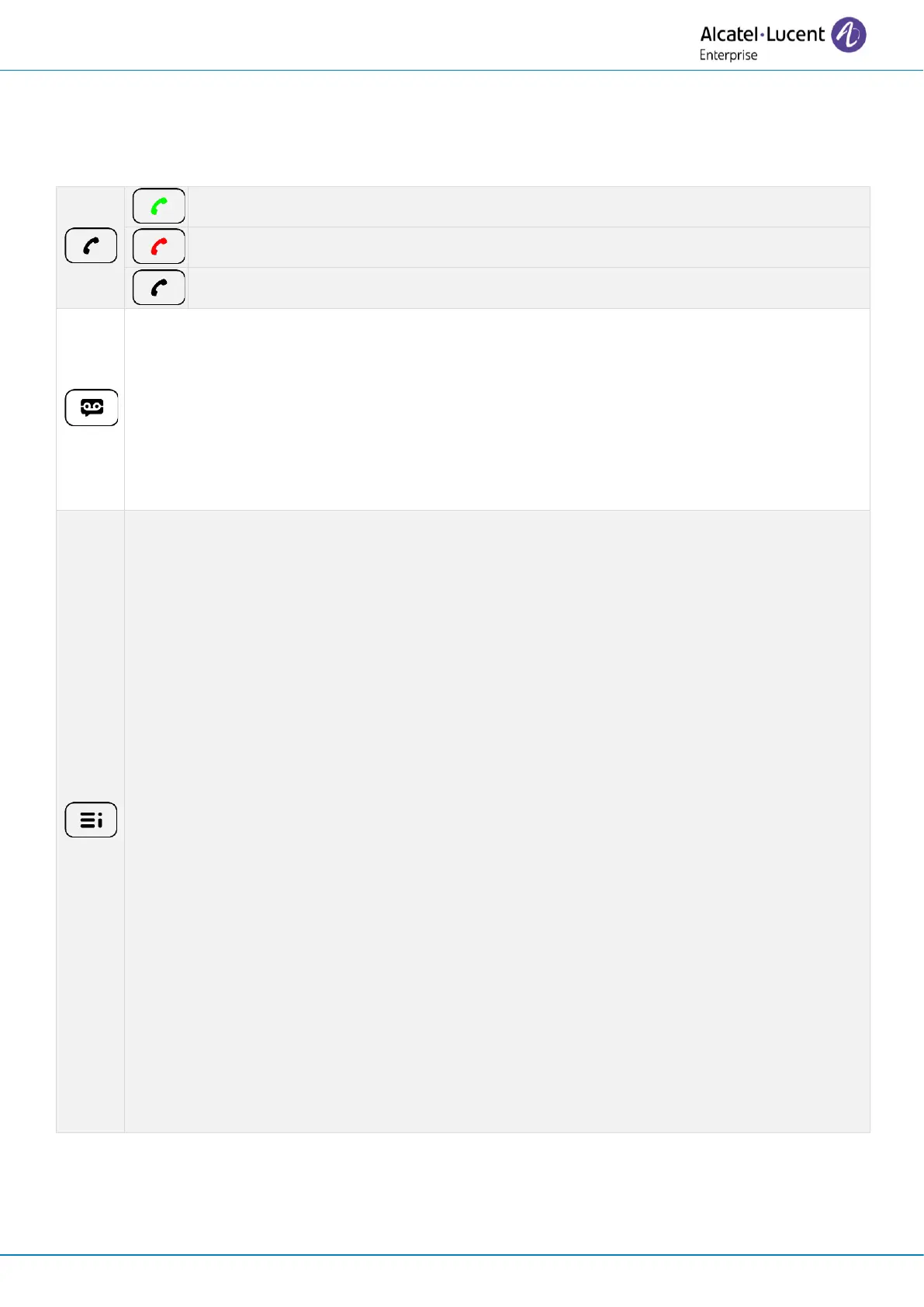
2.4 Permanent features keys
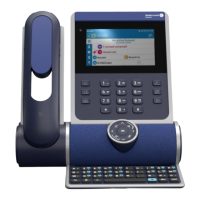
This chapter displays all permanent features keys available on your desk phone. The keys depend
on the model of your desk phone. They are located around the screen and on the Smart Pad.
• Take the call with the headset if connected, or in hands-free mode.
• Hang up key (lit in red) to end a call.
• Return to the homepage at any time.
Voicemail / Missed calls
• This key slowly flashes red to indicate a new voice message. Access your
voicemail. Follow the instructions from the voicemail server (TUI).
• This key slowly flashes blue to indicate missed calls. Open call logs.
• The key remains lit up in red if any new voice messages are still present, even
after missed calls.
• The key remains lit until all events are acknowledged or deleted.
Call Routing
• Forward your call to your voicemail.
• Forward your call to another number.
• Select forwarding conditions (immediately, when you are busy or/and when you
don’t reply).
• Activate the 'Do not disturb' feature.
Contacts
• Call a contact.
• Create a new contact.
• Modify or delete a contact from your local directory.
Call logs
• Display your entire call history sorted by timestamp
• Use filters to display all calls, missed calls, unsuccessful calls, incoming calls or
outgoing calls.
• Add a contact from the call log to your local directory.
• Call back a contact.
Prog keys
• Create a programmable key.
• Use a programmable key.
• Modify or delete a programmable key.


 To Next Page