Using your telephone
8AL91446ENAA ed02 44 /113
3.3 Receive an incoming call
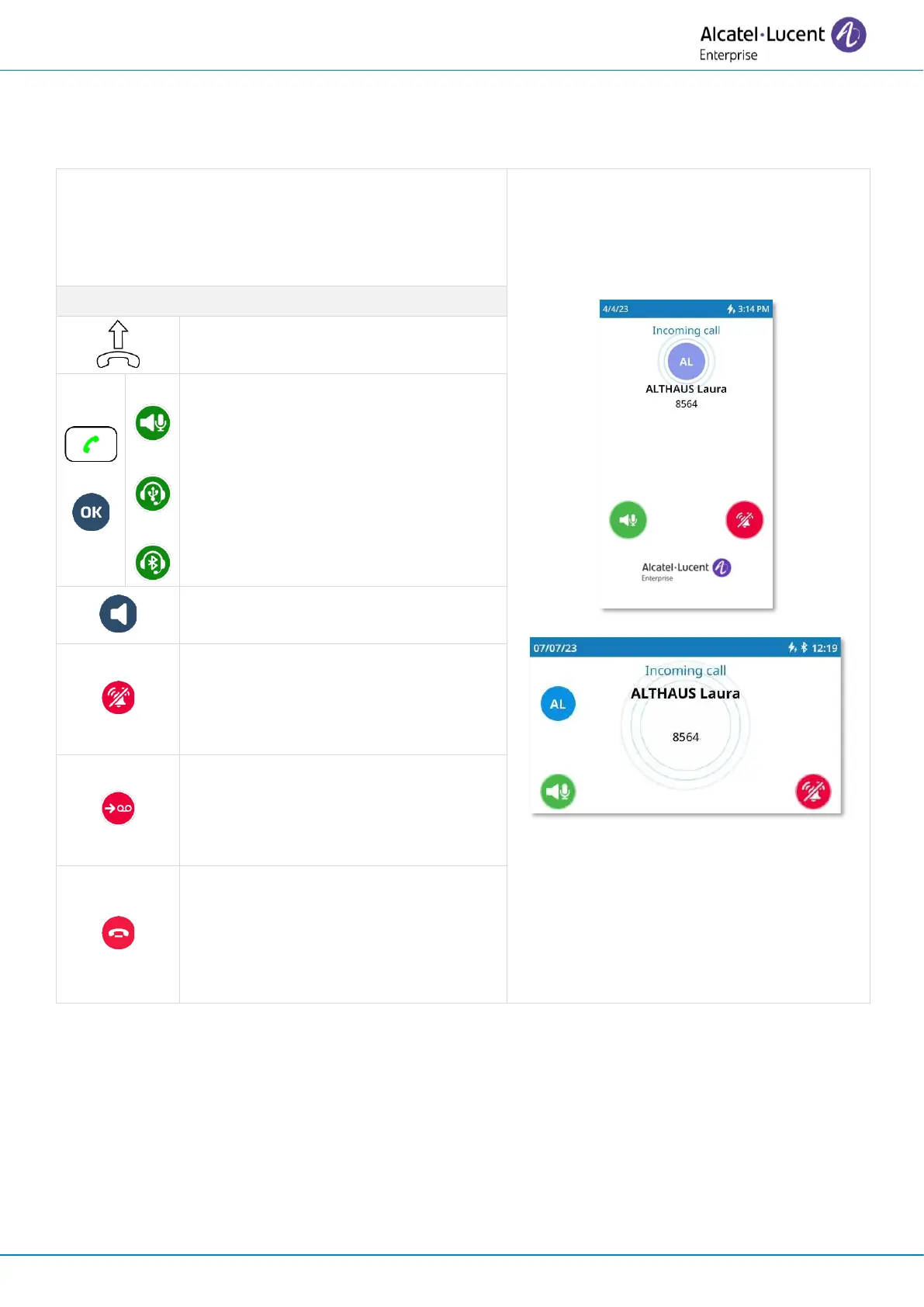
3.3.1 Incoming call screen
When you receive an incoming call, information
about the caller is displayed on the screen.
Information depend on the caller (existing contact,
internal or external contact, unknown contact).
Pick up the handset to use it to
answer an audio call.
Answer incoming audio call using
your preferred device. The preferred
device is defined in the settings of the
desk phone and can be the
loudspeaker (hands-free), the USB
headset or a Bluetooth
®
headset.
Answer the incoming audio call in
handsfree mode.
Silent ringing when receiving an
incoming call. The desk phone stops
ringing but you can still answer the
incoming call.
Divert the incoming call to your
voicemail. This icon is displayed after
the ringing stops and if voicemail is
available.
Decline the incoming call. You can
ignore the call after stopping the
ringer using the silent ringing icon,
provided that voicemail has not been
set up.



 To Next Page