Using your telephone
8AL91446ENAA ed02 43 /113
3.2.4 Using call by name
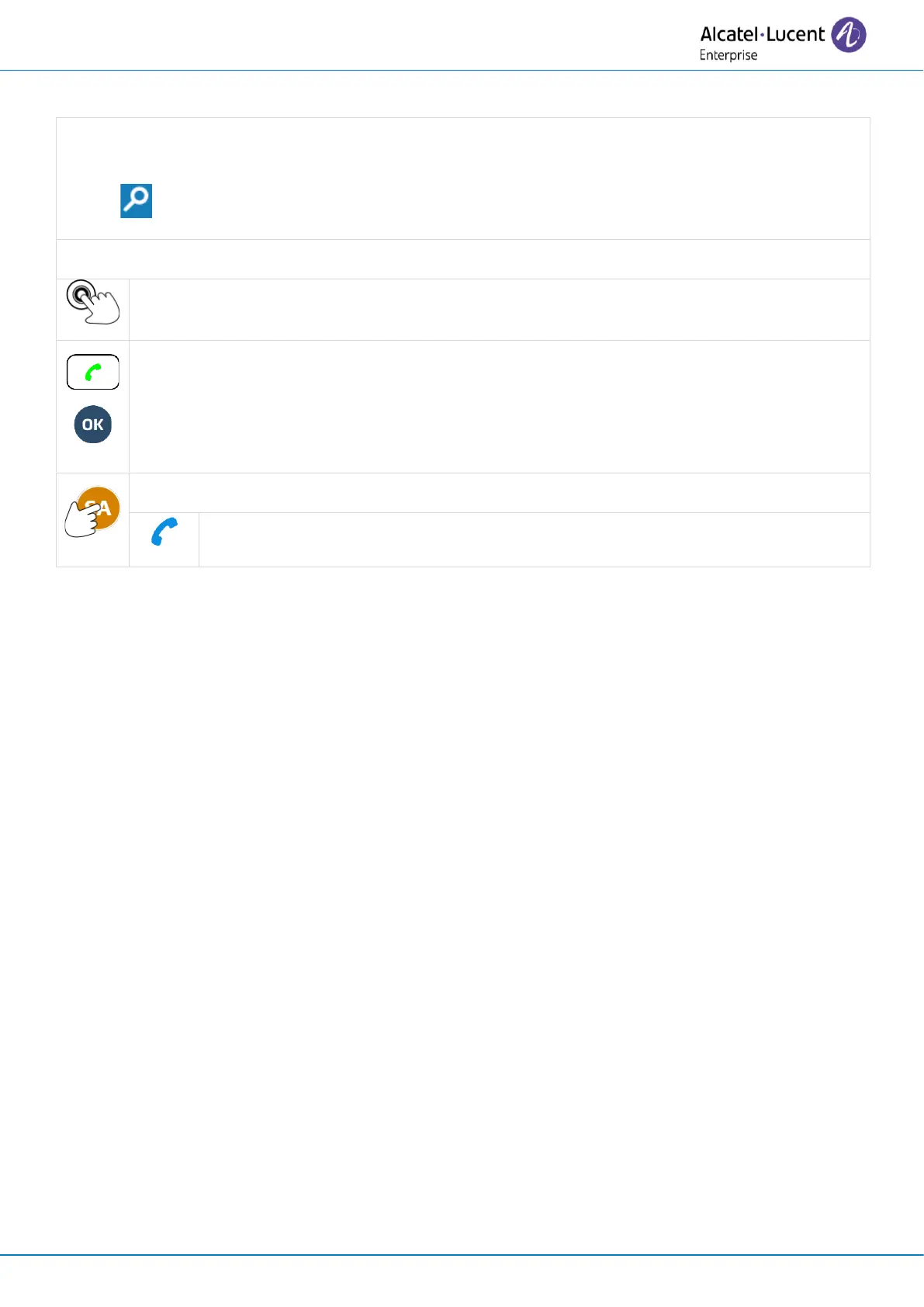
Use one of the following:
• Enter the first letters or numbers directly using the keyboard.
• Select the search icon and enter first letters or numbers.
Use one of the following:
Place an audio call with a contact by selecting the contact's name/number.
If there is only one result, press the call key lit up in green or the 'ok' key.
If there is more than one result, use the rotate gesture on the wheel or use the up and
down navigation keys to select a contact (highlighted) in the list. Press the call key lit in
green or the « ok » key.
Open the contact card by selecting the avatar (left side).


 To Next Page