Using your telephone
8AL91446ENAA ed02 46 /113
3.4 Call Routing
Call routing allows you to define what your phone does when you receive an incoming call.
You can only select one option at a time:
• No forwarding activated.
• Forward your call to your voicemail.
• Forward your call to an identified contact.
• Forward your call to another number.
• Activate the 'Do not disturb' feature.
After selecting a forward, select forwarding conditions (immediately, when you are busy or/and
when you don’t reply).
3.4.1 Telephony status
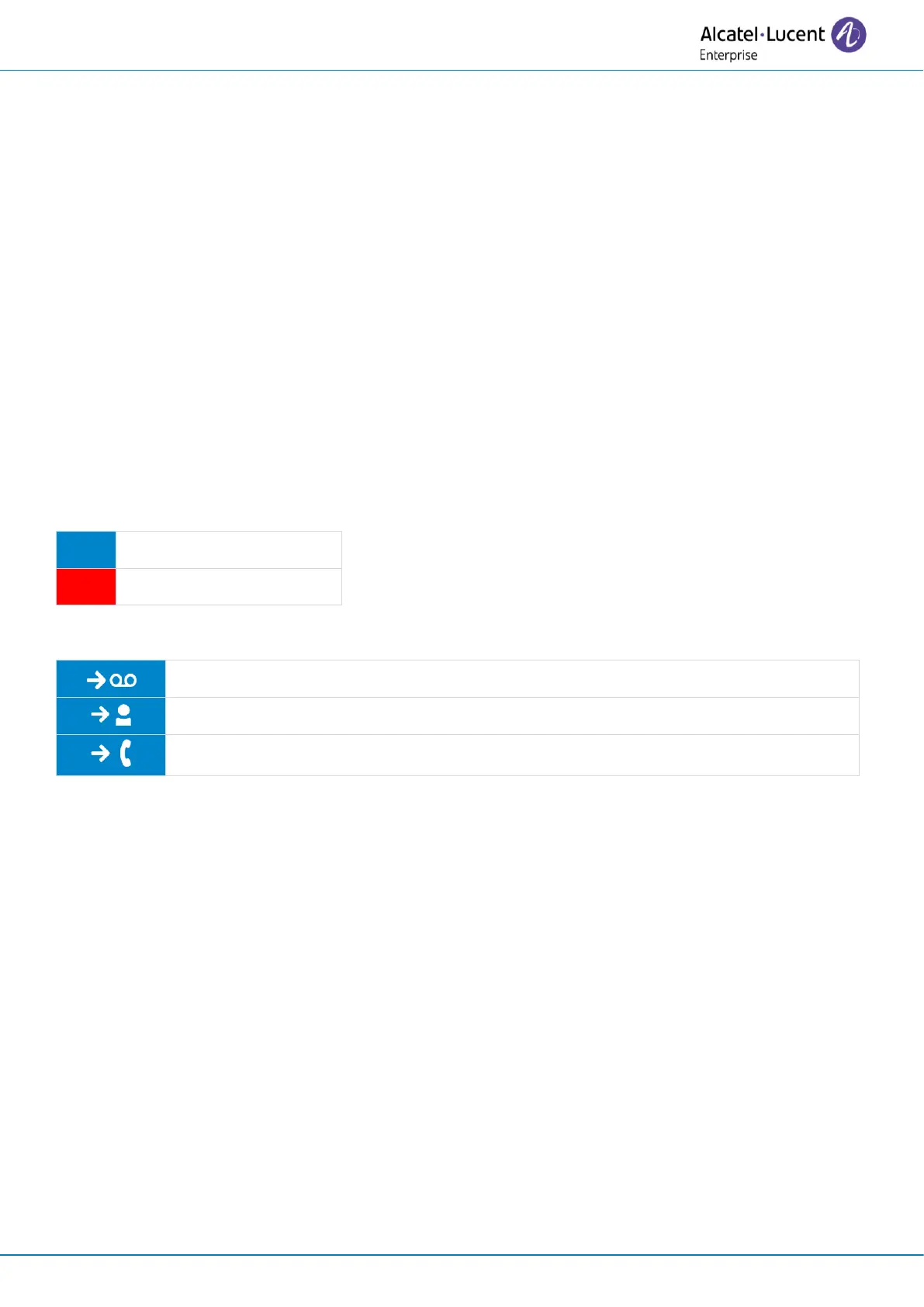
Depending on the call routing, your telephony status is displayed right beside your photo/avatar
(the status is displayed for your information and will only be visible on your own desk phone):



 To Next Page