Using your telephone
8AL91446ENAA ed02 45 /113
3.3.2 Answer incoming call
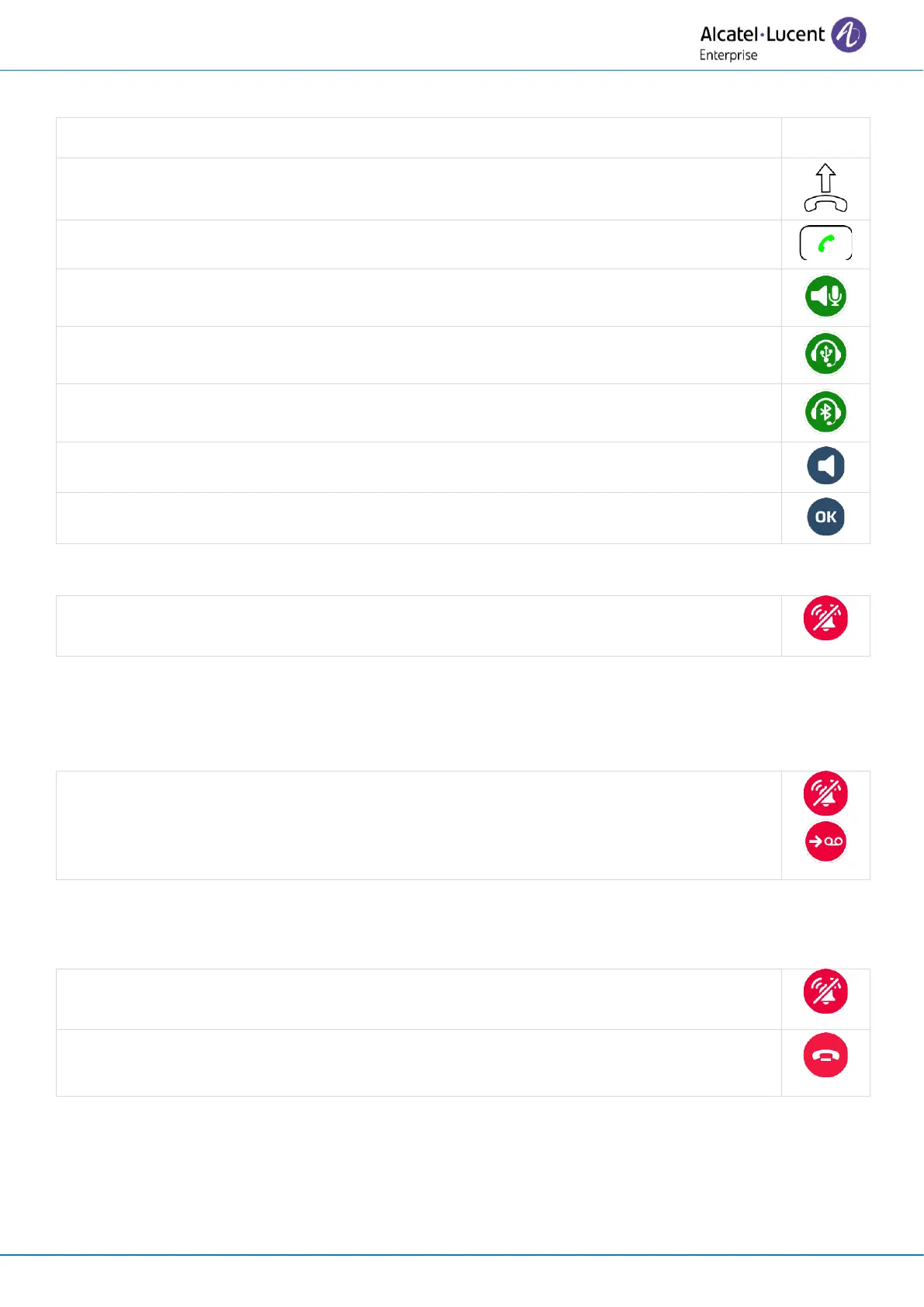
Use one of the following:
• Press the accept call key (using preferred device).
• Answer an incoming call using hands-free mode (preferred device is: Handsfree).
• Answer an incoming call using a USB headset (preferred device is: USB headset).
• Answer an incoming call using a Bluetooth
®
headset (preferred device is:
Bluetooth headset)
• Press the loudspeaker/hands-free key (hands-free mode).
• Press the OK key (using preferred device).
The desk phone stops ringing but you can still answer the incoming call.
3.3.4 Divert the incoming call to your voicemail
When you receive an incoming call, you can decline it and transfer it to your voicemail (if voicemail
is available).
Divert the incoming call to your voicemail: stop ringer then divert the call to your
voicemail.
3.3.5 Decline the incoming call
It is possible to reject an incoming call if voicemail has not been set up.
Decline the incoming call (this icon will only be displayed if voicemail has not been set
up). The incoming call screen will close.



 To Next Page