Programming your telephone
8AL91446ENAA ed02 76 /113
4.5.3 Adjust the dimmed brightness when the phone is not in use
( ) → Settings → Phone → Brightness → Low level brightness
Access the local user menu. With the ALE-500 and ALE-400, the dashboard lets
you access directly to the local menu.
Settings
Open settings.
The user settings are displayed by default (ALE-500/ALE-400: , ALE-300: User).
Phone → Brightness → Low level brightness
Increase or decrease dimmed brightness (percentage brightness).
Save and go back to the homepage.
4.6 Selecting language
The language settings are determined based on the system preferences. The language is
automatically set according to the system settings. If you need to change the language, please
contact the administrator for assistance.
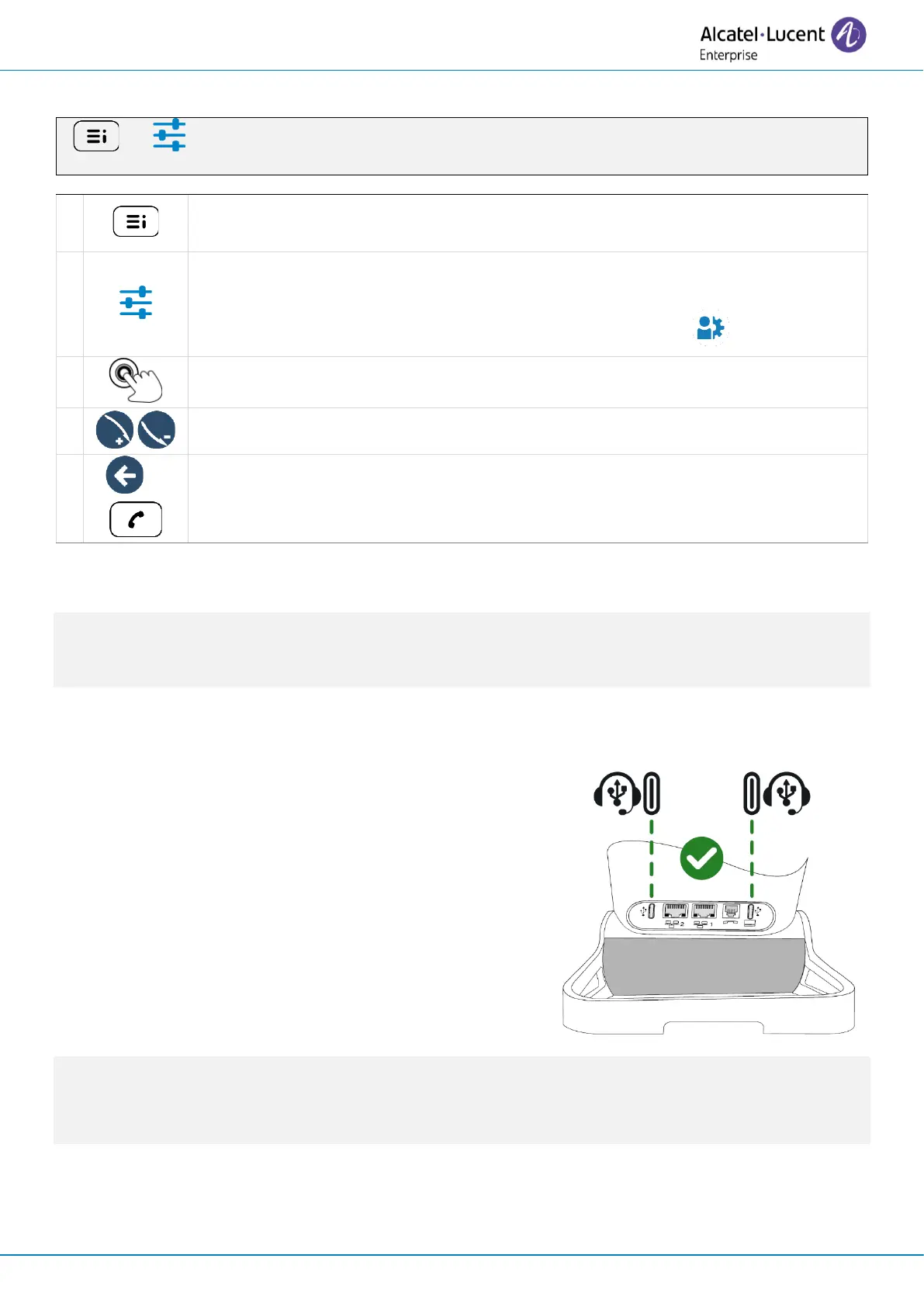
4.7 Install a USB accessory (Headset, Handsfree, Loudspeaker)
• Connect the accessory to the USB connector.
• When you plug the accessory in the USB port, the
USB accessory is automatically detected. If an
another accessory is already connected with the
same function (USB or Bluetooth
®
if available), a
popup asks you to select your preferred accessory
to use for this function.
If you are using a Bluetooth
®
headset provided with a Bluetooth
®
USB dongle, you can connect the
headset to the USB connector. Use and connectability depend on the vendor of the headset.



 To Next Page