Using your telephone
8AL91446ENAA ed02 40 /113
3 Using your telephone
3.1 Search by name feature
The search by name feature allows you to find a contact by using their name or number. The
search is performed through your local and corporate directories.
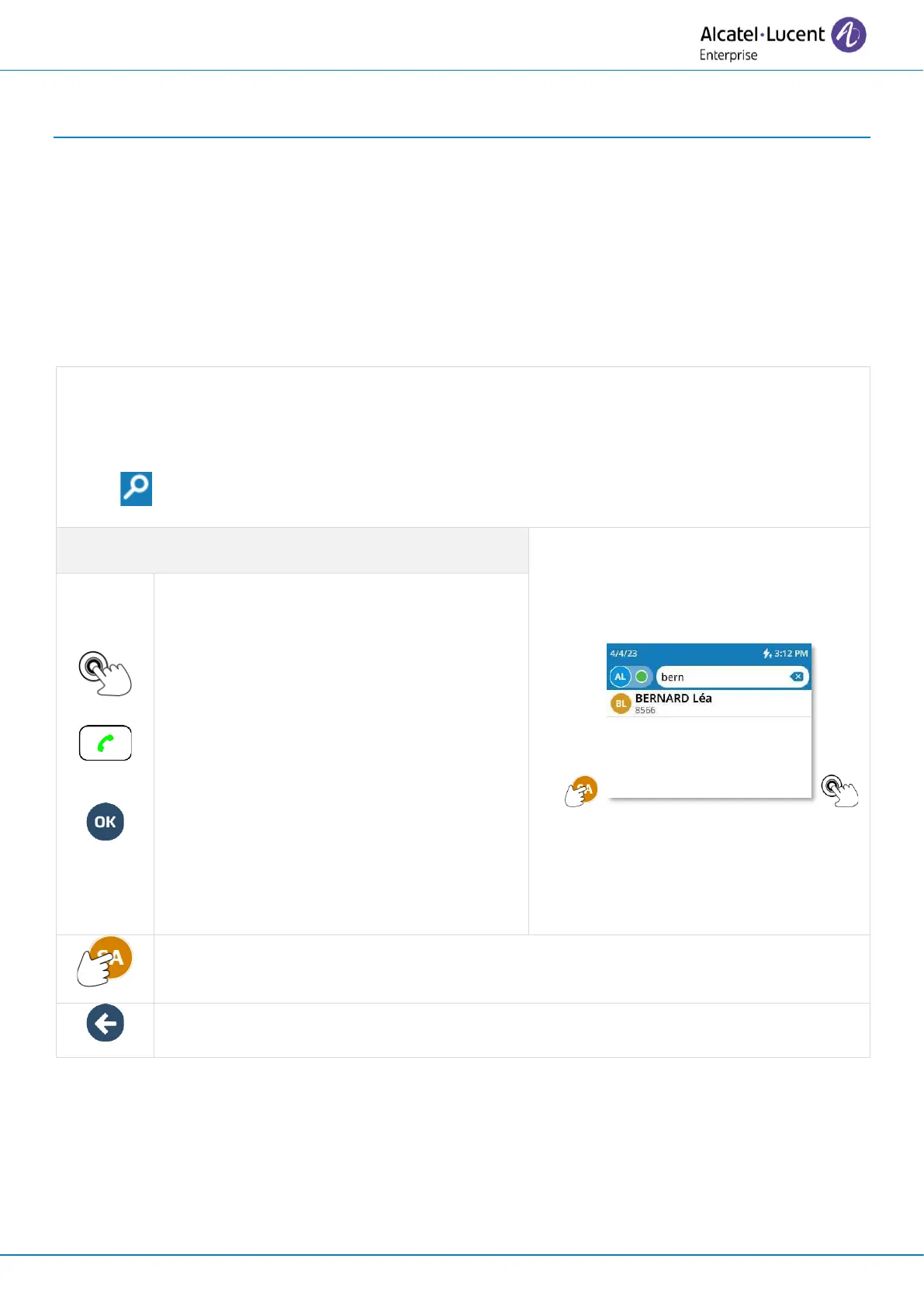
Enter letters or numbers to start your search. A search is performed for the first name, last name
or number.
The result lists contacts whose attributes start with the string or number entered.
Use one of the following:
• Enter the first letters or numbers directly using the keyboard.
• Select the search icon and enter first letters or numbers.
Use one of the following:
• Place an audio call with a contact by
selecting the contact's
name/number.
• If there is only one result, press the
call key lit up in green or the 'ok'
key.
• If there is more than one result, use
the rotate gesture on the wheel or
use the up and down navigation
keys to select a contact (highlighted)
in the list. Press the call key lit in
green or the « ok » key.
Open the contact card by selecting the avatar (left side).
Cancel the search and go back to the Homepage.



 To Next Page