Getting started
8AL91446ENAA ed02 6 /113
1 Getting started
1.1 How to read this guide
The labels and icons displayed depend on the type and the skin of the set.
The label is not displayed if the corresponding feature is not configured on your telephone system.
All labels are displayed in color and are italicized.
This icon describes a succession of actions or labels you have to do or
select.
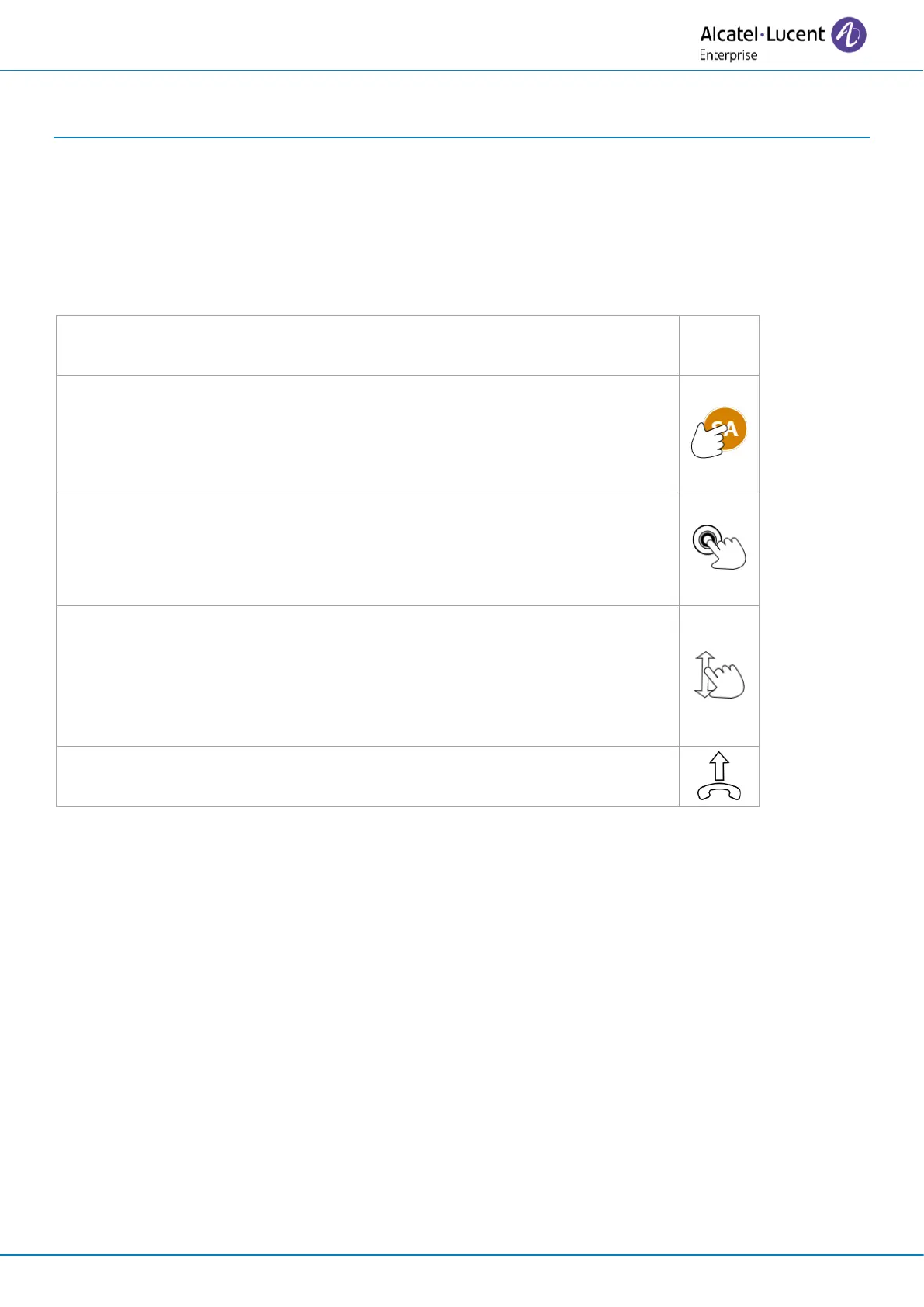
If your desk phone is equipped with a touch screen, this icon means tap
on the contact’s avatar on the left of the screen.
If your desk phone is equipped with function keys, this icon means press
the function key to the left of the contact's avatar.
If your desk phone is equipped with a touch screen, this icon means tap
on the contact’s name/number or a label on the screen.
If your desk phone is equipped with function keys, this icon means press
the function key to the right of the contact's name/number, or a label.
If your desk phone is equipped with a touch screen, this icon means scroll
the page to display the rest of the list by sliding the finger up or down on
the screen or by using on the up or down navigation keys.
If your desk phone is equipped with function keys, scroll the page to
display the rest of the list by using on the up or down navigation keys.
In other cases, the keys on the desk phone or the icons on the display are used to describe the
features in the user manual.
This guide is made up of a number of different sections:
• Getting to know your telephone: general description of your desk phone (hardware,
homepage, status icons, user local menu, contacts, call log, connectors, etc.).
• Using your telephone: different usage examples to help you understand how your desk
phone operates.
• Programming your telephone: setting up your desk phone.
• Accessories, ordering information: accessories description.
• Guarantee and clauses: safety and regulatory instructions.



 To Next Page