Programming your telephone
8AL91446ENAA ed02 73 /113
4.3.5 Adjust ringer volume while a call arrives
• Your telephone rings.
• Adjusting the ringer volume.
4.4 Select your preferred accessory
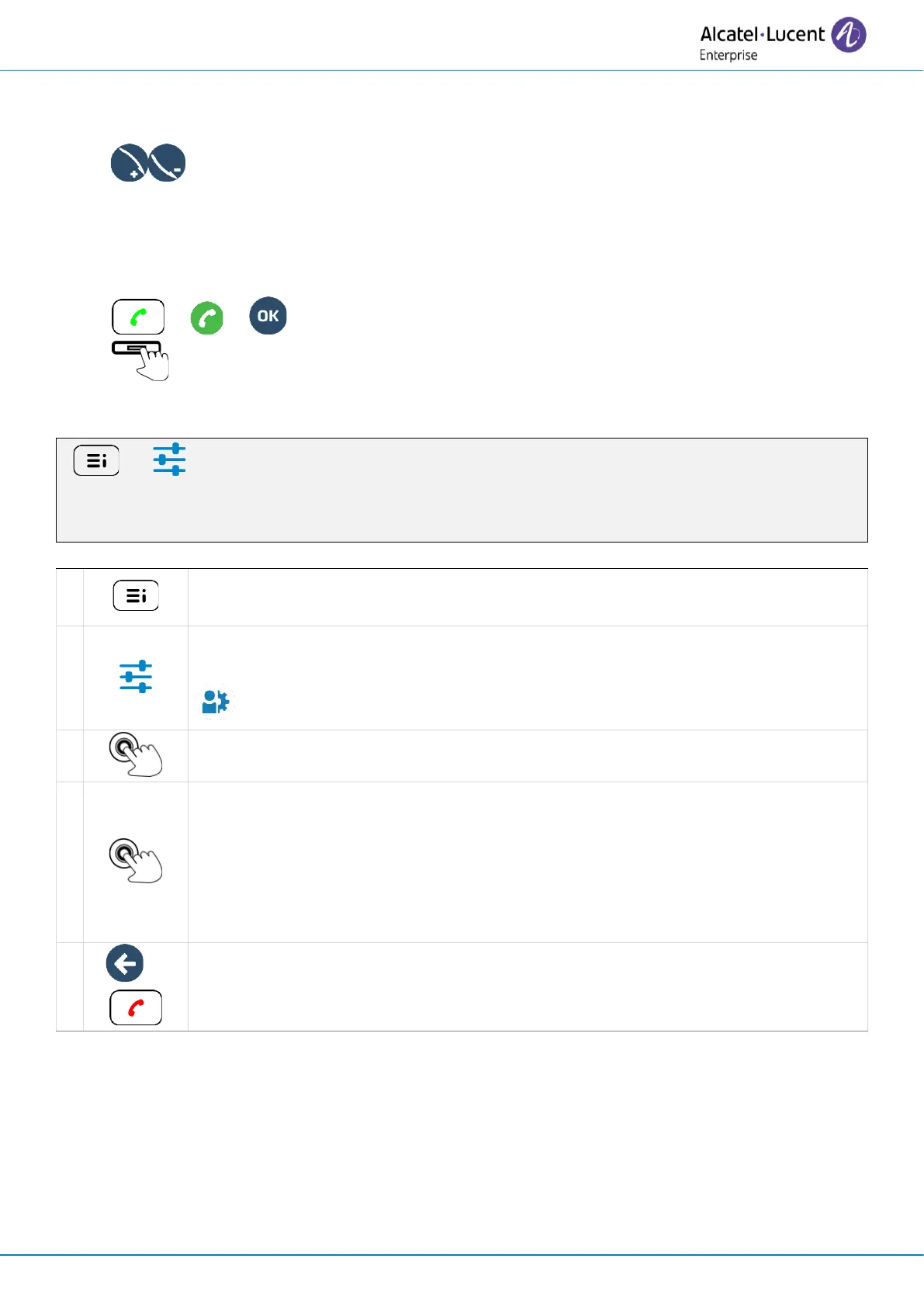
Define the default device to make or answer calls in hand-free mode, using the following keys:
• or or Take the call key.
• The function key to the right of the contact's name/number.
To define the preferred device:
( ) → Settings → Audio → Preferred device → Last connected device / Handsfree / USB
headset / Bluetooth headset
Access the local user menu. With the ALE-500 and ALE-400, the dashboard lets
you access directly to the local menu.



 To Next Page