Programming your telephone
8AL91446ENAA ed02 72 /113
4.3.3 Activate/deactivate meeting mode (progressive ringing)
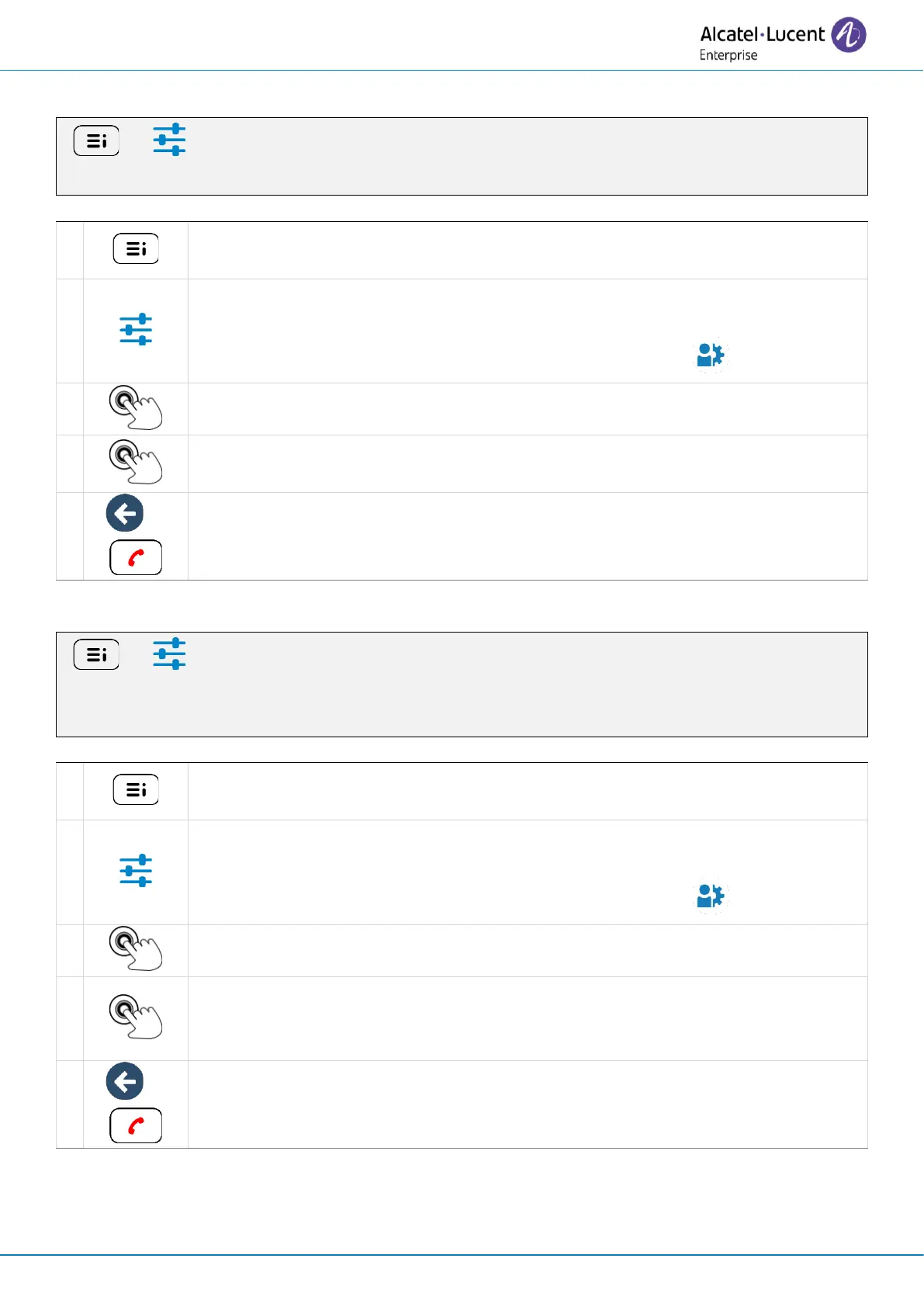
( ) → Settings → Audio → Ringing tones→ Progressive ringing
Access the local user menu. With the ALE-500 and ALE-400, the dashboard lets
you access directly to the local menu.
Settings
Open settings.
The user settings are displayed by default (ALE-500/ALE-400: , ALE-300: User).
Progressive ringing
Activate or deactivate progressive ringing (YES/NO).
Save and go back to the homepage.
4.3.4 Activate/deactivate discreet ring mode
( ) → Settings → Audio → Ringing tones → One beep before ringing /Three beeps before
ringing
Access the local user menu. With the ALE-500 and ALE-400, the dashboard lets
you access directly to the local menu.
Settings
Open settings.
The user settings are displayed by default (ALE-500/ALE-400: , ALE-300: User).
One beep before ringing /Three beeps before ringing
To activate or deactivate the feature (YES/NO).
When activated the desk phone emits one beep/three beeps before ringing.
Save and go back to the homepage.



 To Next Page