Using your telephone
8AL91446ENAA ed02 41 /113
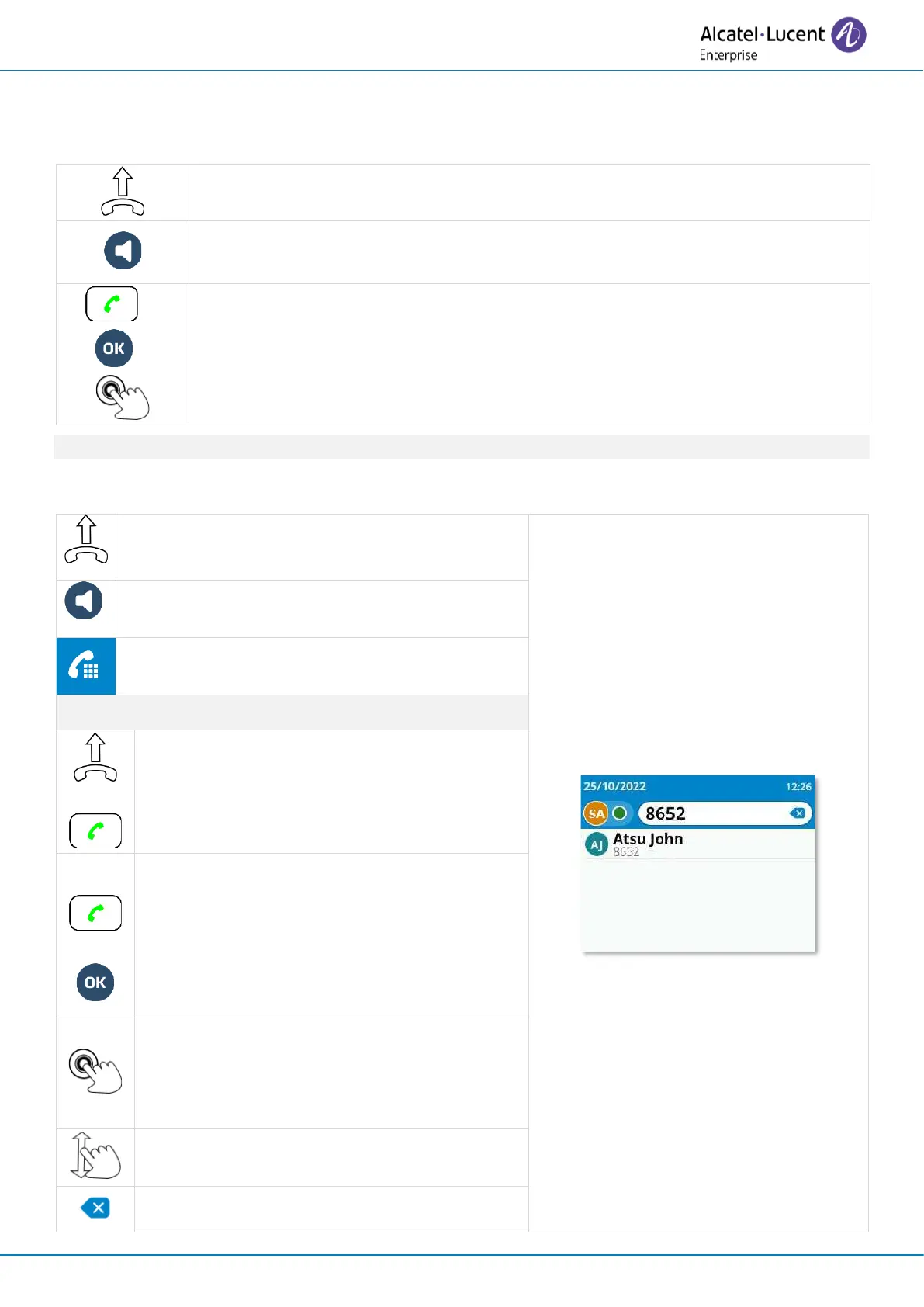
3.2 Make an audio call
The device may differ depending on the call method:
The call will be made via the handset if it is lifted.
If the handset has not been lifted, the hands-free key can be used to make the
call in hands-free mode.
In other cases (call key, ok key or function key), the desk phone will use the
preferred device to make the call if the handset is off the hook. The preferred
device is defined in the settings of the desk phone and can be the loudspeaker
(hands-free), the USB headset or a Bluetooth
®
headset.
You can continue the call on the handset at any time by picking it up.
3.2.1 Using Dialpad
Pick up the handset and dial the number on the
dialpad.
Press the hands-free/loudspeaker key and dial
the number on the dialpad.
Open the dialpad from the homepage and dial
directly the number (ALE-500 only)
Pick up the handset if you have not already
done so and press the call key to make the
call with the handset.
Make the call with your preferred device if
connected, or in hands-free mode. The
preferred device is defined in the settings of
the desk phone and can be the loudspeaker
(hands-free), the USB headset or a USB
conference module.
Select a contact in the list (the number
matches the contact's number) to make the
call with the preferred device if connected, or
in hands-free mode.
Scroll the page to display the rest of the list
(touch screen or navigation keys).
Delete the last digit entered.



 To Next Page