Programming your telephone
8AL91446ENAA ed02 74 /113
4.5 Adjusting the brightness of the desk phone
Adjust the brightness of the display, the LEDs, the keys (add-on) and the logo light on the back
shell.
4.5.1 Auto-adjusting of the brightness
The phone can automatically adjust the display brightness, LED and busy light logo on the back
shell depending on the lighting conditions to improve user experience and achieve power savings
(ambient light sensor).
4.5.1.1 Auto-adjusting of the display brightness
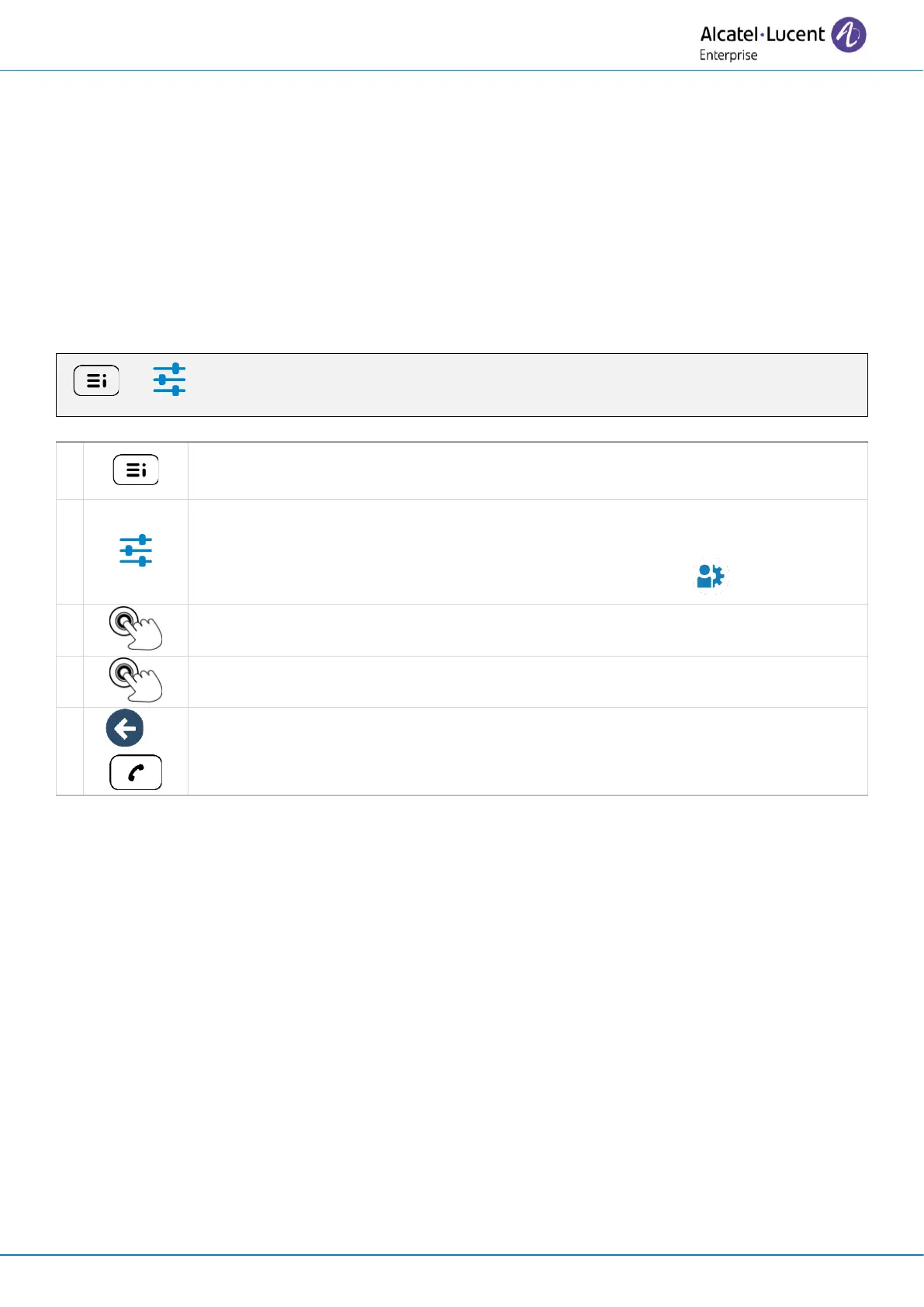
Access the local user menu. With the ALE-500 and ALE-400, the dashboard lets
you access directly to the local menu.



 To Next Page