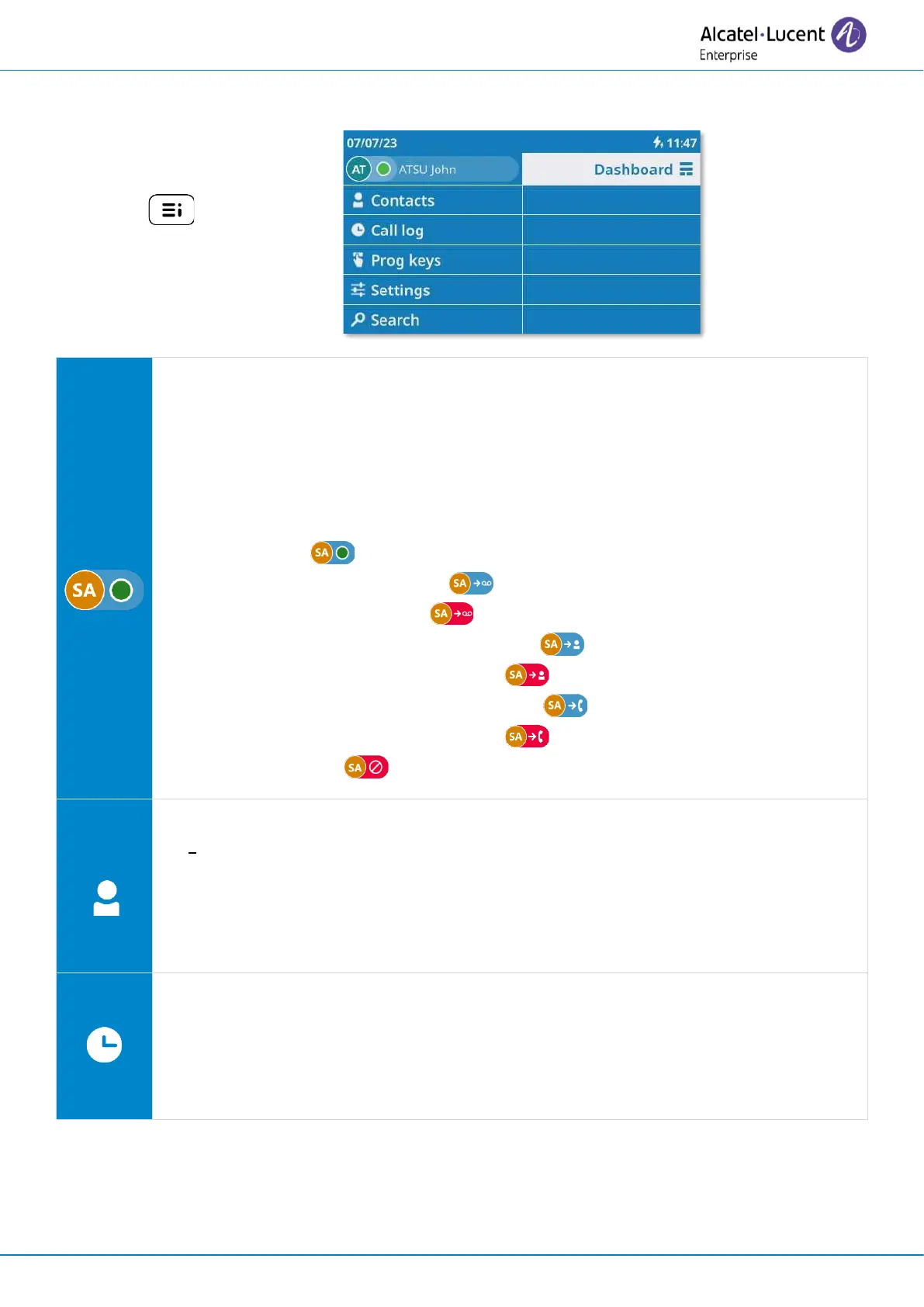
Call Routing
Open call routing to manage the status of your desk phone (forward to a number,
forward to your voicemail, do not disturb, …).
My telephony status (the status is displayed for your information and is only visible
on your application).
• Reachable ( ).
• Call forwarded to voicemail ( ). For immediate call forwarding, this area
will be highlighted in red ( ).
• Call forwarded to an identified contact ( ). For immediate call forwarding,
this area will be highlighted in red ( ).
• Call forwarded to an unknown number ( ). For immediate call forwarding,
this area will be highlighted in red ( ).
• Do not disturb ( ).
Contact
• Display all your local contacts (defined in the local directory).
• Open contact card.
• Call a contact.
• Create a new contact.
• Modify or delete a contact card.
Call log
• Display your entire call history sorted by timestamp.
• Use filters to display all calls, missed calls, unsuccessful calls, incoming calls or
outgoing calls.
• Call back a contact.



 To Next Page