Programming your telephone
8AL91446ENAA ed02 77 /113
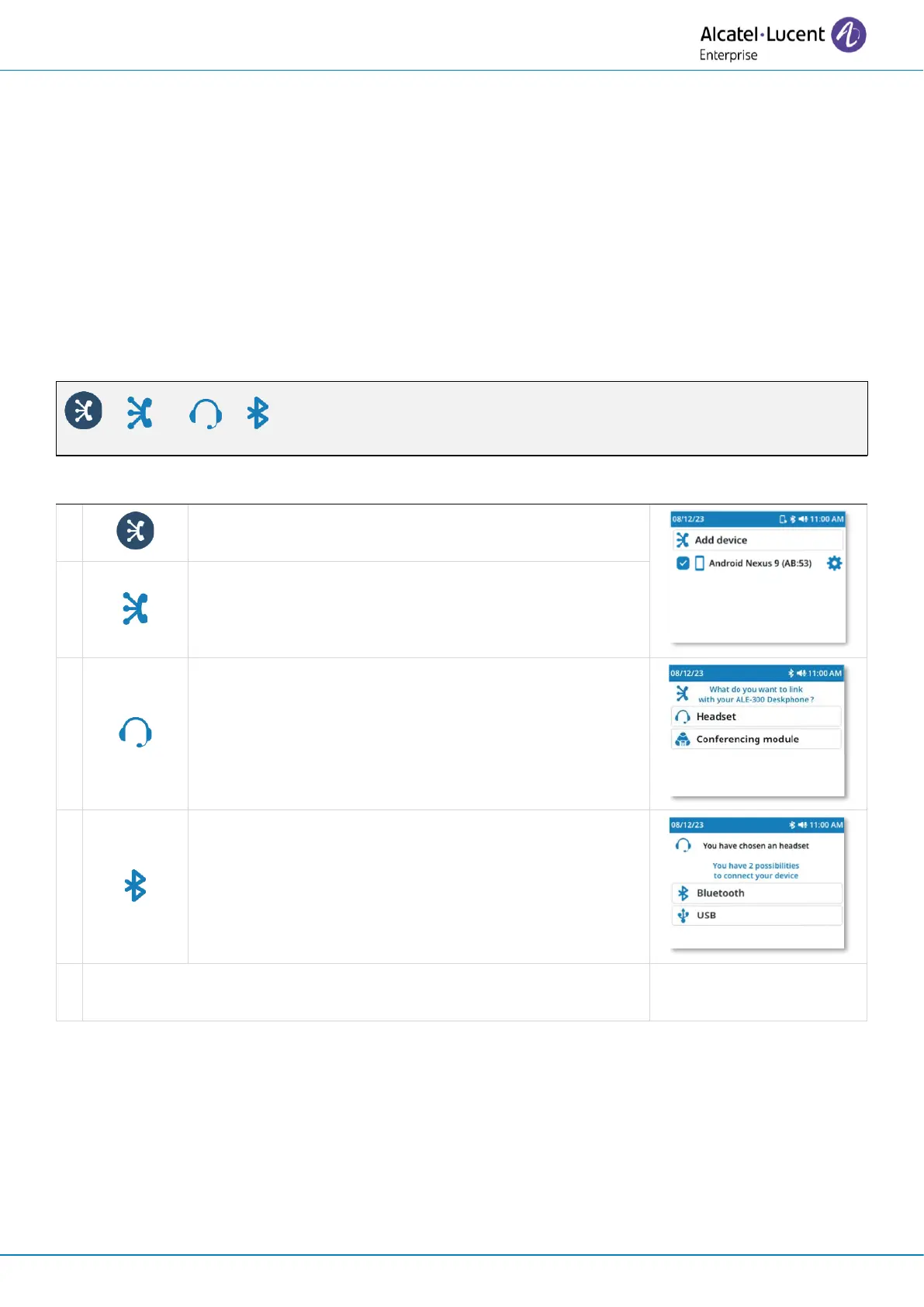
4.8 Installing a Bluetooth
®
Wireless Technology headset (pairing)
This feature is available if your desk phone is equipped with the wireless module (depending on the
model of your desk phone). If it’s not the case, the wireless module can be purchased separately:
ALE-108 Wireless Module. For more information about compatible headsets, see chapter:
Accessories.
You can then answer a call using your Bluetooth
®
headset.
4.8.1 Install the Bluetooth
®
device
Before a Bluetooth
®
headset can be used, it must be paired to the terminal. Before performing the
pairing operation, the headset must be in detectable mode.



 To Next Page