Programming your telephone
8AL91446ENAA ed02 75 /113
4.5.1.2 Auto-adjusting of the LED brightness and the busy light logo on back shell (if present)
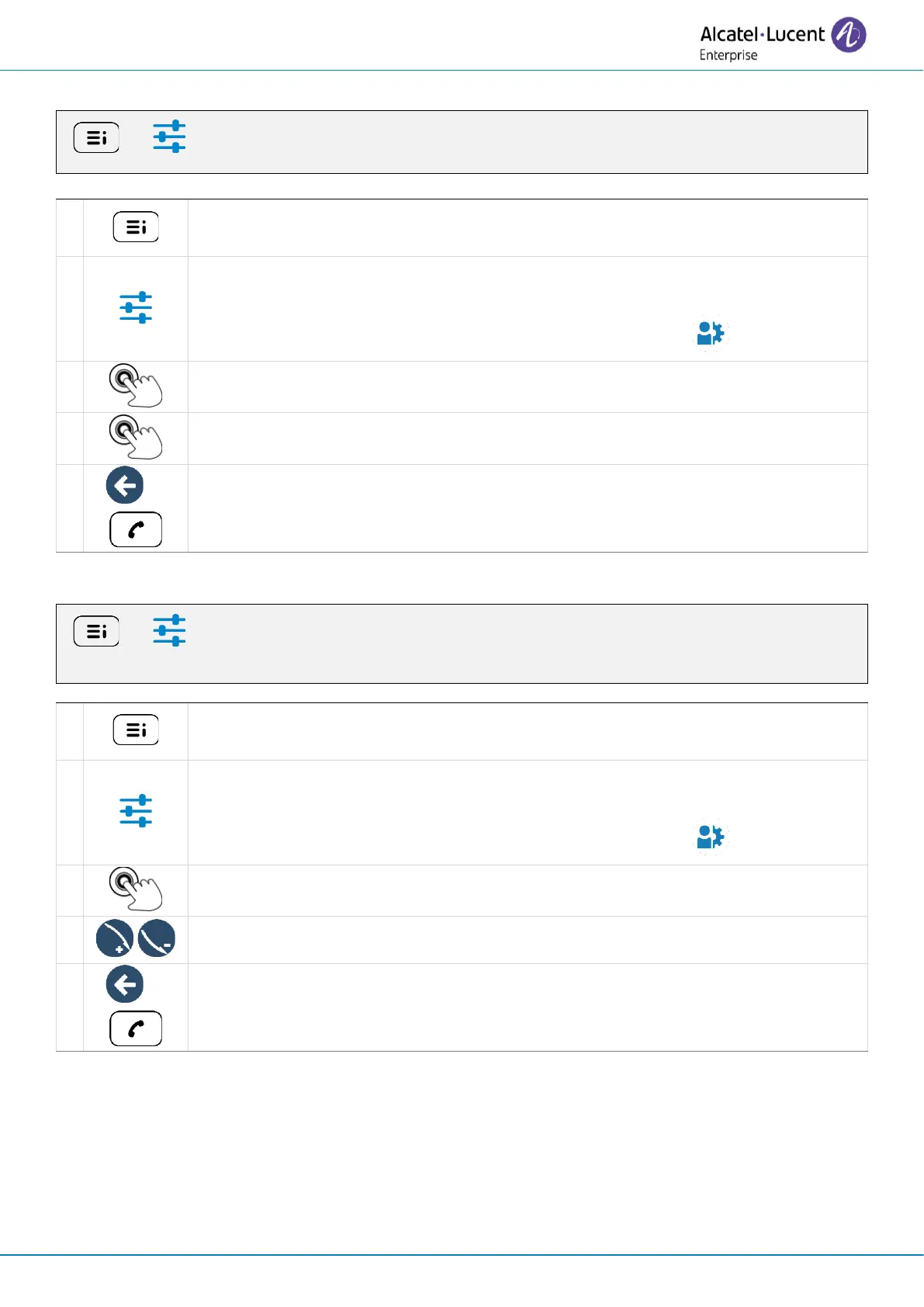
( ) → Settings → Phone → Brightness → LEDs auto brightness
Access the local user menu. With the ALE-500 and ALE-400, the dashboard lets
you access directly to the local menu.
Settings
Open settings.
The user settings are displayed by default (ALE-500/ALE-400: , ALE-300: User).
Activate or deactivate the feature: LEDs auto brightness.
Save and go back to the homepage.
4.5.2 Adjust the brightness when the phone is in use
( ) → Settings → Phone → Brightness → Brightness
Access the local user menu. With the ALE-500 and ALE-400, the dashboard lets
you access directly to the local menu.
Settings
Open settings.
The user settings are displayed by default (ALE-500/ALE-400: , ALE-300: User).
Phone → Brightness → Brightness
Increase or decrease the brightness (number of levels: 31).
Save and go back to the homepage.



 To Next Page