Using your telephone
8AL91446ENAA ed02 47 /113
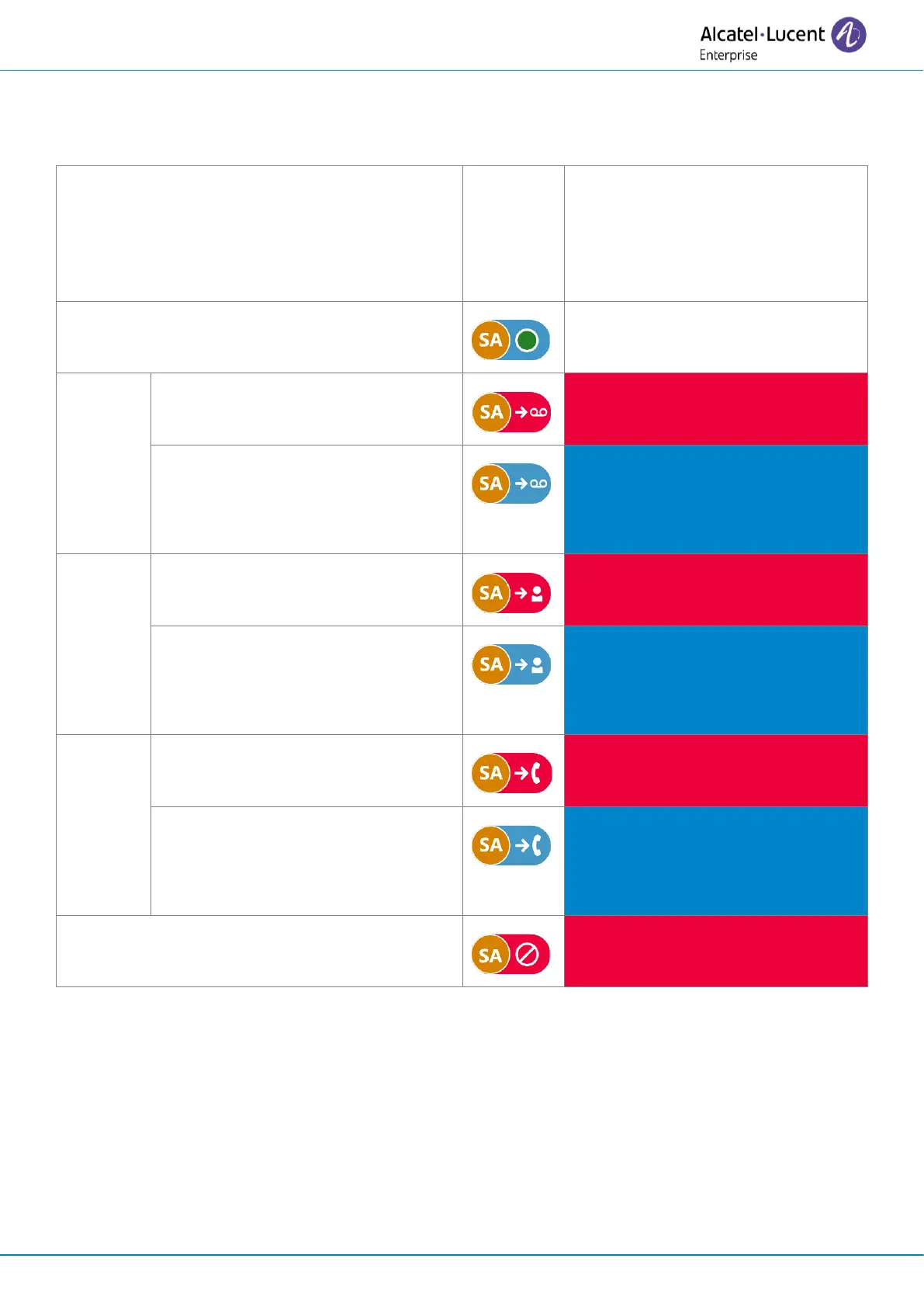
Depending on the selected forwarding settings, when activated an icon will be displayed against a
red background to indicate immediate routing. In this case, a red banner will be displayed on the
dashboard.
The banner is displayed with a red
color that depends on the call
routing option used and displays
the call routing information
None (no forwarding activated)
Forward on no answer, Forward on
busy/ Forward on busy or no
answer.
To an
identified
contact.
Forward on no answer, Forward on
busy/ Forward on busy or no
answer.
Forward on no answer, Forward on
busy/ Forward on busy or no
answer.



 To Next Page