Getting to know your telephone
8AL91446ENAA ed02 33 /113
Open the context menu to access the following actions (ALE-
300 only).
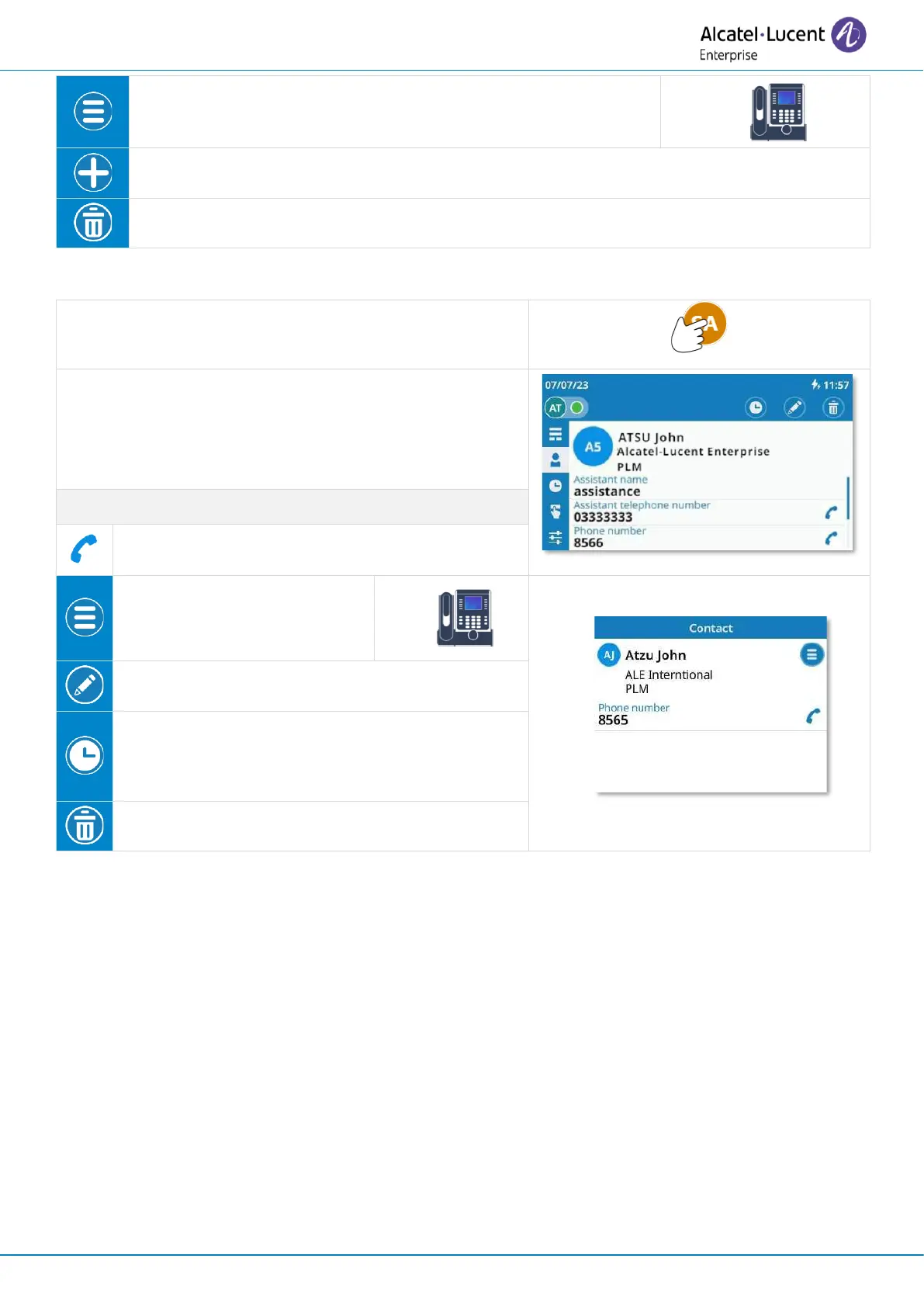
Open the contact card by selecting the avatar (left
side).
Information available about your contact is displayed in
the page. The information displayed depends on the
fields entered in the form (business phone, mobile,
extension number, email, address, etc.).
Open the context menu to
access the following actions
(ALE-300 only).
Display the call log with this contact (incoming
calls, outgoing calls, missed calls, time,
numbers, duration).



 To Next Page