Getting to know your telephone
8AL91446ENAA ed02 23 /113
2.5.3 Alphanumeric keyboard (ALE-300)
An alphanumeric keyboard is built into your desk phone, using its own keys. It is not necessary to
install a physical keyboard to input text.
The number pad keys have letters that you can display by successive presses. The number is the
first character in the series. To make typing easier, the list of characters associated with a key is
displayed and the character to be used after pressing a key more than once is highlighted.
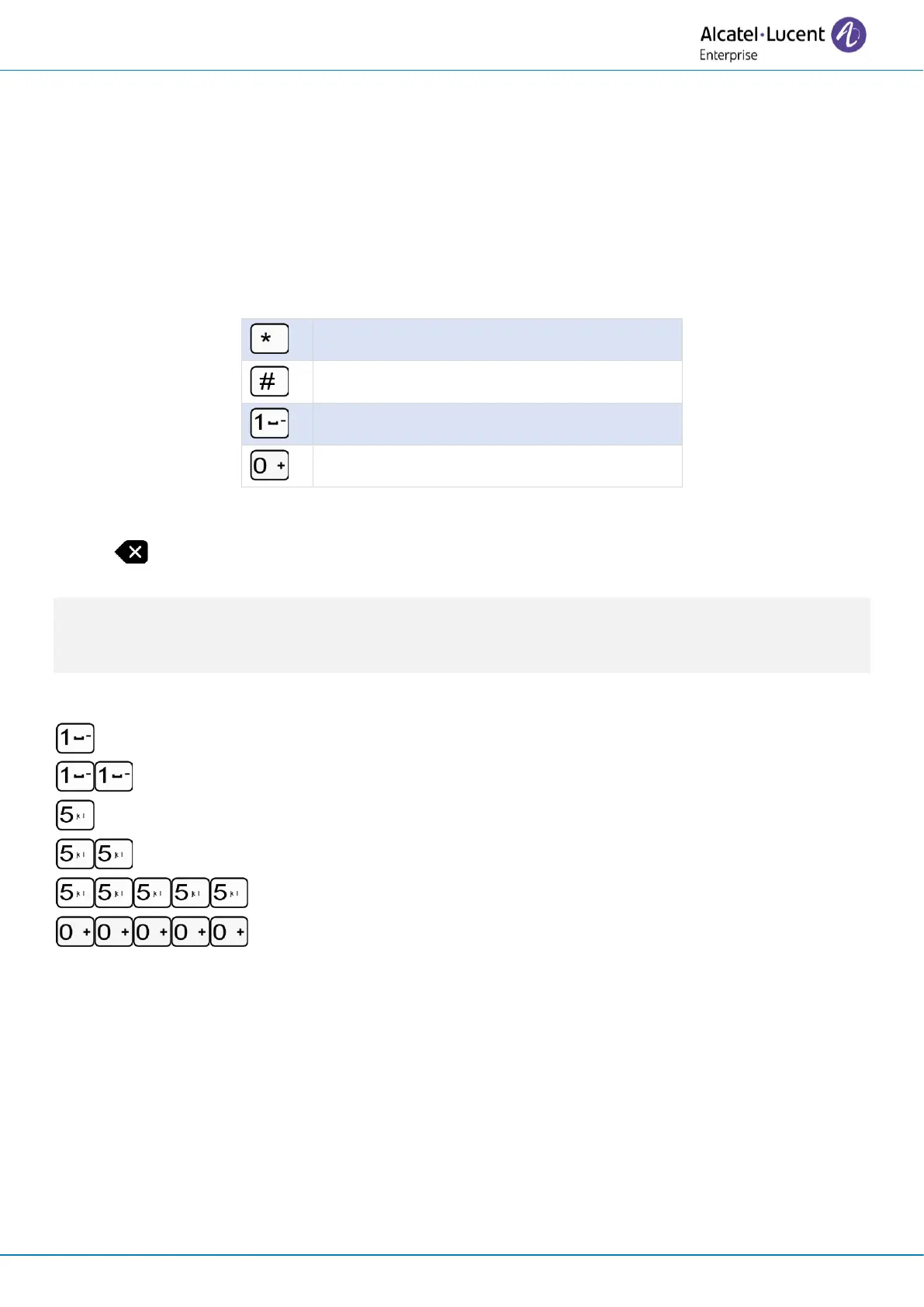
Some special characters can be displayed by successively pressing the key:
• Use navigation keys to move the cursor into the text (except in dial by name feature).
• Press the key function to the right of this icon.
Your desk phone can also be equipped with a magnetic alphabetic keyboard: ALE-100 keyboard
(sold separately). In this case, the alphanumeric keyboard will be disabled and the numeric keypad
will allow you to enter numbers directly.
Use cases:
: '1' is displayed.
: 'space' is displayed.
: '5' is displayed.
(2 successive presses): 'j' is displayed.
(5 successive presses): 'J' is displayed.
(5 successive presses): ' ' is displayed.



 To Next Page