Programming your telephone
8AL91446ENAA ed02 70 /113
Select a homepage:
• Dashboard (default page)
• Contacts
• Call log
• Dial (Dial pad)
• Prog keys
Save and go back to the homepage.
4.2.4 Hearing Aid
If you are using your phone with a hearing device, you must install and activate the hearing aid
device (HAC) to avoid hearing discomfort.
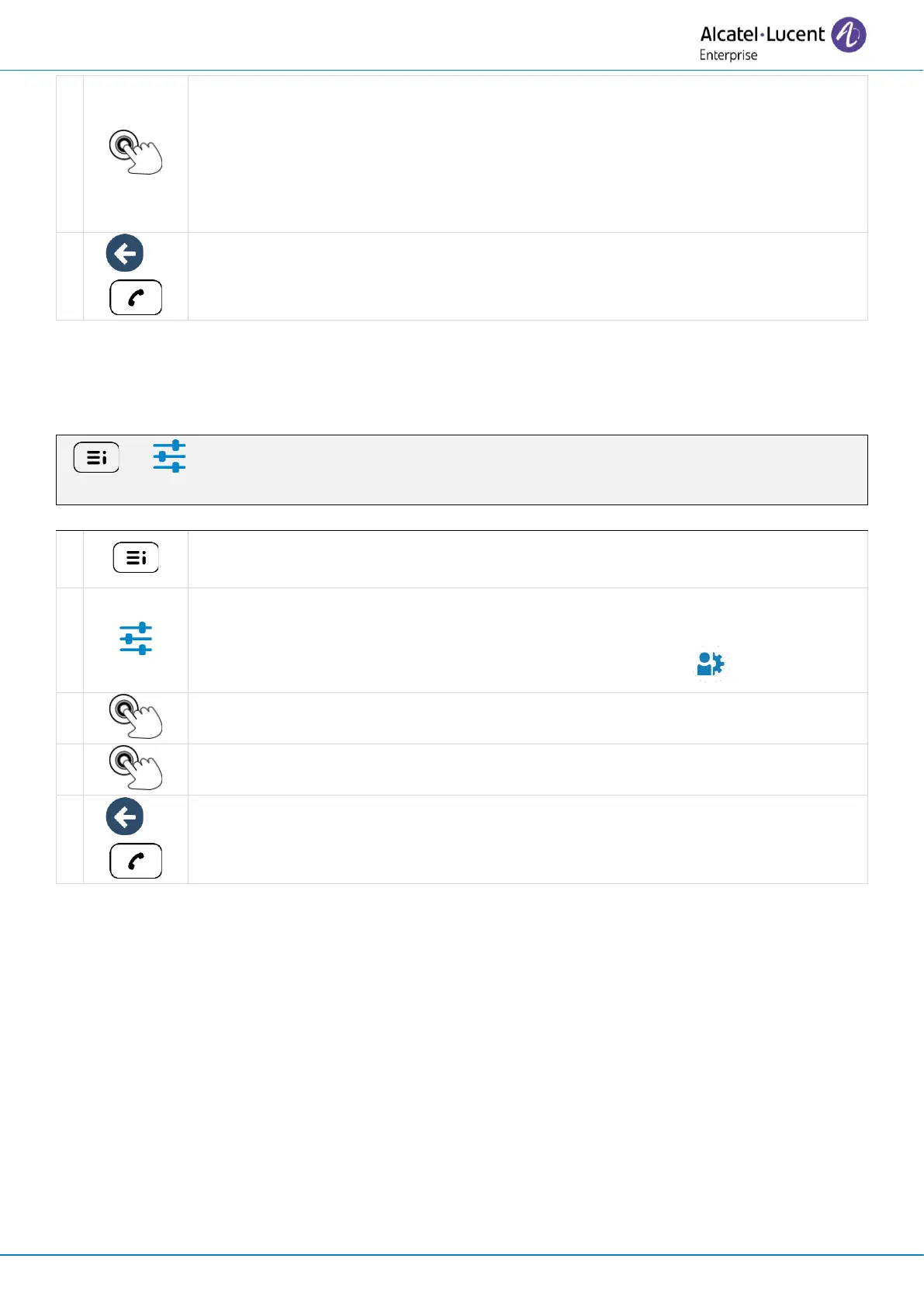
( ) → Settings → Phone → Hearing Aid
Access the local user menu. With the ALE-500 and ALE-400, the dashboard lets
you access directly to the local menu.
Settings
Open settings.
The user settings are displayed by default (ALE-500/ALE-400: , ALE-300: User).
Check this option if you are using a hearing aid.
Save and go back to the homepage.



 To Next Page