OmniPCX Enterprise - Release R100.1
Update of User Manual of ALE-300 DeskPhone in Attendant mode TC3046 ed.02
© Copyright 2023 ALE International, ALE USA Inc.
page 17/75
• Restart the desk phone (unplug and plug in the power jack if you are using an external
power adapter or the Ethernet connector – LAN).
When uninstalling the add-on module, first remove the lock clip. Otherwise there is a risk of
damaging the foot clip.
2.1.3.5
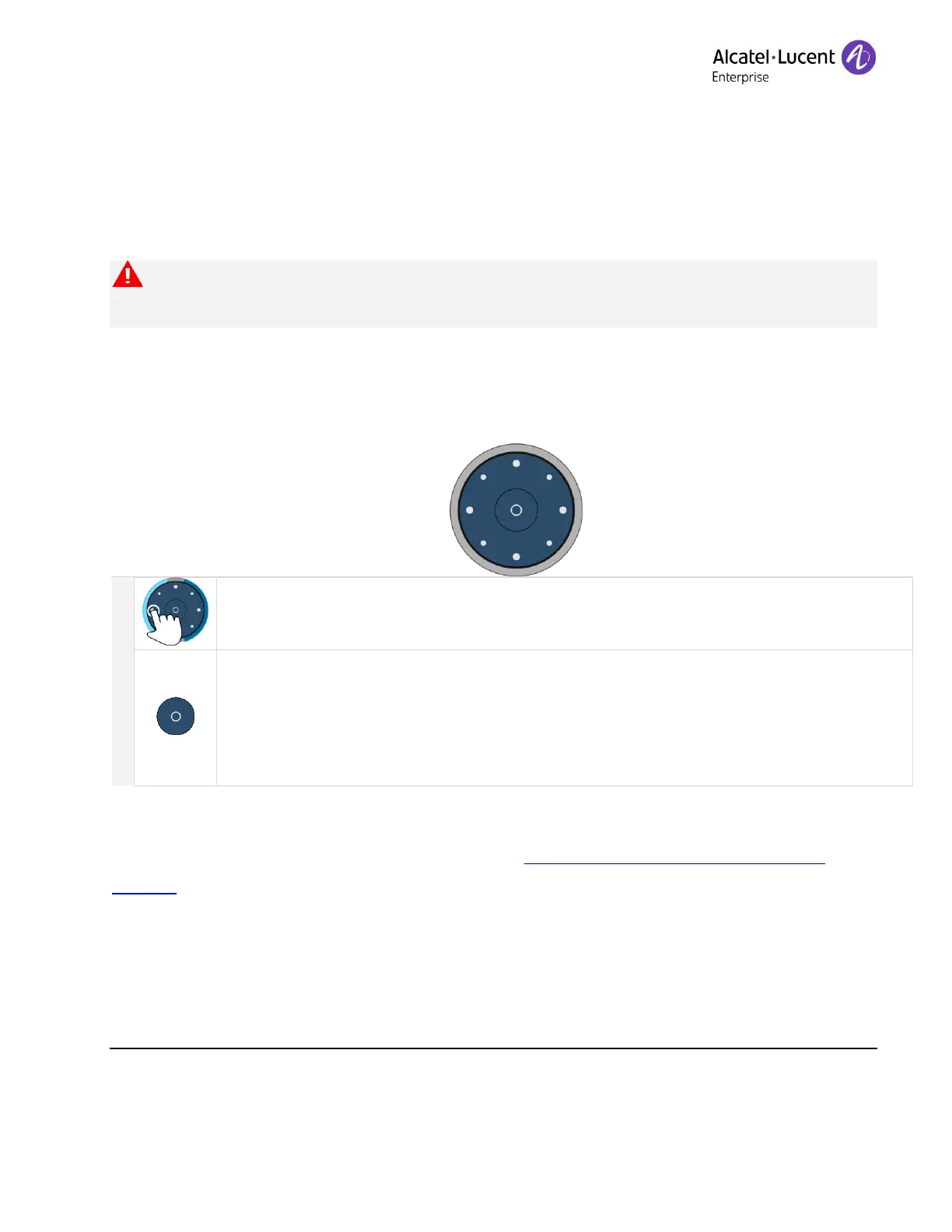
Smart Pad
Depending on the system, the ALE-120 can display several pages. The Smart Pad allows you to
navigate between all pages of the add-on.
Home key
• Short press: go back to the homepage (first page by default).
• Long press: specify the homepage. Display the page of your choice as homepage
and give a long press on the button to set it.
2.1.3.6
Programming keys
To program keys on the add-on module, see section: Programming keys for call numbers and
functions.
2.1.3.7
Page management
The Smart Pad ring on the add-on module is divided into segments according to the number of
pages and gives information about events.











 To Next Page