OmniPCX Enterprise - Release R100.1
Update of User Manual of ALE-300 DeskPhone in Attendant mode TC3046 ed.02
© Copyright 2023 ALE International, ALE USA Inc.
page 22/75
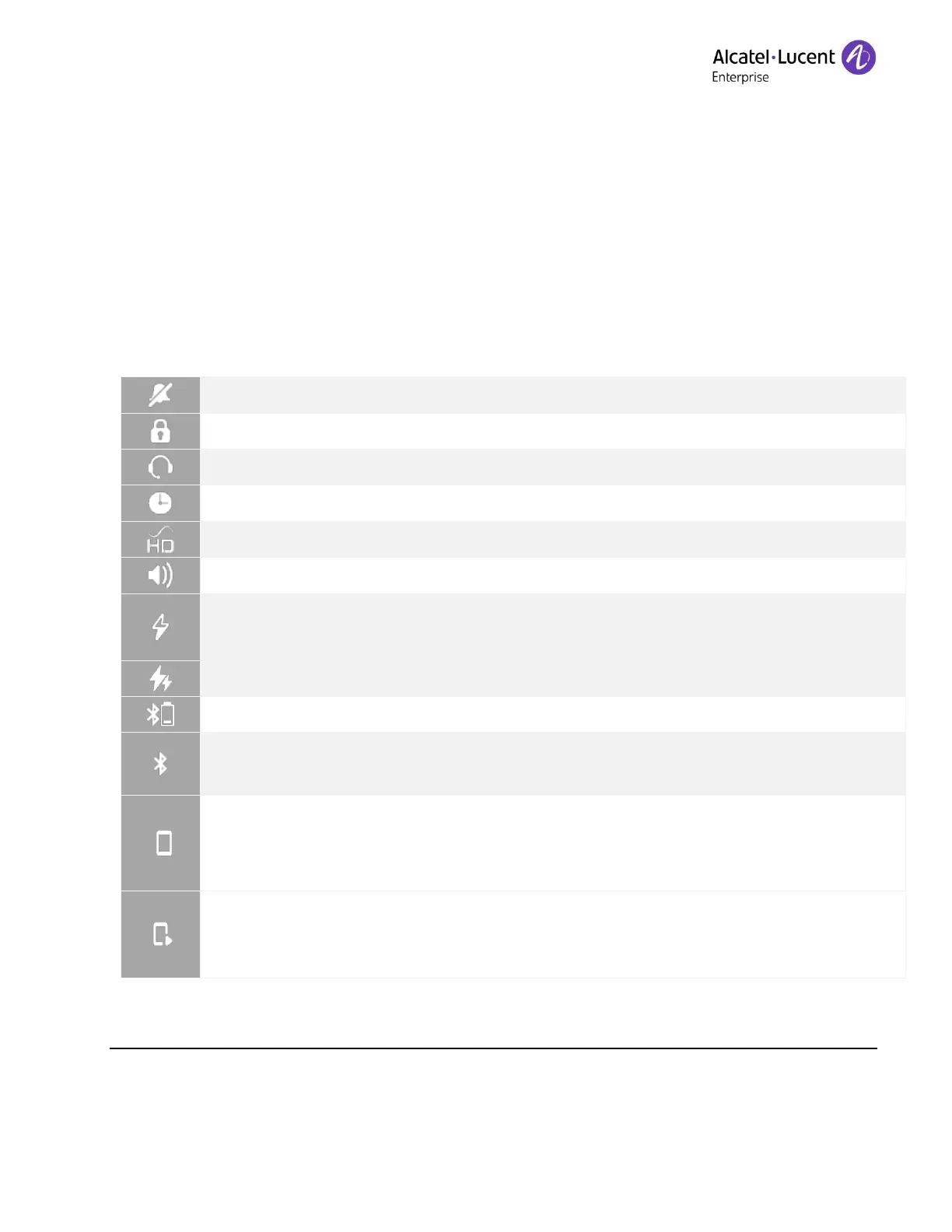
2.4.1 Status icons
Depending on the size of the display, all status icons may not be displayed
simultaneously. Which icons are displayed depend on their priority. The following icons are
listed according to their priority, from the highest to the lowest.
Status icons depend on the model of your desk phone ans its equipment.
Symphonic HD audio is used during conversation.
ECO mode (USB power limiter) adjusts the phone's capabilities when linked to the
detected USB power supply.
Power Boost (centralized control of additional power via USB).
Bluetooth
®
device low battery (blinking icon).
Light color: Bluetooth
®
enabled without any paired devices.
Bright color: Bluetooth
®
accessory paired.
Light color: a Bluetooth
®
mobile phone has been paired but it is not connected.
Bright color: Bluetooth
®
mobile phone connected (the desk phone is used as
Bluetooth
®
Audio Hub).
Audio hub: a Bluetooth
®
mobile phone is connected. The desk phone is ready to
play audio from the connected mobile phone. Calls from the connected mobile
phone are not handled.











 To Next Page