OmniPCX Enterprise - Release R100.1
Update of User Manual of ALE-300 DeskPhone in Attendant mode TC3046 ed.02
© Copyright 2023 ALE International, ALE USA Inc.
page 20/75
• Conference: establish a three-party conference call. This key
depends on the system configuration and countries as United
States.
• Programmable key when not configured as conference key.
2.3 Welcome screens
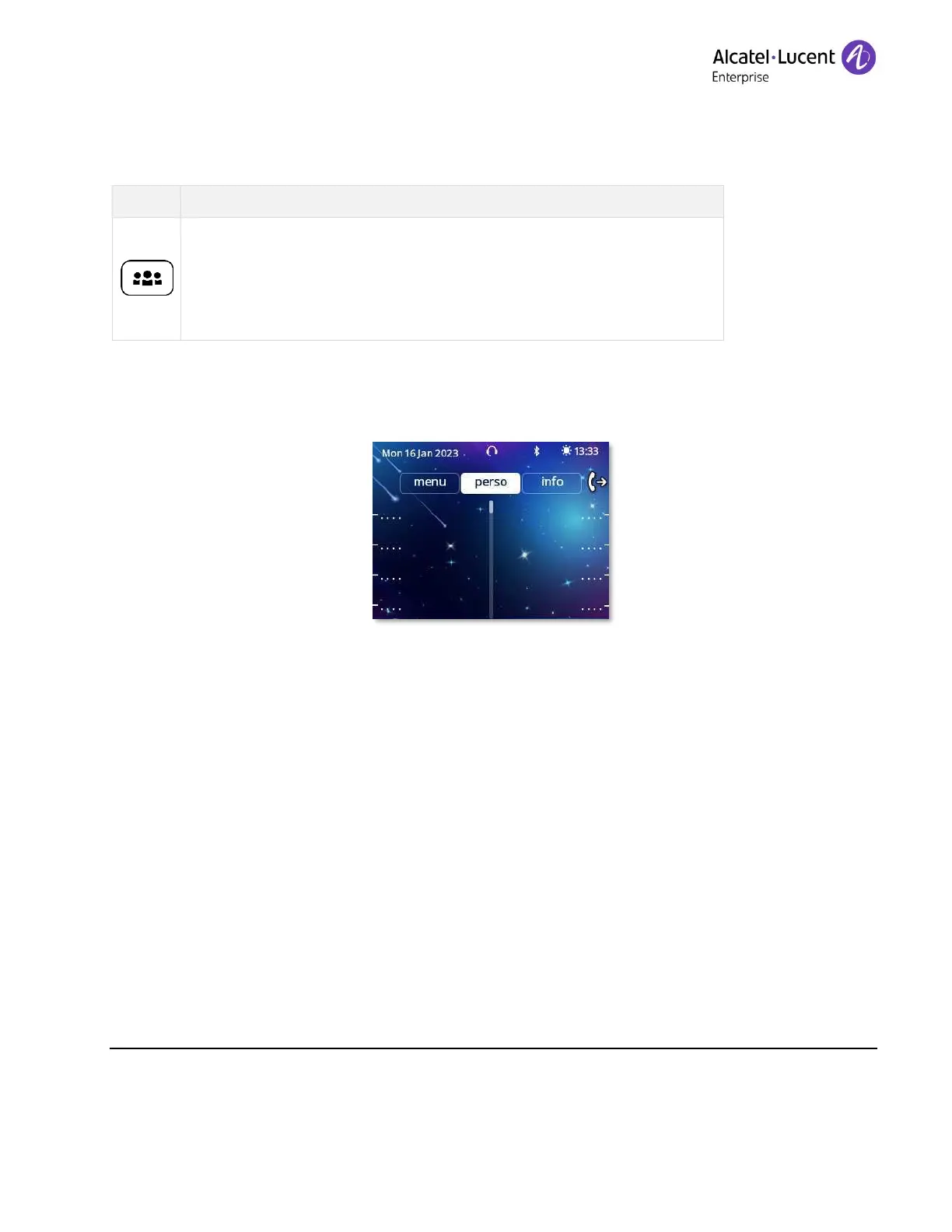
The screen of your desk phone displays different pages by selecting tabs.
ALE-300 Enterprise DeskPhone
You can access all of your phone's features from these screens. The displayed pages depend on
the system configuration. You can open a page by selecting the tab at the top of the screen.
Depending on your phone, touch the tab at the top of the screen (touch screen) or use the left or
righr navigation keys to select it. The selected page is highlighted.
• Menu page (
Menu
)
• Customize the attendant set environment (language, ringing, password, optional
equipments, options).
• Program the set directory.
• Configure the programmable keys.
• Change the status of the attendant group and entity.
• Display the identity of the attendant set and the group to which the set belongs.
• Perso page
(
Perso
)











 To Next Page