OmniPCX Enterprise - Release R100.1
Update of User Manual of ALE-300 DeskPhone in Attendant mode TC3046 ed.02
© Copyright 2023 ALE International, ALE USA Inc.
page 19/75
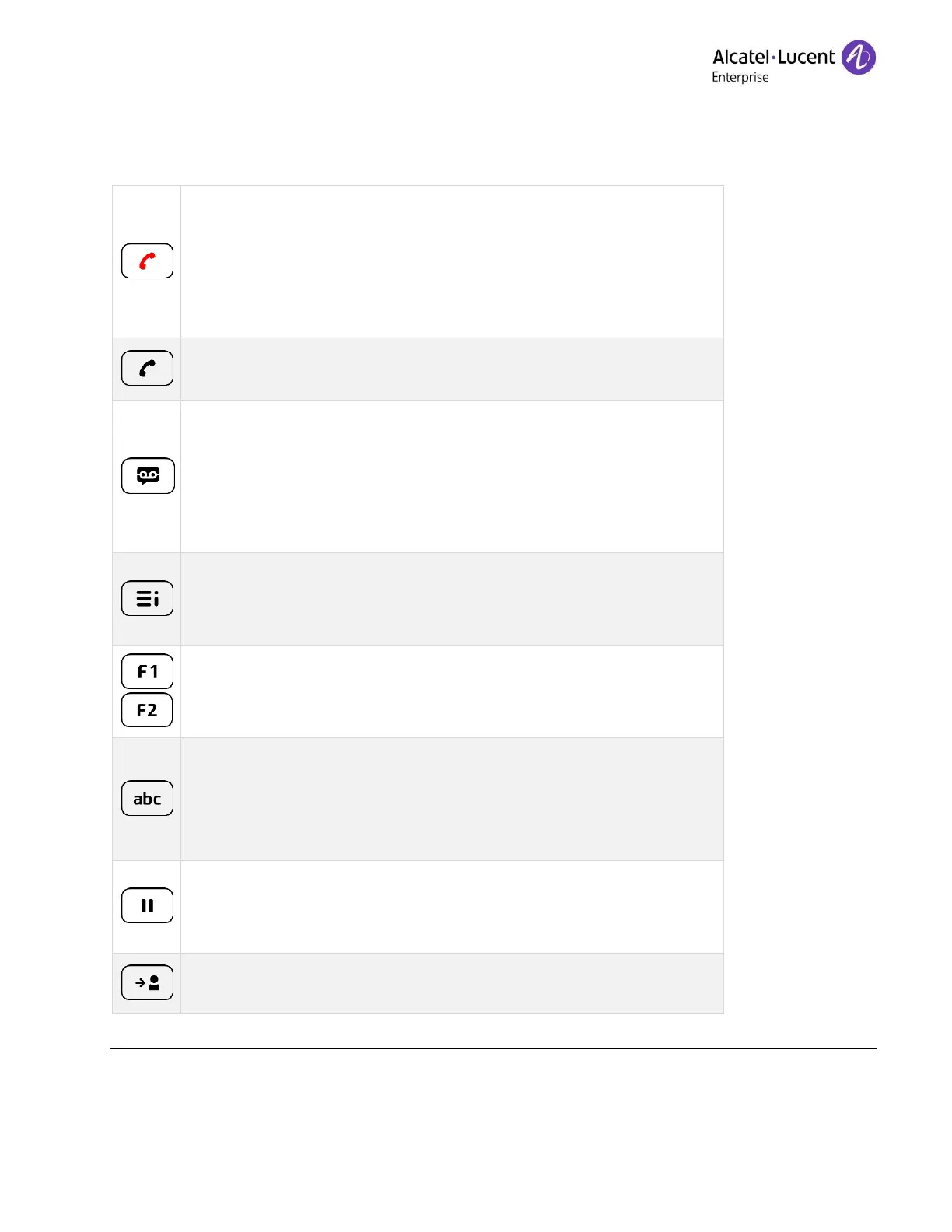
• Hang up key (lit in red) to end a call or to go back to the
homepage during programming.
• When you receive a call, the key is blinking red and you can
ignore the call by selecting it. Your phone no longer rings but
the call is still presented.
• Redial key: to access the 'Redial' feature (long press).
• The redial list contains only the outgoing calls.
• Messaging key to access the messaging portal (voice messages
and text messages).
This key flashes blue when there is a new event such as a new
voice message, a new instant message. The key remains lit until
all events are acknowledged or deleted.
• Quick access to user local menu (short press).
• Used to obtain information on functions of the 'menu' page and
to program key of the 'perso' page (long press).
• Programmable keys (F1 and F2 keys). Lit when the function
associated with the key is activated. A service or a direct call
can be associated to these keys.
• Alphanumeric key
Switch between the alphabetic and numeric dialpad.
• Programmable key when a magnetic keyboard is connected to
the desk phone (ALE-100).
• Hold: the call is placed on hold. This key depends on the
system configuration and countries as United States.
• Programmable key when not configured as hold key.
• Transfer: transfer the call to another number. This key depends
on the system configuration and countries as United States.











 To Next Page