OmniPCX Enterprise - Release R100.1
Update of User Manual of ALE-300 DeskPhone in Attendant mode TC3046 ed.02
© Copyright 2023 ALE International, ALE USA Inc.
page 18/75
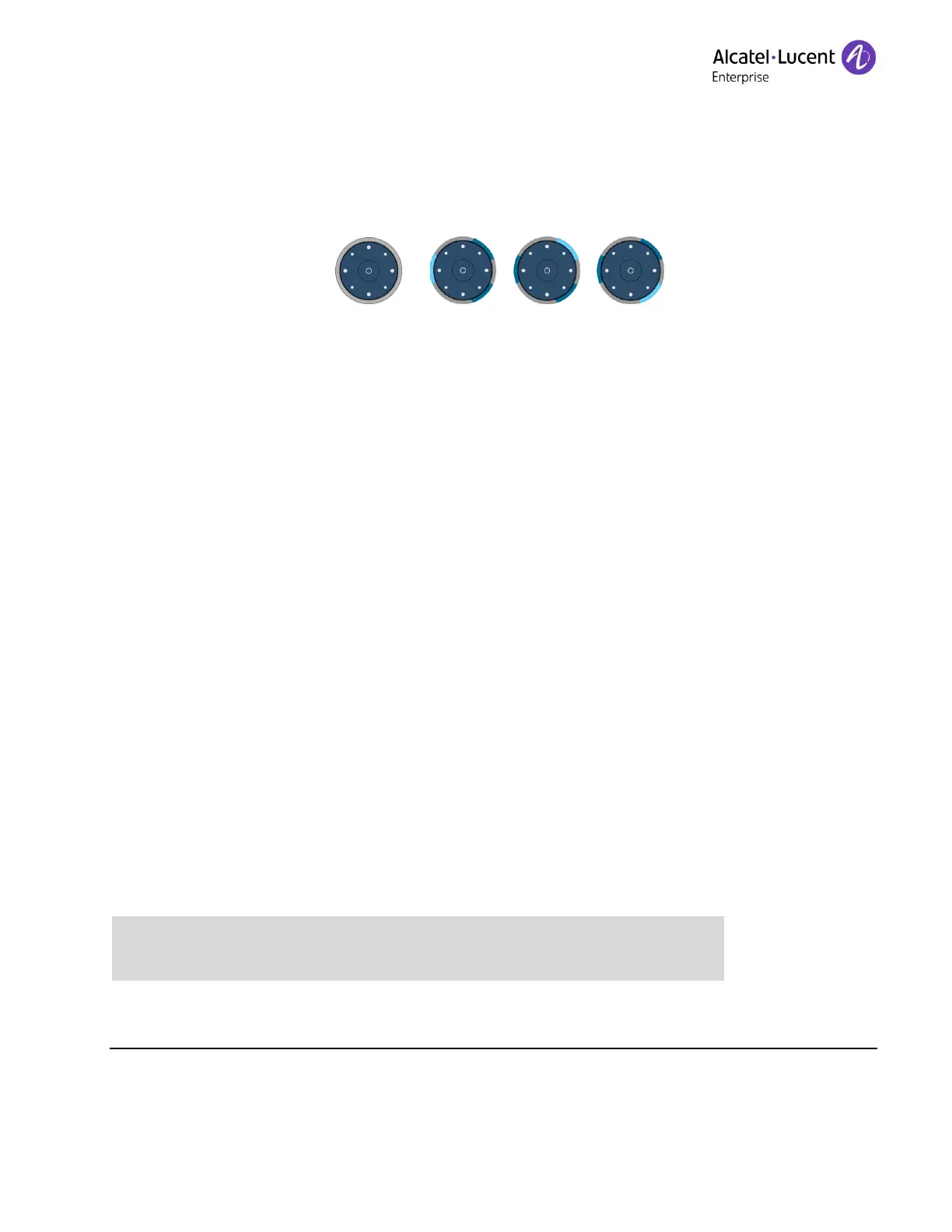
• Off: Only one page is configured on the add-on module, or the screensaver/night mode is
activated.
• A segment is lit in blue: the selected page is displayed on the add-on module.
• A segment is dimly lit in blue: the page corresponding to the segment is not displayed on
the add-on module and there is no event on this page. Touch the segment to open the
page.
• A segment is flashing blue (standard or fast): the page corresponding to the segment is not
displayed on the add-on module and an LED is flashing blue on this page. For example, a
supervised contact programmed on this page receives an incoming call. Touch the segment
to open the page.
• A segment is slowly flashing blue (breathing): The page corresponding to the segment is not
displayed on the add-on module and an LED is lit in blue on this page. For example, a
supervised contact programmed on this page is in conversation. Touch the segment to open
the page.
2.2 Permanent features keys
This chapter displays all permanent features keys available on your desk phone. The keys depend
on the model of your desk phone. They are located around the screen and on the Smart Pad.











 To Next Page