OmniPCX Enterprise - Release R100.1
Update of User Manual of ALE-300 DeskPhone in Attendant mode TC3046 ed.02
© Copyright 2023 ALE International, ALE USA Inc.
page 32/75
3 Operator station (OS) Basic features
3.1 Putting the Attendant set in Service
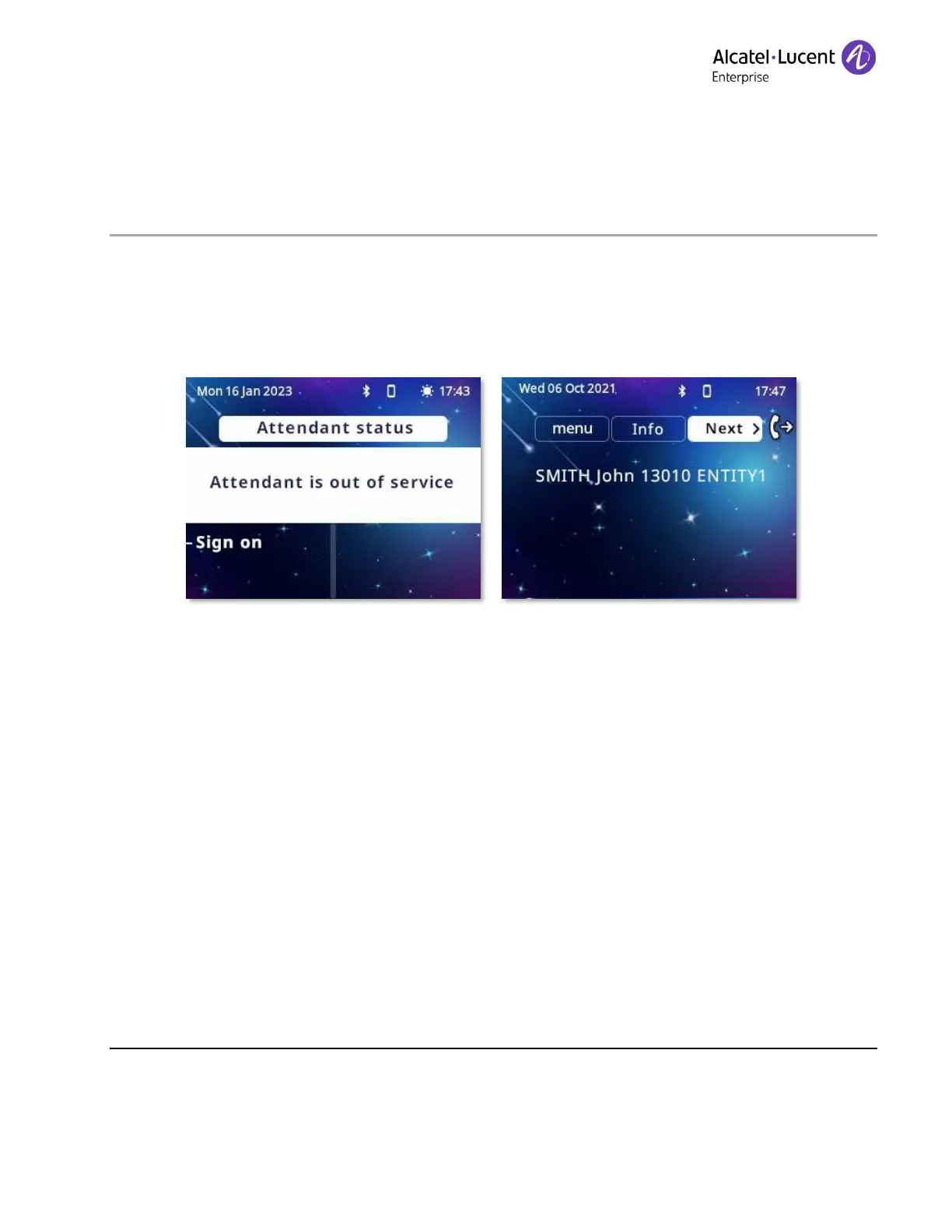
When the attendant set is powered up, at the end of an initialization period, the screen displays the
Attendant status page. This indicates that the attendant is out of service.
•
Sign on
• The Attendant set is in service. The following page is displayed:
next.
3.2 Making a call
3.2.1 Direct dialing
The attendant dials the user's number directly on the dialing keypad.
To reach an external number, the attendant first dials the external prefix before the external
number.
3.2.2 Calling using your personal directory
The personal directory is used to select an internal (or external) user via a softkey - without having
to dial the full destination number.











 To Next Page