6.3 USB Connection
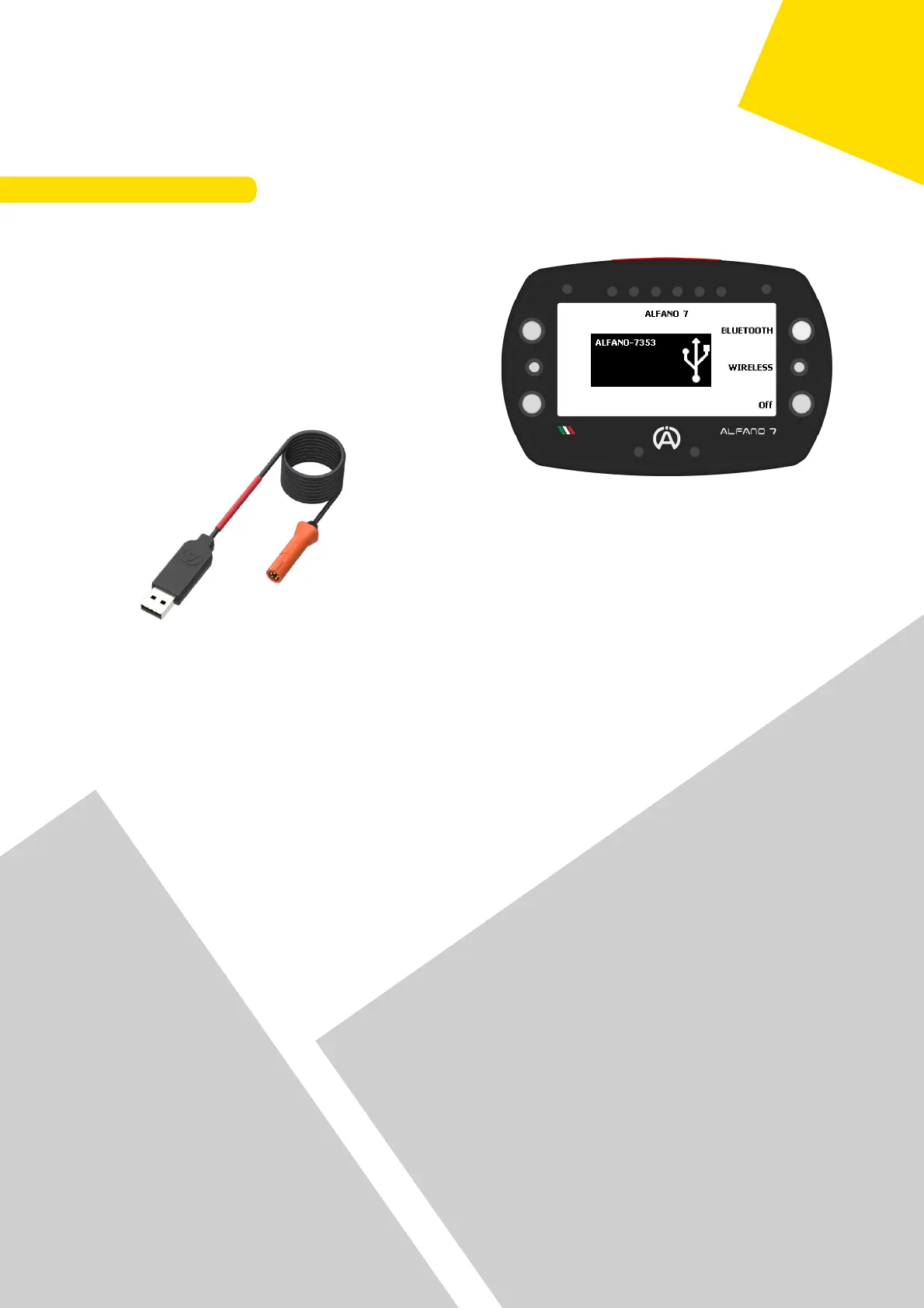
To switch from Bluetooth to USB mode, press the upper right button
To establish a connection, identify the COM
port assigned by your PC to the Alfano data
cable
The correct COM port for the device can be
found on your computer's 'device
management' page
To download data via USB cable, the A4540
data cable is required (not supplied in the
package)
Communication via USB cable is only possible
with Windows PCs and is enabled for all
types of data exchange
14
6. Data Sharing



 To Next Page