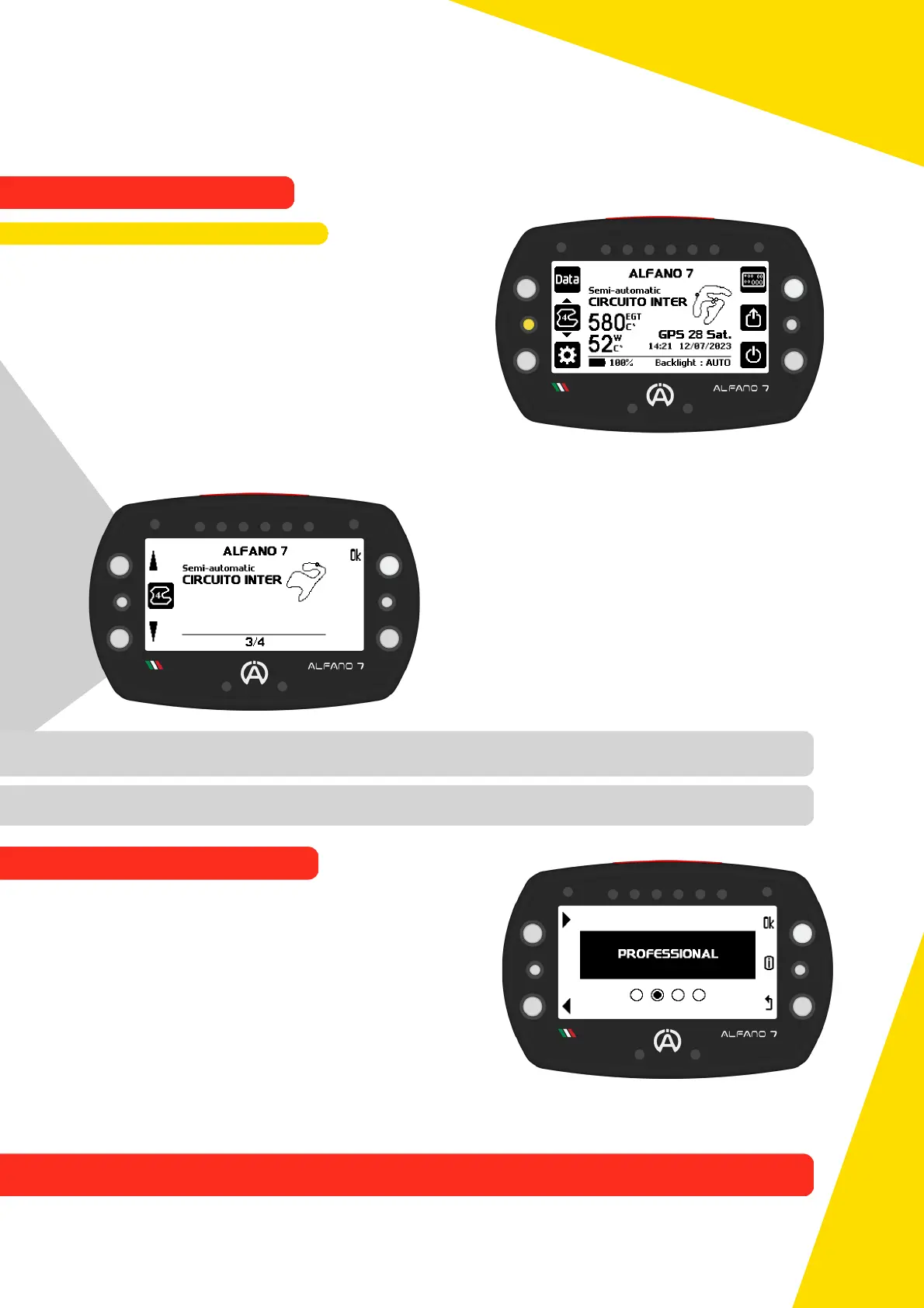
In this mode the circuits must be created by
the user and selected before the start.
It is possible to modify the tracks by inserting
split times where you want and moving the
finish line as you wish
Professional tracks can be shared with other
Alfano users, directly from the Alfano 7 or
via ADA
In automatic mode, if the Alfano 7 finds
several tracks in its databases in the same
geographical point, for example due to
different known variants, several
professional tracks created by the user or a
racetrack with several tracks very close to
each other, it switches to semi-automatic
mode
In this mode, due to the different versions of tracks in memory, the device will automatically
preselect possible nearby tracks
You can select the track version you want by
clicking the centre left button
A list will appear from which the desired track
can be selected
If no selection is made by the user, the device
will select the track version used last time at
this location or, if it is the first time on this
race way, the first track in the list
To switch from this mode to another, press the centre left button a second time when
the nearby track selection list is open
Once the Alfano 7 has created a track in automatic mode, it is considered as a professional
tracks created by the user, so it is possible to modify it
In professional mode, the Alfano 7 works via GPS, but gives priority to the magnetic
sensor if it is connected to the device
61
In semi-automatic mode the device works only via GPS for timing the lap and split times
(if present on the track in use)
9.1.3. Semi-Automatic Mode
9.2. PROFESSIONAL MODE
9. Alfano Mode
9.1. AUTOMATIC MODE



 To Next Page