Add a Sector Line
Move a Sector Line
Change Finish Line
Delete a Sector Line
Rename Professional Track
Exit Professional Track Editing
The available editing tools are:
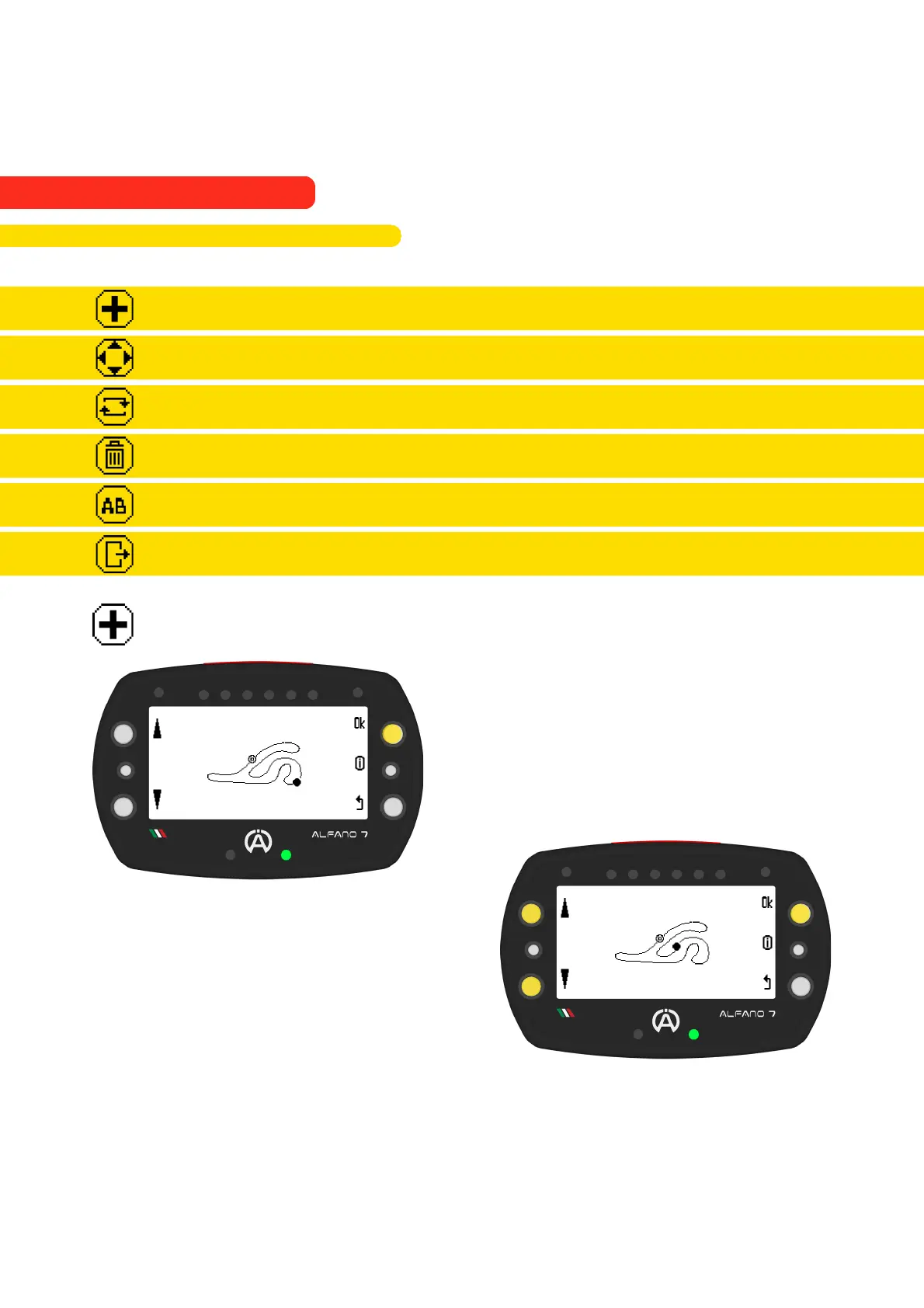
The "Add sector line" option adds a sector to
the track bounded by the inserted line
The "+" icon inserts a line, once inserted on
the track you can move it with the left side
buttons
The lower right LED will turn green to
indicate that the line is far enough from the
existing lines on the track
Confirm the position of the inserted line with
the "ok" button
9.2.3.1. Add a Sector Line
66
9. Alfano Mode
9.2. PROFESSIONAL MODE
9.2.3. Professional Track Modification



 To Next Page