9.2.5. Duplicate a Professional Track
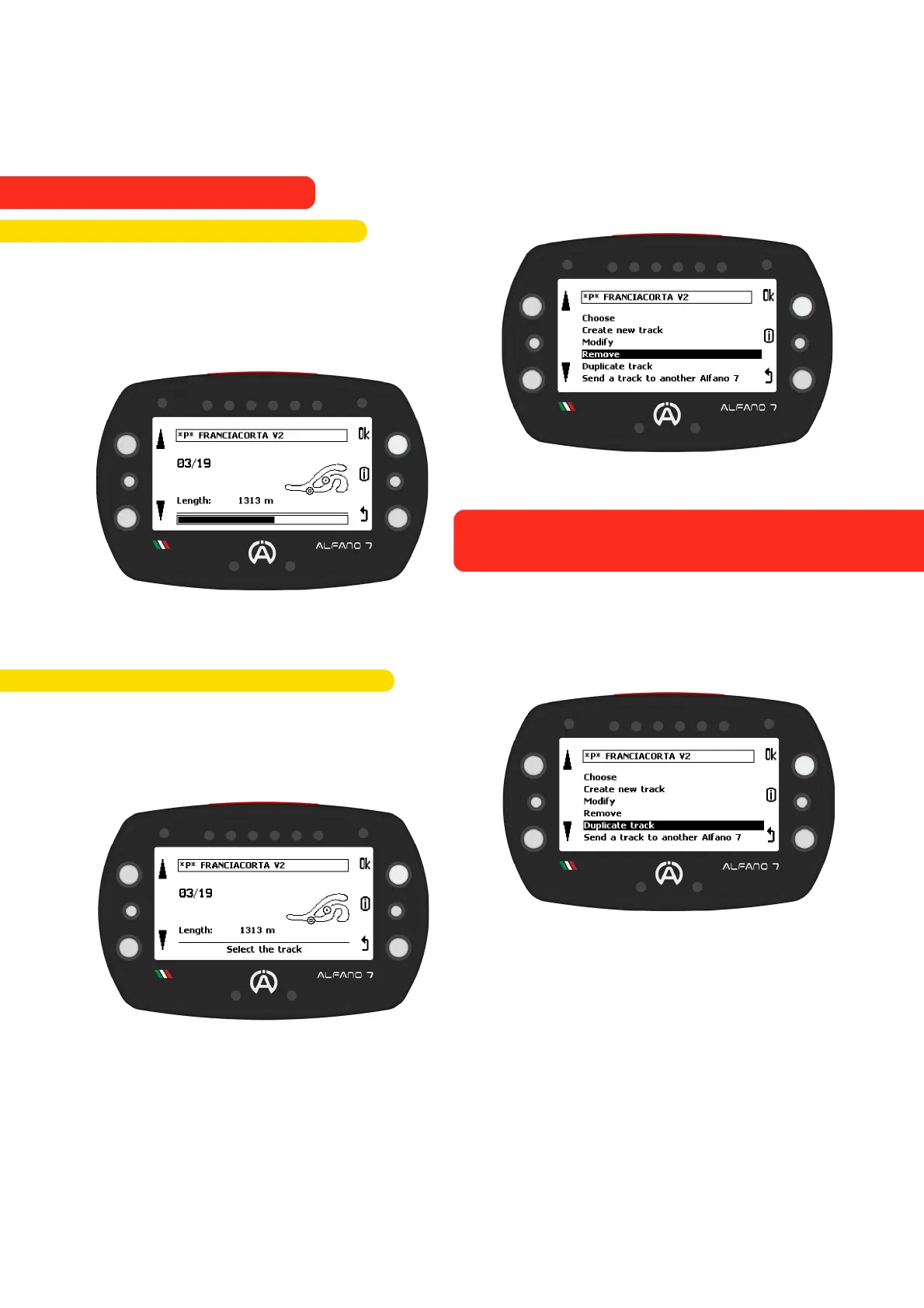
To have multiple versions of a track in
memory and modify them without acquiring
the track again, you can duplicate it
Once you have selected the track and
confirmed the action by clicking the 'ok'
button, the Alfano b will prompt you to enter
a name to save the track copy
To delete a track from memory, select the
'remove' option
This will open the list of tracks currently
stored
Select the track you want to delete, press and
hold the “Ok” button for 3 seconds
Deleting a track is permanent. It is not
possible to recover a deleted track unless it
has been saved elsewhere
70
9.2.4. Delete a Professional Track
9. Alfano Mode
9.2. PROFESSIONAL MODE



 To Next Page