9.3.3. Delete a Magnetic Track
To delete a magnetic track, open the 'remove' page and select the track using the left side
buttons, and confirm by pressing 'ok' for 3 seconds
After creating a magnetic circuit, you can adjust the latency time later. To edit a magnetic
track, open the 'Modify' page and select the track using the upper and lower left buttons.
Then, click 'ok' on the desired track to change the latency time
9.3.2. Magnetic Track Modification
74
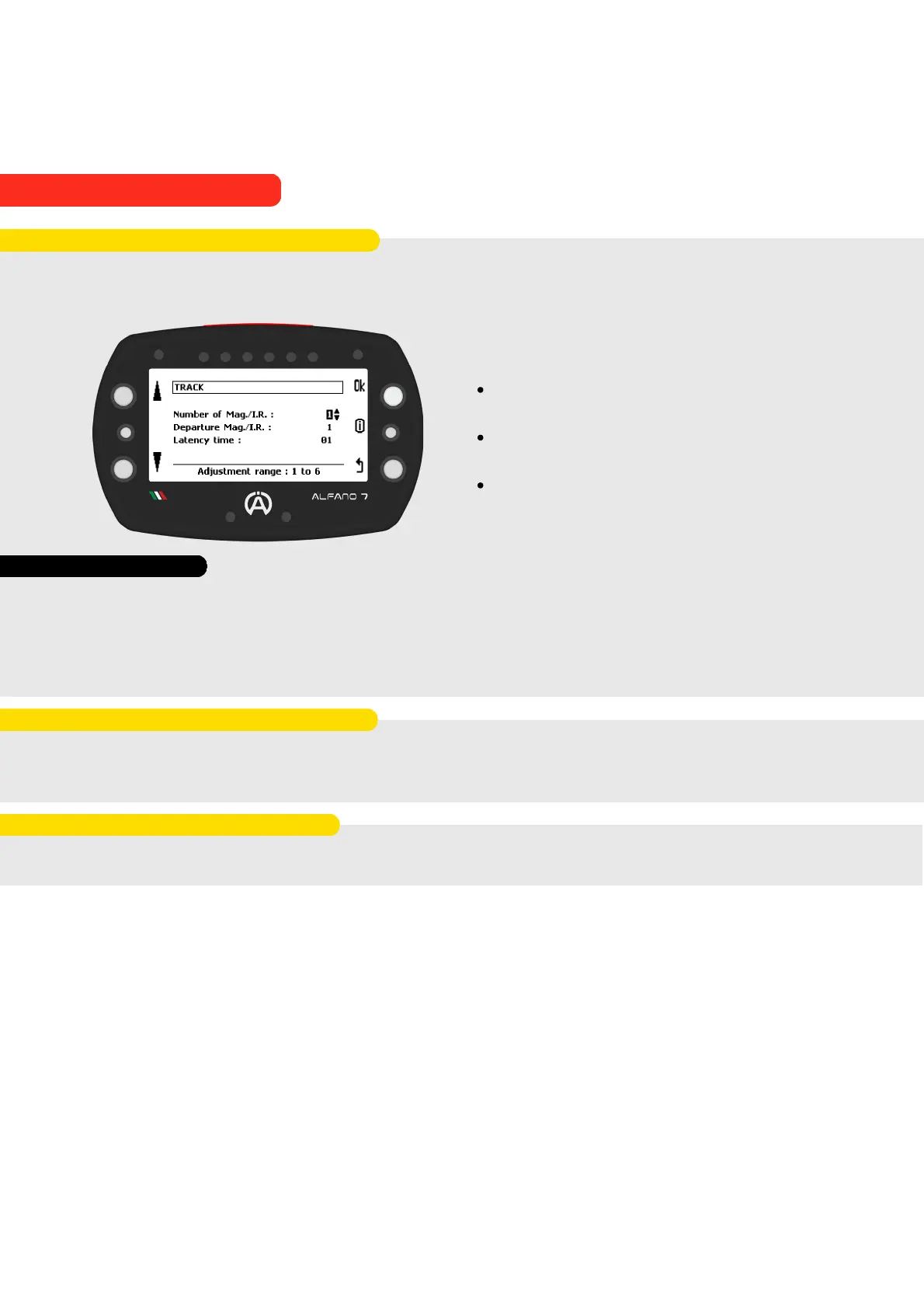
Click on 'create new track'. The Alfano 7 will prompt you to enter the name of the track you
wish to create. Afterward, the page dedicated to magnetic circuit settings will open
You can set:
The number of magnetic stripes / IR lines
from 1 to 6
The number of the strip corresponding to
the finish line
Latecy time from 3 to 60 seconds
9.3.1. Create a new Magnetic Track
Latency time is the period during which the device ignores the magnetic stripes/IR lines it
encounters. This feature is used to ignore the acquisition of a sector or old magnetic stripes
that may still be present in the asphalt
It is important to set the latency time appropriately so that the desired magnetic stripes or
IR lines are ignored, but the detection of the desired ones is not affected
Latency Time
9. Alfano Mode
9.3. MAGNETIC MODE



 To Next Page