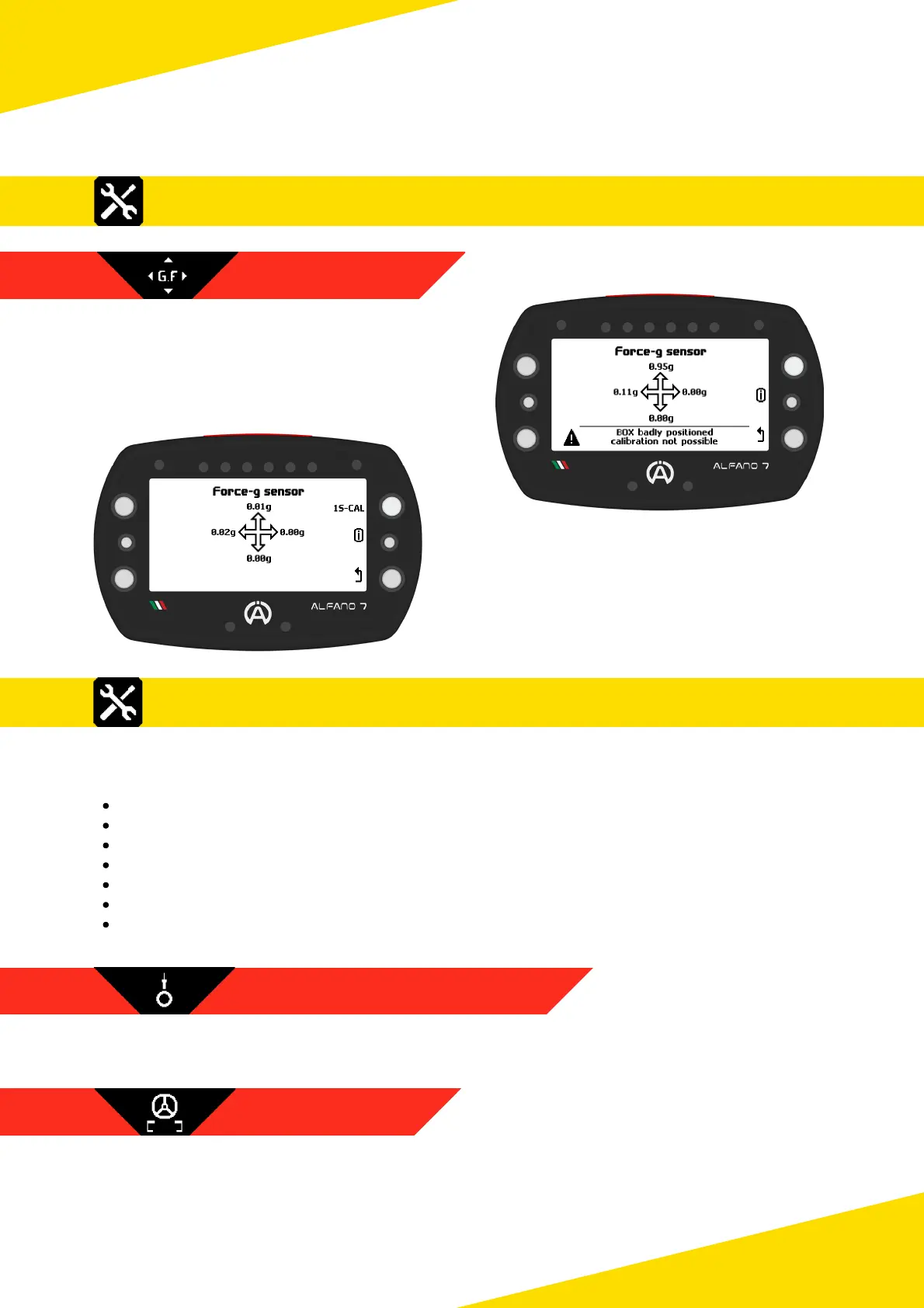
If the box is not in the correct position for
calibration, an error message will be
displayed at the bottom on the configuration
page and the wording "1S-CAL" will not
appear
When the Box4Move is in the correct position,
press the upper left button for one second,
corresponding to "1S-CAL", the calibration
will be performed
8.4. Settings - Box12
Connecting a Box12 to the Alfano 7 unlocks the settings menu items related to the
operation of the additional module, in particular the following items:
Speed sensor 1
Speed sensor 2
Speed sensor 3
Speed sensor 4
Motion sensors
G-Force Sensor
Analog Input
8.4.1. SPEED SENSOR 1 / 2 / 3 / 4
The settings of the 4 magnetic speed channels are identical to those of the single
magnetic speed channel of the Alfano 7 when it is not connected to a Box12, see page 33
The settings for the motion sensors are the same as for Box4Move, see page 44
47
8. Settings
8.3.2 G-FORCE SENSOR
8.3. Settings - Box4Move
8.3.1 MOTION SENSORS



 To Next Page