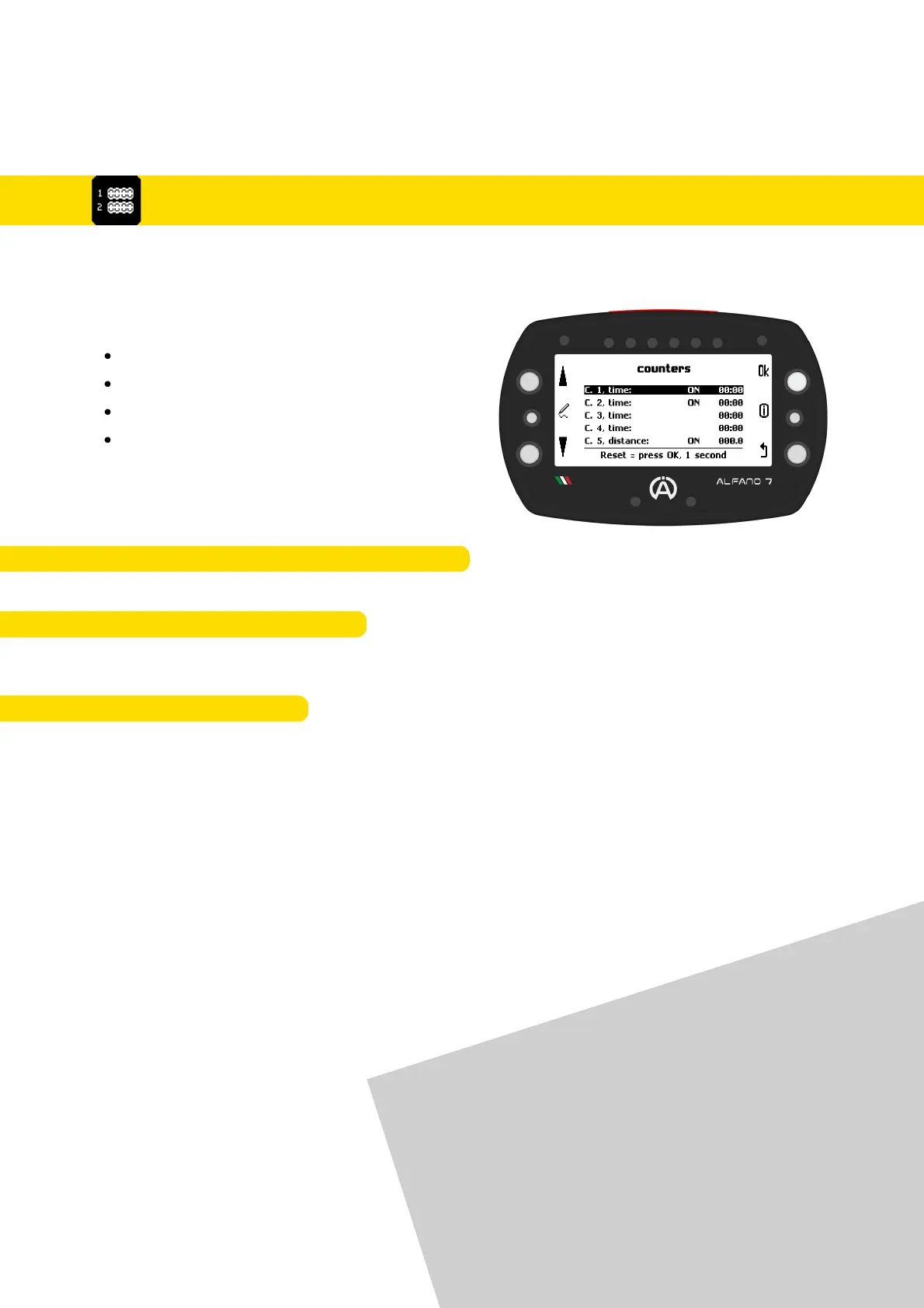
Alfano 7 allows you to monitor your vehicle's health using four time counters and a
distance counter
8.7. Counters Management
Use the upper and lower left keys to select
the desired counter and perform actions:
Activate
Deactivate
Initialize
Renaming
After selecting a counter, simply press the 'ok' button to activate or deactivate it
8.7.1. ACTIVATION/DEACTIVATION COUNTERS
8.7.2. COUNTERS INITIALIZATION
After selecting the desired counter, press and hold the 'ok' button for one second to
initialize it
After selecting the desired counter, you can rename the counters by pressing the central
left button. This will help you keep track of the components whose wear you want to
monitor more conveniently
8.7.3. RENAME COUNTERS
The default settings have time counters 1
and 2, as well as distance counter 5, activated
57
8. Settings



 To Next Page