7. Race Screen
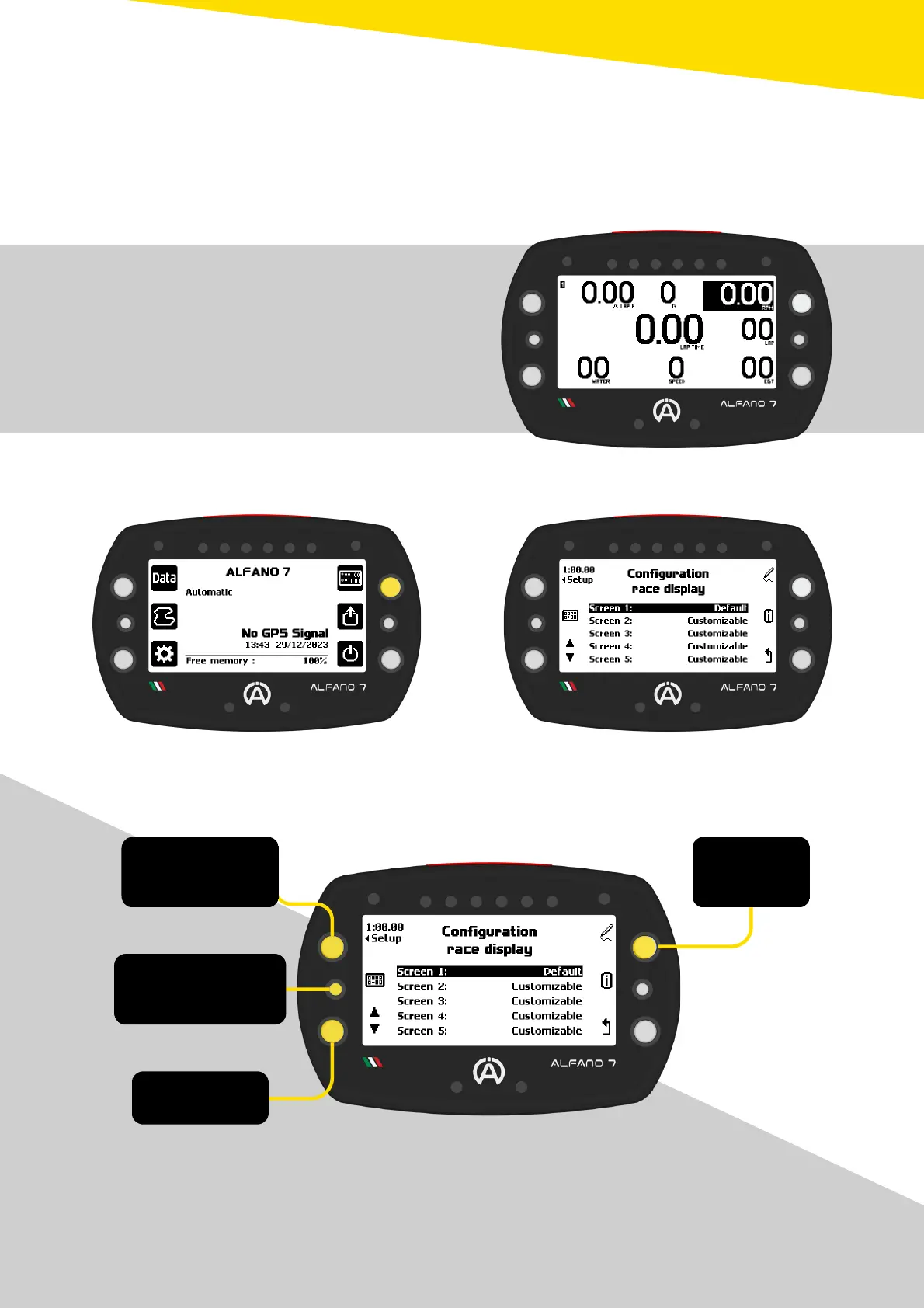
With the Alfano 7 it is possible to configure the Race Screen down to the smallest detail,
i.e. the information that the display shows during operation on the track
To access the menu for selecting and editing the Race Screens, press the top right button of
the homepage
There are 5 race screens, the first is default,
meaning it is not possible to change the
information shown on the screen
The only setting that can be changed is that of
the information communicated by the 6 LED’s
system
The other 4 race screens are empty and
entirely configurable



 To Next Page