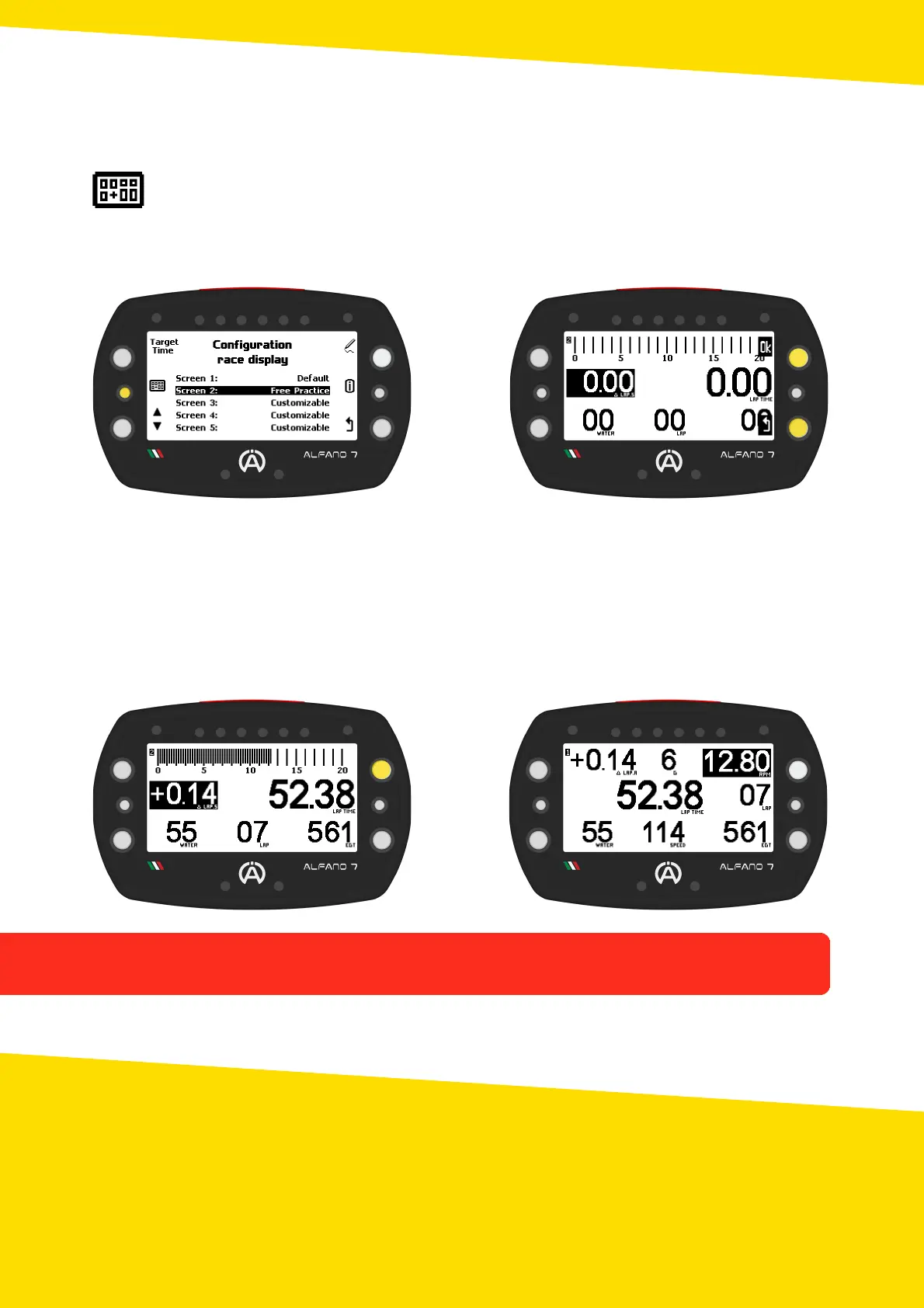
When the device enters race mode, if you have not manually chosen the desired screen in
the race screen management menu, the screen used in the previous session will be
shown
To choose the race screen that will be displayed on the track, select it with the bottom left
selection button and confirm your choice with the upper left button
The race screen will be displayed, confirm your choice with "ok" or cancel by going back
7.3. View/Set Race Screen before Starting
7.4. Swap Race Screen while Driving
If there is more than one race screen configured, including the default race screen, you can
switch the displayed screen during track operation by briefly pressing the top right button
26
7. Race Screen



 To Next Page