ALPINE iLX-F509E 68-41657Z84-A (EN)ALPINE iLX-F509E 68-41657Z84-A (EN)
18-EN
Adjusting the Voice Recognition Level
Setting item:
Voice Recognition
Setting level:
1 to 35 (Initial setting: 10)
Touch [ ] or [ ] of “Voice Recognition” to set
the volume level for voice recognition.
Adjusting the Microphone Level
Setting item:
Microphone Level
Setting level:
1 to 11 (Initial setting: 5)
Touch [ ] or [ ] of “Microphone Level” to set
the microphone volume level.
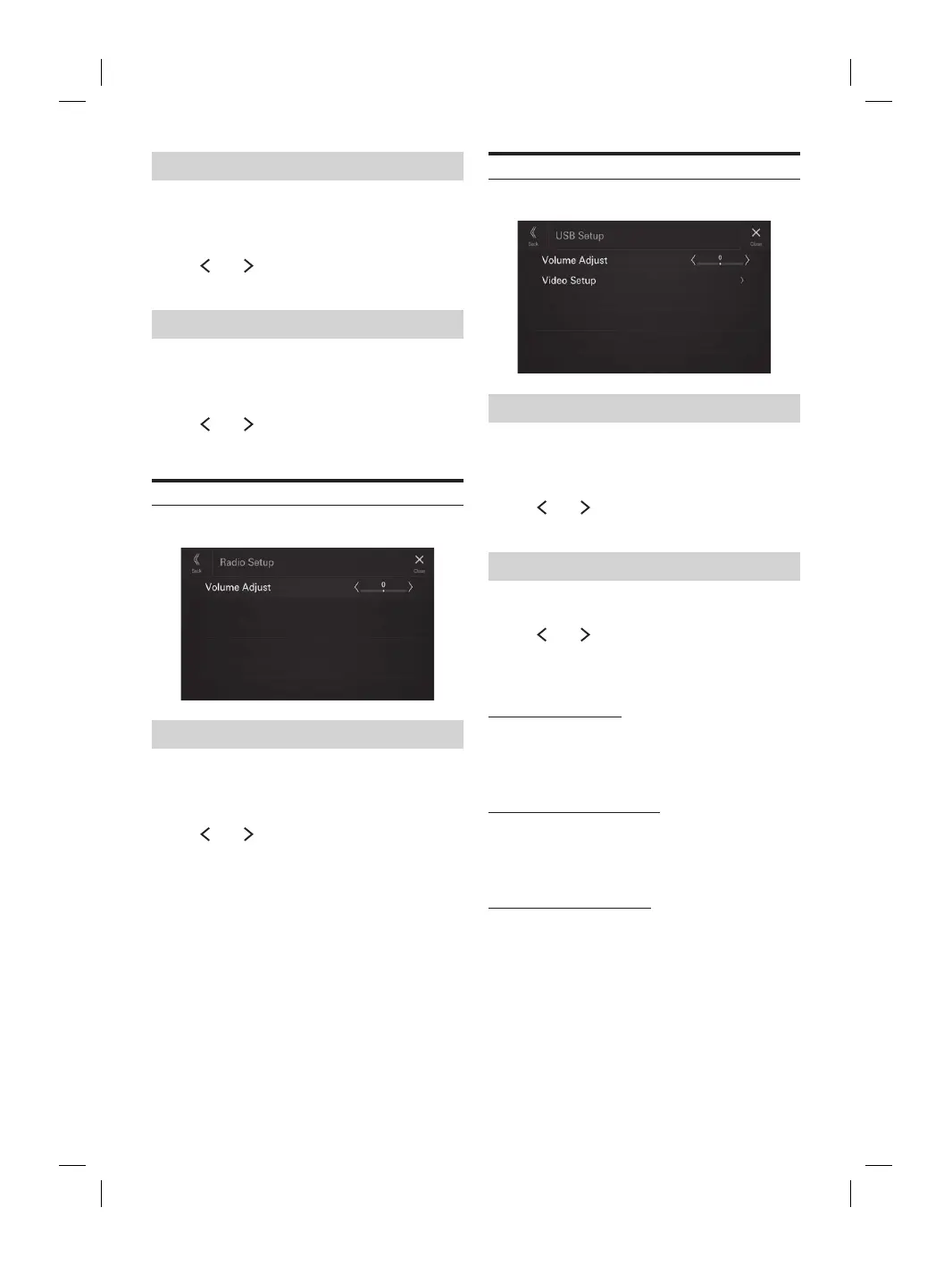
Radio Setup
[Radio] is selected on the Function Setup Menu screen.
Adjusting the Radio Volume
Setting item:
Volume Adjust
Setting level:
-14 to +14 (Initial setting: 0)
Touch [ ] or [ ] of “Volume Adjust” to set the
radio volume level.
USB Setup
[USB] is selected on the Function Setup Menu screen.
Adjusting the USB Volume
Setting item:
Volume Adjust
Setting level:
-14 to +14 (Initial setting: 0)
Touch [ ] or [ ] of “Volume Adjust” to set the
volume level for USB Audio/USB Video playback.
Video Setup
Setting item:
Video Setup
Touch [ ] or [ ] of “Brightness, Colour,
Contrast” to set the picture quality.
• Available only when the current source is USB Video.
Adjusting Brightness
Setting item:
Brightness
Setting contents:
-15 to +15 (Initial setting: 0)
Adjusting Colour of Picture
Setting item:
Colour
Setting contents:
0 to 2 (Initial setting: 0)
Adjusting Image Contrast
Setting item:
Contrast
Setting contents:
-15 to +15 (Initial setting: 0)
ted on the Function Setup Menu screen.
od Volume
djust
el:
nitial setting: 0)
] or [ ] of “Volume Adjust” to set the
vel for iPod playback.
uxiliary) Setup
is selected on the Function Setup Menu screen.
UX Volume
djust
el:
nitial setting: 0)
] or [ ] of “Volume Adjust” to set the
vel for AUX playback.














 To Next Page