ALPINE iLX-F509E 68-41657Z84-A (EN)ALPINE iLX-F509E 68-41657Z84-A (EN)
21-EN
Adjusting Image Contrast
Setting item:
Contrast
Setting contents:
-15 to +15 (Initial setting: 0)
Setting the HDMI Selector
Set to On when the optional HDMI Selector is c
Setting item:
HDMI Selector
Touch [ ] (Off) or [ ] (On) of
Selector”.
Phone Setup
[Phone] is selected on the Function Setup M
Adjusting the Ringtone Level
Setting item:
Ring Tone Level
Setting level:
1 to 11 (Initial setting: 5)
Touch [ ] or [ ] of “Ring Tone Level” t
Ringtones volume level.
• Not available when Apple CarPlay or Android Aut
connected.
Adjusting the Phone Calls V
Setting item:
Caller Level
Setting level:
1 to 35 (Initial setting: 5)
Touch [ ] or [ ] of “Caller Level” t
volume level.
• Not available when Apple CarPlay or Android Aut
connected.
Adjusting the Microphone Level
Setting item:
Microphone Level
Setting level:
1 to 11 (Initial setting: 5)
Touch [ ] or [ ] of “Microphone Level” to set
the microphone volume level.
• Not available when Apple CarPlay or Android Auto is
connected.
Setting the Phonebook Transfer
Set whether to transfer the phonebook automatically.
Setting item:
Phonebook Transfer
Setting contents:
Auto (Initial setting) / Manual
Setting the Phonebook Name Order
Set the order of the last name and first name displayed in
the phonebook.
Setting item:
Phonebook Name Order
Setting contents:
Last/First / First/Last (Initial setting)
Setting the Phonebook Calendar
Set the date format displayed in the phonebook.
Setting item:
Phonebook Calendar
Setting contents:
YYYY/MM/DD (Initial setting) / MM/DD/YYYY /
DD/MM/YYYY
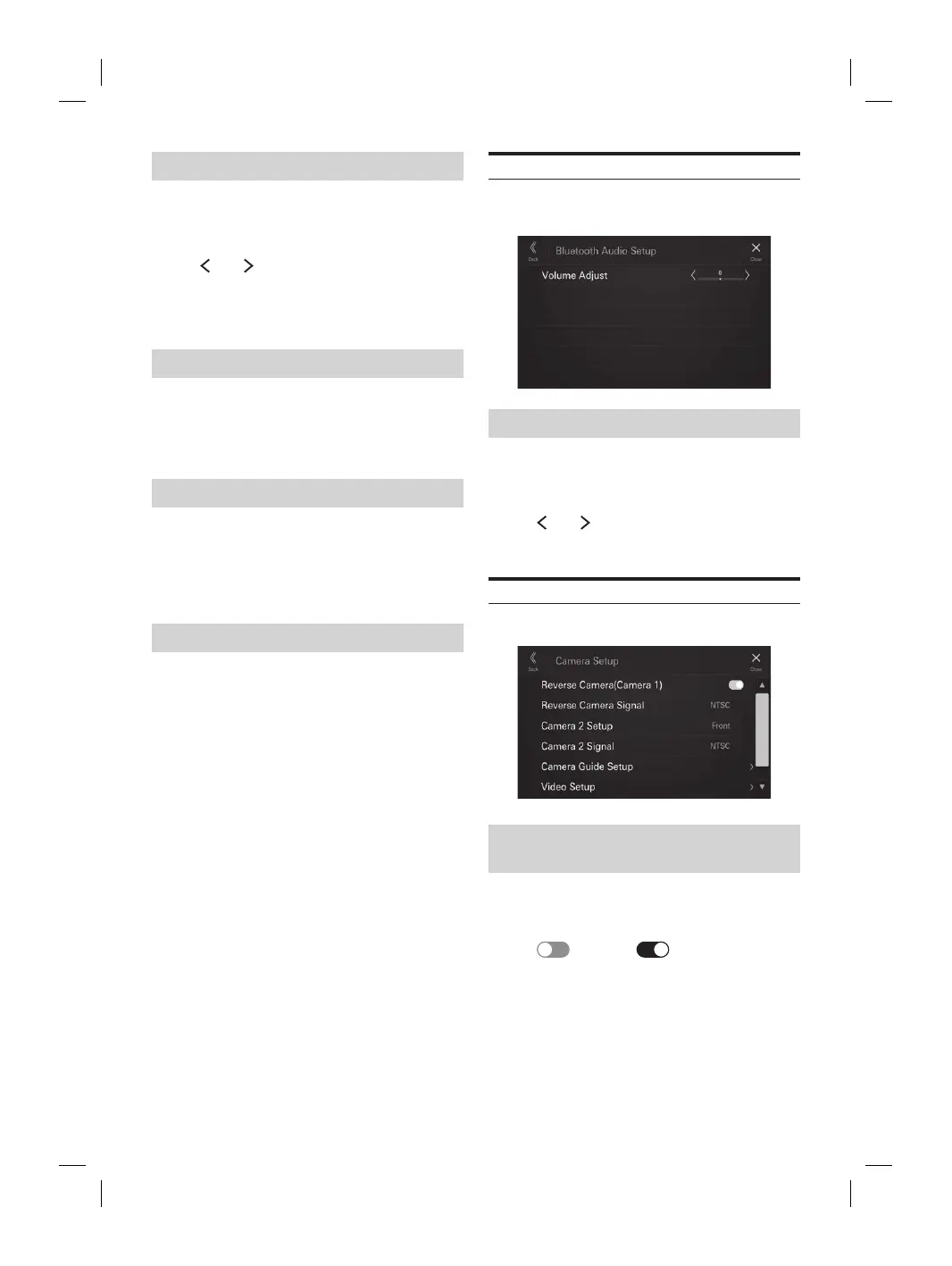
Bluetooth Audio Setup
[Bluetooth Audio] is selected on the Function Setup Menu
screen.
Adjusting the Bluetooth Audio Volume
Setting item:
Volume Adjust
Setting level:
-14 to +14 (Initial setting: 0)
Touch [ ] or [ ] of “Volume Adjust” to set the
volume level for Bluetooth Audio playback.
Camera Setup
[Camera] is selected on the Function Setup Menu screen.
Setting the Reverse Camera
(Camera 1)
Set to [On] when the optional reverse camera is connected.
Setting item:
Reverse Camera (Camera 1)
Touch [ ] (Off) or [ ] (On) of “Reverse
Camera (Camera 1)”.
• “Reverse Camera (Camera 1)” is not available when the
Camera Setup screen is displayed using [Setup] of the
Camera screen.














 To Next Page