ALPINE iLX-F509E 68-41657Z84-A (EN)ALPINE iLX-F509E 68-41657Z84-A (EN)
43-EN
Searching for a Music File
An iPhone can contain thousands of songs. F
this unit can make various sear
function as shown below.
Using the Playlist/Artist/Album/Podcast/A
Composer/Song/Radio search mode’
you can narrow down your search as sho
below.
<Music Search Menu>
Hierarchy 1 Hierarchy 2 Hierarchy 3 H
Playlists Songs — —
Artists Albums Songs —
Albums Songs — —
Songs — — —
Genres Artists Albums S
Composers Albums Songs —
Podcasts Episodes — —
Audiobooks — — —
Radio — — —
For example: Searching by Artist name
The following example explains how an Ar
performed.
1 Touch [ ] (Search) during playback.
2 Touch [Artists].
The Artists search screen is displayed.
3 Touch the desired artist’s name.
4 Touch the desired album’s name.
All songs of the selected album are displayed.
5 Touch the desired song’s name.
The selected song is played back.
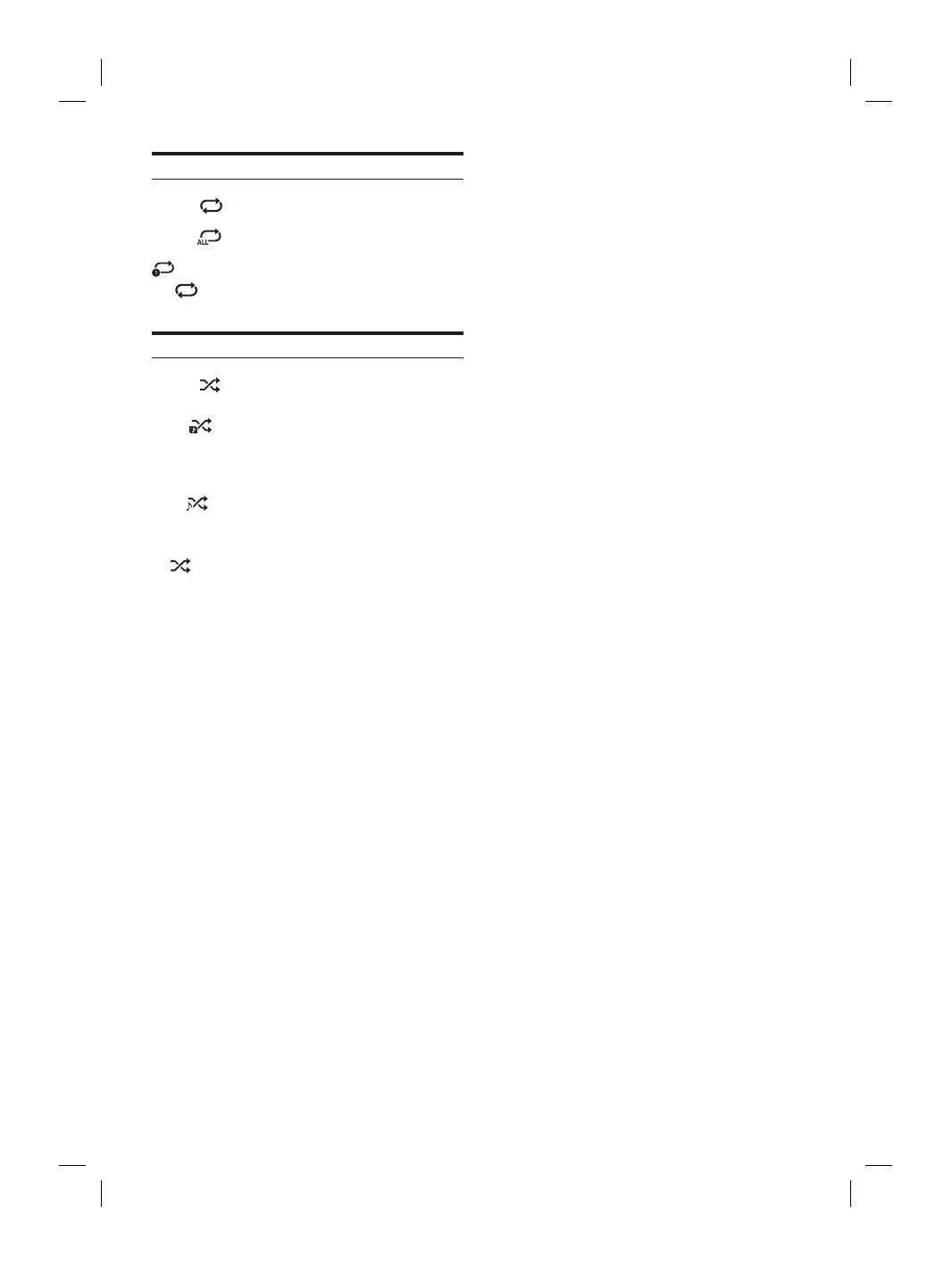
Repeat Play
Touch [ ] to select Repeat Play mode.
All Track :
All songs are repeatedly played back.
Single Track
:
Only the song currently playing is
repeatedly played back.
OFF
:
Repeat mode is Off.
Shuffle Play
Touch [ ] to select Shuffle Play mode.
Album :
The songs on each album are played back in
proper order. Upon completing of all the
songs on the album, the next album is
selected randomly. This continues until all
albums have been played.
Songs
:
Randomly plays back songs within a
selected category (playlist, album, etc.). The
songs within the category are played just
once until all songs have been played.
Off
:
Shuffle mode is Off.














 To Next Page