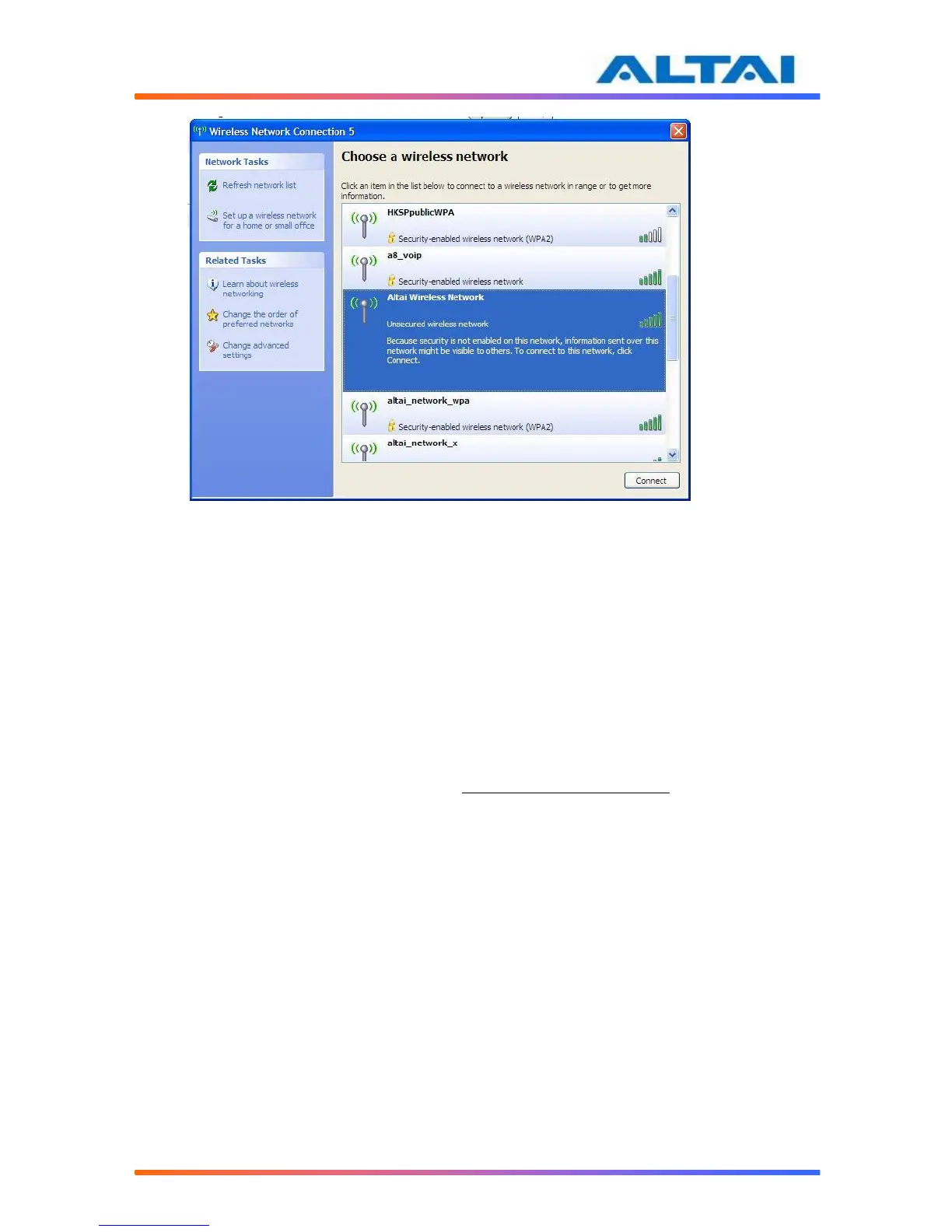
12. Click on the “Altai Wireless Network”
Figure 6 Showing Available Wireless Network Connections in Windows XP
3.2 CHECK ACCESS
“ping” utility of DOS mode is a handy tool to check the access to the A2.
1. Go to DOS mode by typing “cmd” in “Run”.
2. Type command:
ping 192.168.1.20
The A2 shall respond to your ping request if it has a correct connection with your PC.
NOTE: Using the same PC to ping different Altai A2 may cause ping failure. This is because
the Altai A2 has the same default IP address but different MAC addresses. You need to type a
command “arp –d” in DOS mode to clear ARP table on PC before each ping.



 To Next Page