5.2 CLIENTS STATISTICS
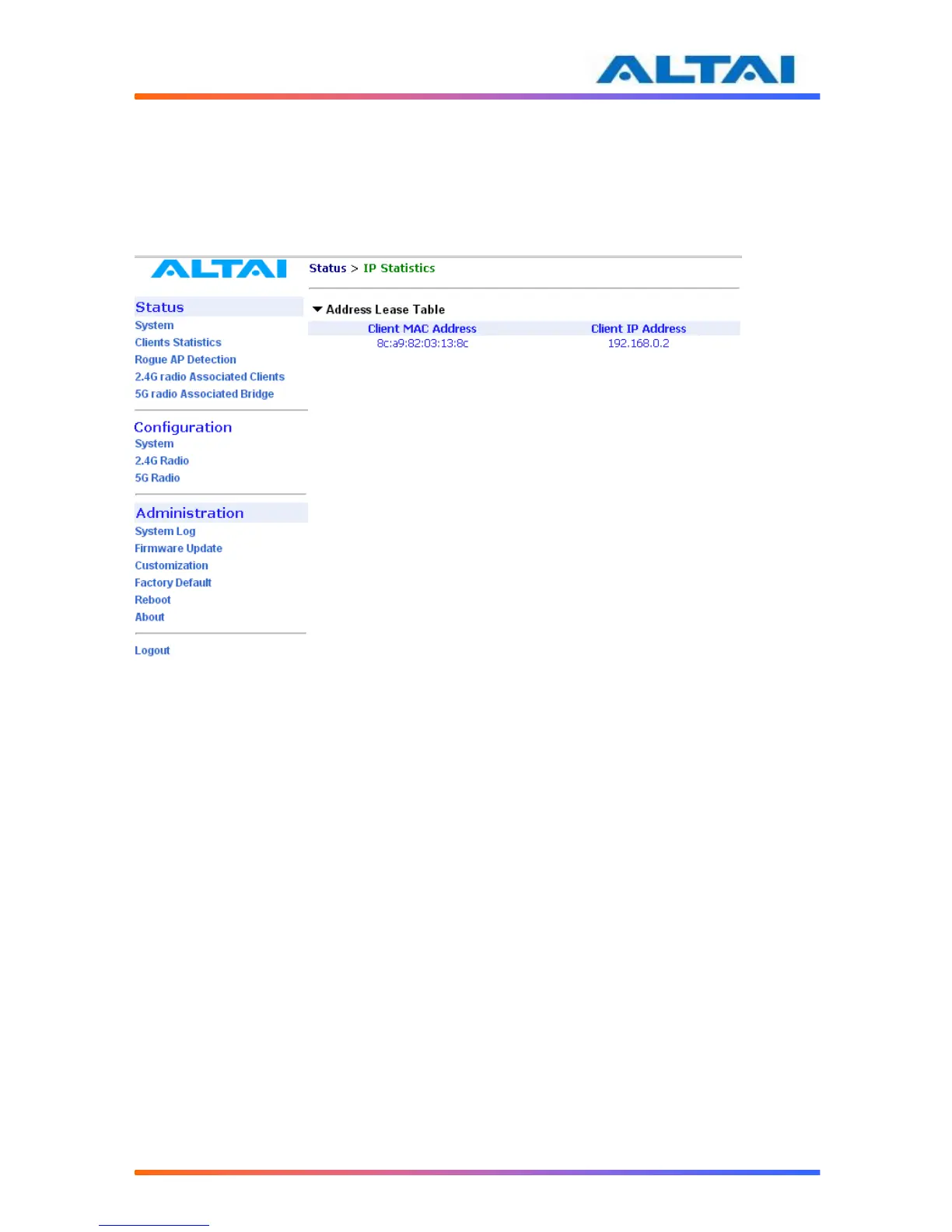
The clients’ association statistics can be monitored by selecting Clients Statistics under the field
of Status in the menu bar, as shown in Figure .
The Address Lease Table shows the Client MAC Address, Client IP Address of each end user.
Figure 40 Clients Statistics
5.3 ROGUE AP DETECTION
Rogue AP Detection can help to detect Rogue AP under the 2.4GHz radio Channel Scan by
selecting under the field of Status in the menu bar. It allows the administrator to check
important radio parameters in the environment nearby. APs or ad hoc mode clients from
different vendors can be scanned using this function. Click the Start Scan button to initialize the
Channel Scan.
A2 can detect Rogue AP by configuring Legitimate AP BSSID and Legitimate AP SSID.
For example, the Legitimate AP SSID is set to “*voip”, then click the scan button. When scan
status shows Success, then press Channel Scan Result. The SSID with “voip” will be marked by
* in scanning result, as shown in Figure 33.



 To Next Page