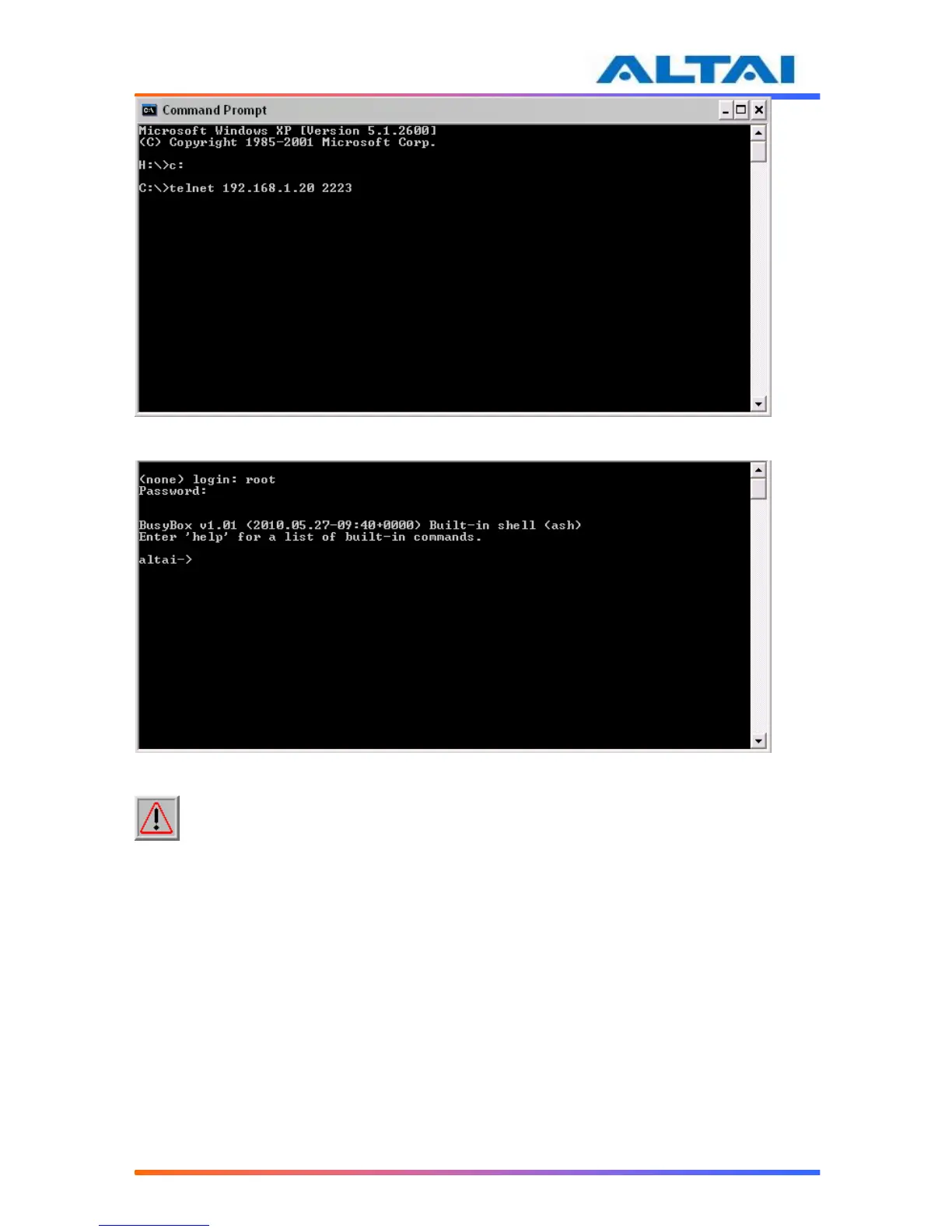
Figure 7 telnet to A2
Figure 8 Type in the Username and Password of telnet
NOTE: The telnet port number is limited at 2223.
4.10 NETWORK OPERATION MODE
The default setting for the Network Operation Mode is Switch Mode. If the A2 is set to Switch
Mode, it acts as a switch and routes traffic between the DS and wireless clients accordingly.
When it is in Gateway mode, it acts as a gateway and the Local IP Address and Local IP
Address Mask information must be entered to specify the A2 local interface for serving the
wireless client.
In Switch mode, VLAN mode is by default disabled and clients in different SSID under the
same A2 can communicate with each other. However, if VLAN is enabled, each SSID can be
edited with a specific VLAN tag value. Only clients with same VLAN tag in same or different
SSID can communicate. Moreover, in this mode, DHCPS, NAT and PPPoE configuration do not
take effect.
However, in Gateway mode, the DHCPS, NAT and PPPoE configurations can be configured but
the VLAN configuration do not take effect.
In Switch mode,



 To Next Page