Figure 263 Wireless Radio Disable Mode
4.22 REBOOT
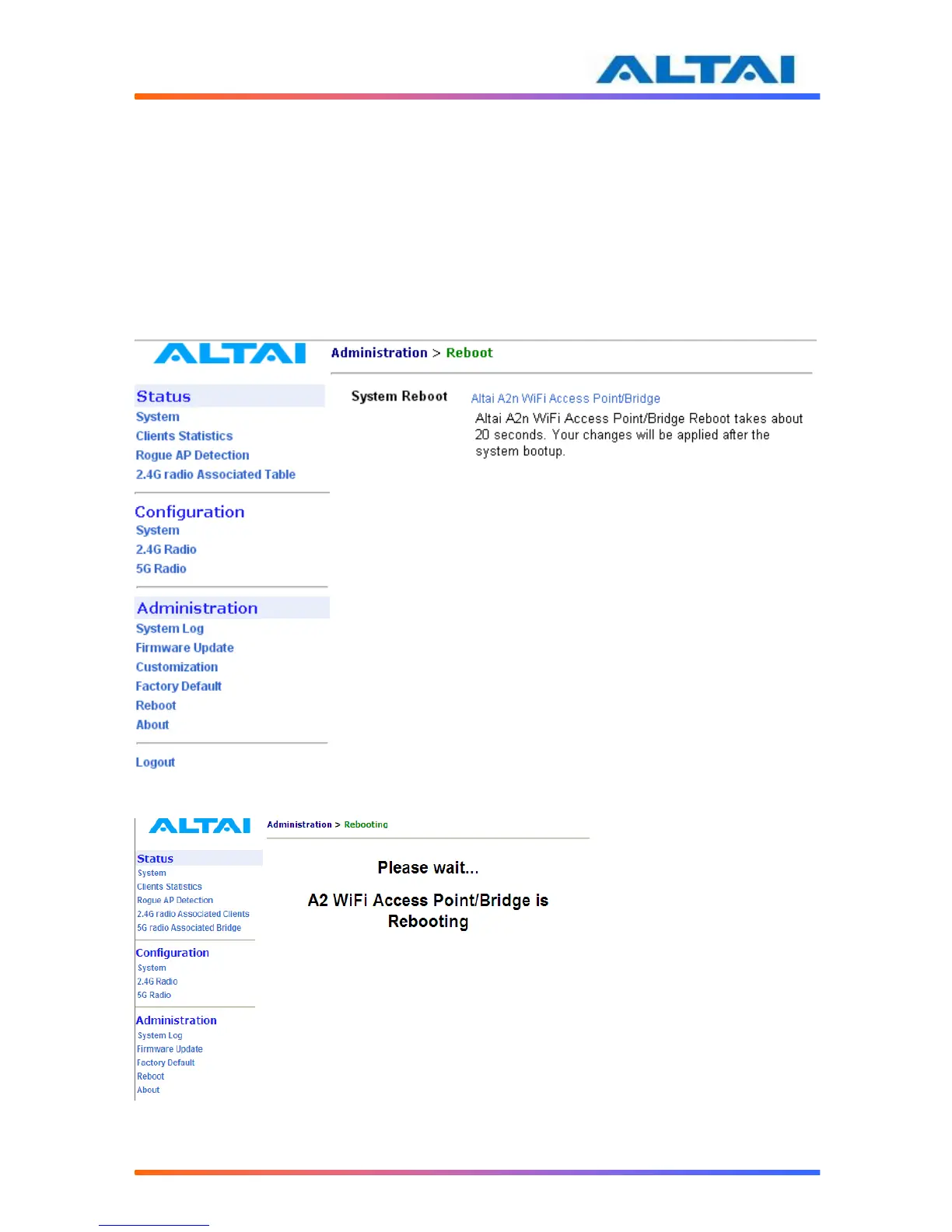
System reboot of A2 can be chosen by selecting Reboot under Administration in the menu bar.
It is required to select Reboot A2 WiFi Access Point/Bridge to confirm this action, as shown in
Figure 27.
When the A2 is rebooting, a message “Please wait... A2 WiFi Access Point/Bridge is
Rebooting” is shown on the window, as shown in Figure 28. It will take about 20 seconds for
the access point to boot up.
Figure 274 Reboot Window
Figure 285 A2 is Rebooting



 To Next Page